Description
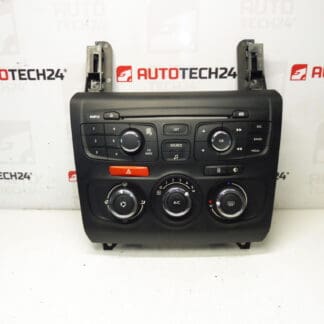
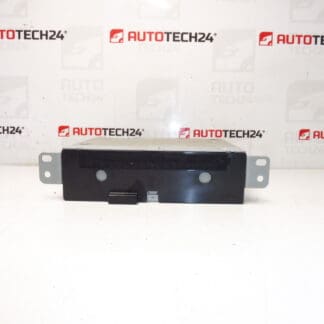
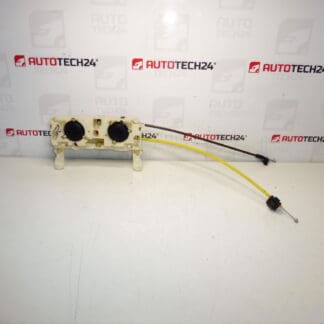
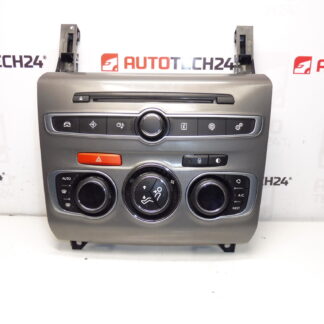
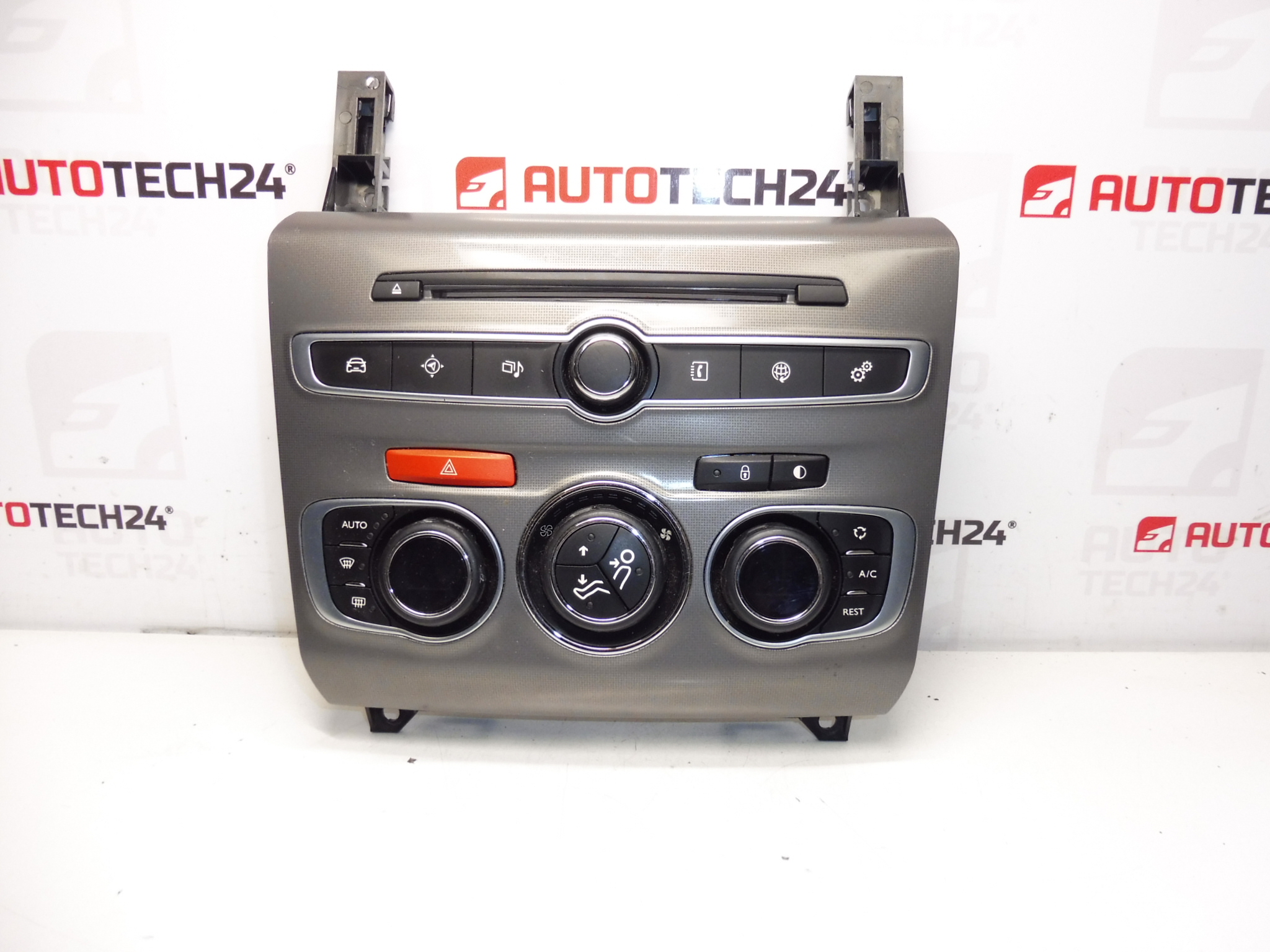
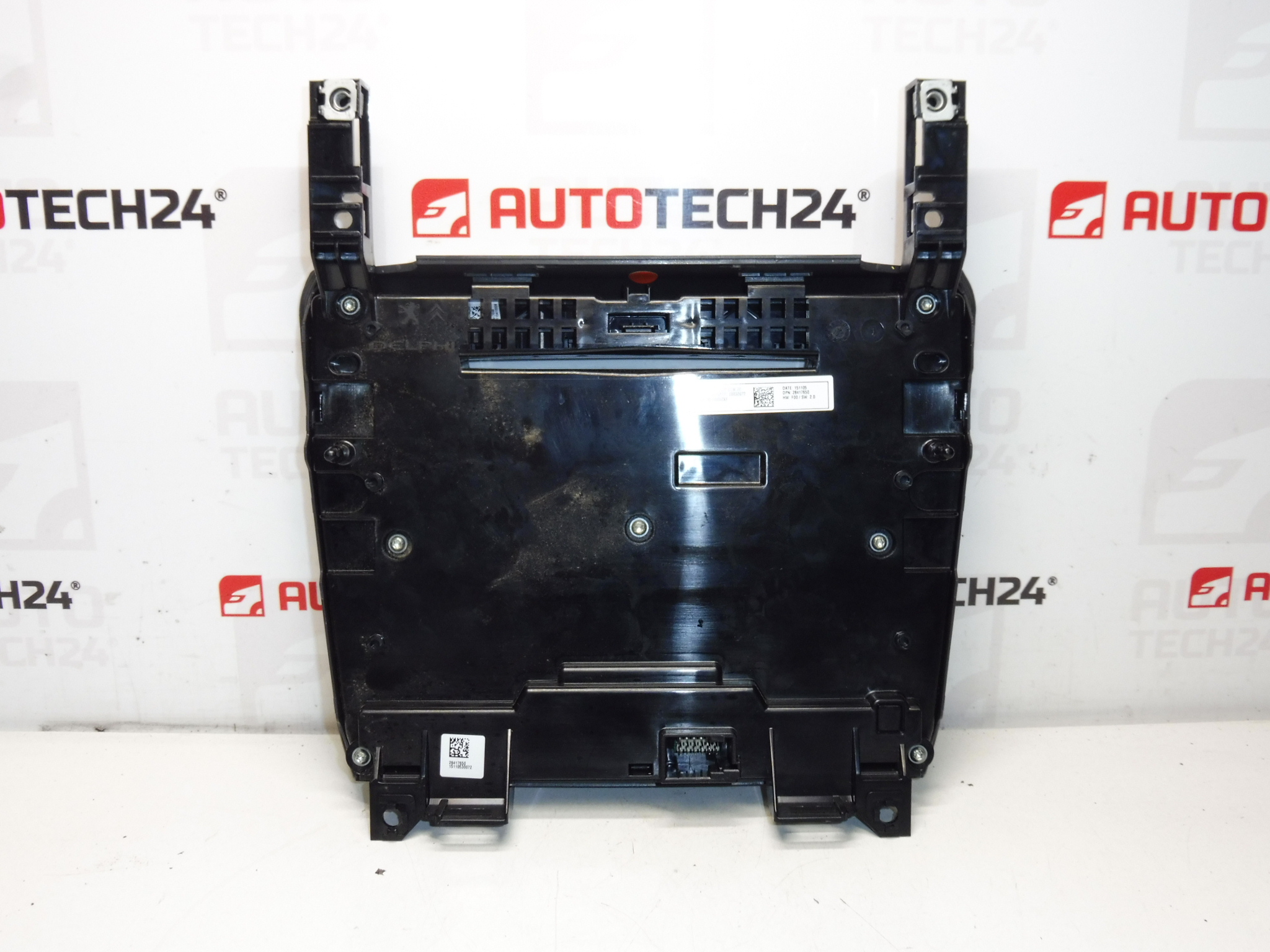
Control Unit For Heating, Air Conditioning, Radio And Navigation For CITROËN C4 B7. Tested – Functional.
Product Overview
This multifunction control panel (part number 98100092XF) is designed for the Citroën C4 II dashboard and integrates the controls for HVAC (heating, ventilation and air conditioning), audio system and navigation interface. Ideal for professional workshops and experienced DIY mechanics who need a direct replacement panel with original fitment and familiar button layout. The unit is commonly searched by its product number 98100092XF, which helps ensure quick match when sourcing spare parts.
Key Features
- Integrated Control For Climate, Radio And Navigation Functions
- Direct Fit For Citroën C4 II (B7) Instrument Panel
- OEM-Style Button Layout And Backlighting For Dash Consistency
- Product Code 98100092XF — Common Search Term For Faster Sourcing
- Tested And Confirmed Functional (As Stated Above)
Function And Application
The panel provides user input to the vehicle systems: temperature selection, fan speed, air distribution, recirculation, air conditioning on/off and quick access to audio/navigation controls. It communicates with the vehicle’s HVAC and multimedia modules via the dashboard wiring harness. Proper operation ensures comfortable cabin climate control and intuitive control of media/navigation while driving.
Common Failure Reasons
Failures typically occur from mechanical wear of buttons and rotary switches, deteriorated contact pads on the PCB, backlight or display failure, and connector/cable corrosion or pin damage. Environmental factors such as moisture ingress, prolonged sun exposure and repeated heavy use accelerate wear. Electrical issues upstream (blown fuses, poor grounding) can also mimic panel faults.
Replacement And Installation
Recommended For: Professional Mechanics And Experienced DIY Enthusiasts.
- Safety First: Disconnect The Vehicle Battery Before Starting Removal To Prevent Short Circuits And Potential Damage.
- Remove Trim: Carefully Pry Off Surrounding Trim Panels Using Appropriate Plastic Trim Tools To Avoid Damage.
- Unscrew Panel: Remove Mounting Screws Securing The Control Panel To The Dash.
- Disconnect Connectors: Unplug All Wiring Harnesses And Any Ground Leads. Inspect Connectors For Corrosion Or Bent Pins.
- Install Replacement: Seat The Replacement Unit, Reconnect Harnesses Firmly, And Refit Screws And Trim Panels.
- Test Functionality: Reconnect Battery, Verify HVAC Functions, Button Responses, Backlighting And Audio/Navigation Controls. Check Related Fuses If Something Does Not Respond.
For best results, verify connector seating and cable integrity during installation. If the vehicle exhibits control module communication errors after replacement, inspect wiring and fuses related to the HVAC and multimedia systems.
Technical Information
- Manufacturer: Stellantis / Citroën
- Model: Citroën C4 II (B7)
- Product Codes: 98100092XF
- Other Numbers: None Available
Installation Recommendations
Installation By A Qualified Technician Is Recommended For Troubleshooting Electronic Interfacing Issues. Use Correct Trim Tools To Avoid Cosmetic Damage. After Fitting, Perform A Full Functional Check Of HVAC, Audio And Navigation Controls. If Any Communication Errors Appear, Inspect Connectors And Fuses Before Replacing Additional Components.
Why This Part Commonly Fails
The panel is a high-touch area with frequent user interaction, so wear of mechanical switches and degradation of PCB contact surfaces are the most common causes of failure. Heat and UV exposure from the dashboard environment can weaken plastics and backlight elements, while moisture or spills can cause short circuits or corrosion at connector pins. Regular inspection and careful handling during servicing reduce the likelihood of damage.