Description
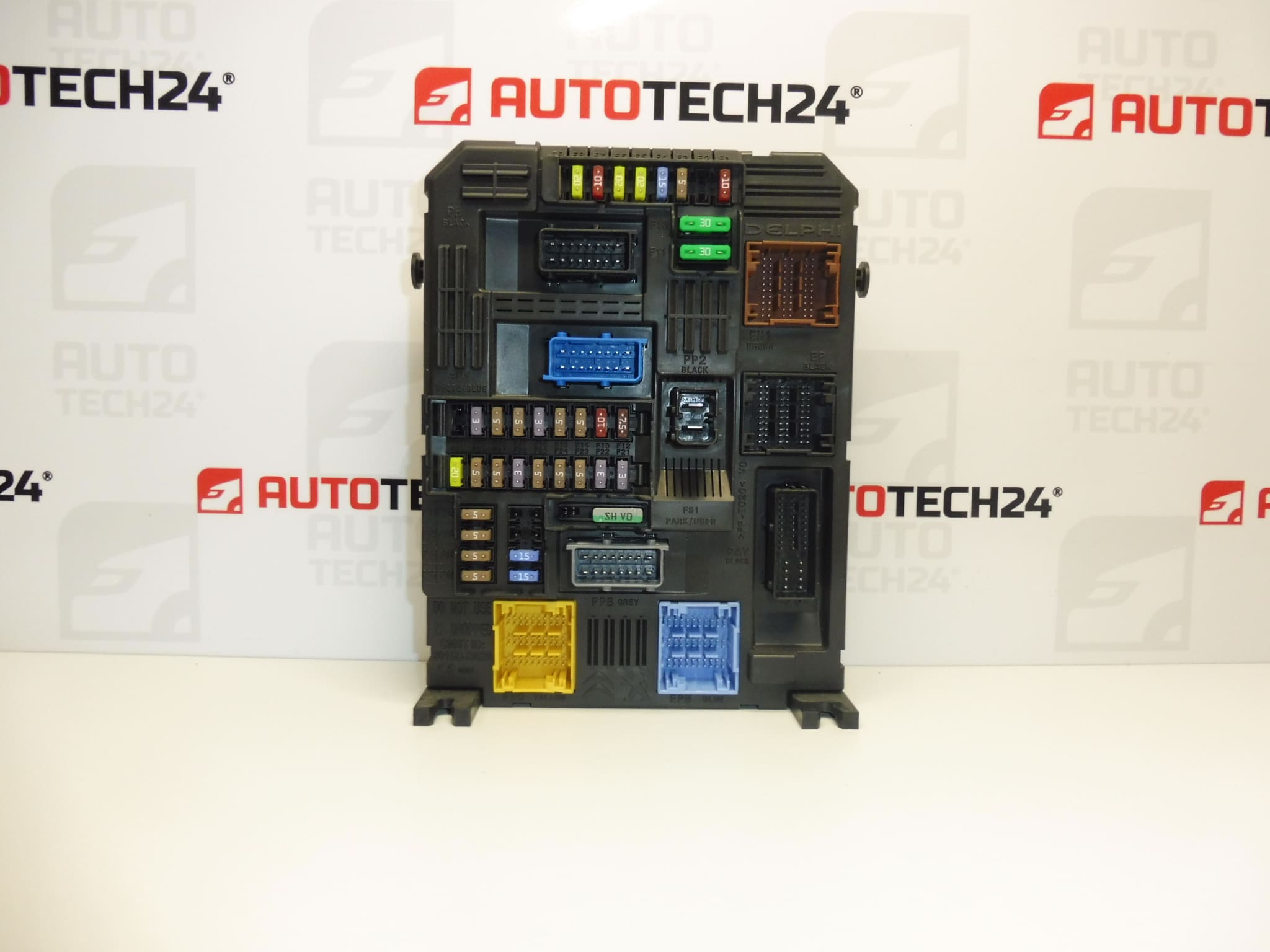
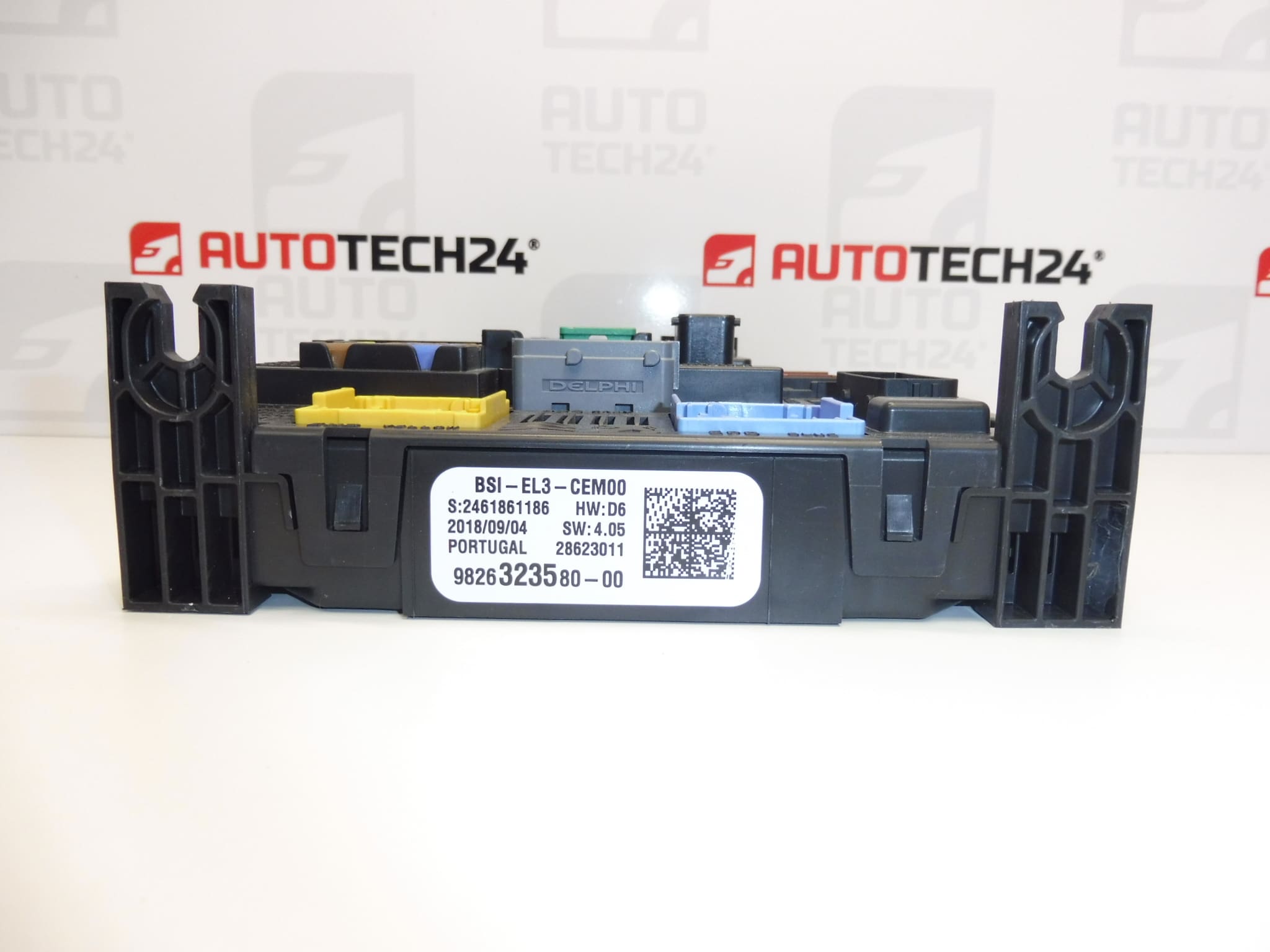
BSI Q03-00 Continental for CITROEN, Peugeot and Opel vehicles
Part description
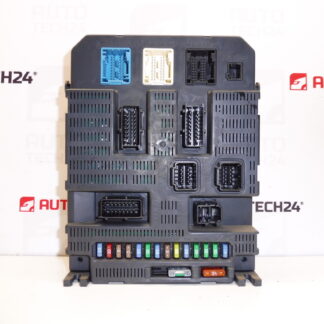
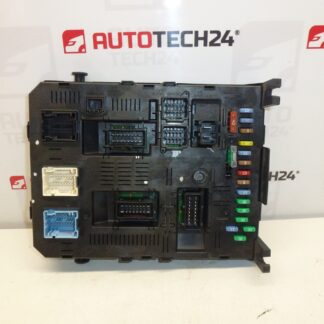
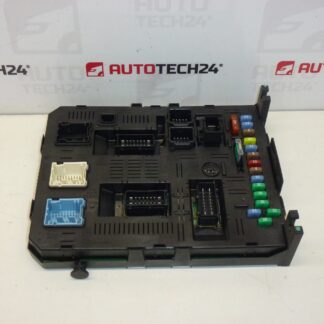
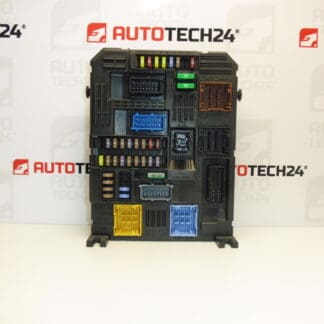
Used Continental BSI comfort control unit identified as BSI-EL3-CEM00 in the product title and Q03-00 in the supplied description. BSI units generally control comfort and selected electrical functions of the vehicle and provide communication between electronic systems. The specific range of functions depends on the version and equipment of the vehicle.
The supplied information lists the models Citroën Berlingo K9, OPEL COMBO E K9 and PEUGEOT RIFTER. If you are looking for a replacement BSI by part number 9826323580, 1634164880 or 1669610480, compare the details and version with the original unit. This used part may be a solution when replacing a faulty comfort control unit; however, data transfer or adaptation to the vehicle’s electronics may be required before installation.
Technical information
- Manufacturer: Continental
- Model: Citroën Berlingo K9 | OPEL COMBO E K9 | PEUGEOT RIFTER
- Part type: BSI – comfort control unit
- Identification in product title: BSI-EL3-CEM00
- Identification in original description: BSI Q03-00
- Other numbers: not specified
- Condition: used part
Model years, engine variants and specific equipment configurations are not specified in the supplied information. The model name alone does not confirm that the unit is suitable for every version.
Product codes
- Product codes: 9826323580, 1634164880, 1669610480
The numbers are taken from the supplied information. Their inclusion does not in itself confirm that all variants are interchangeable. When selecting a unit, compare the original part number, connectors and unit configuration requirements.
Installation recommendations
The following procedure is general guidance for replacing a BSI unit. Exact access to the part, power disconnection and commissioning procedure depend on the specific model and version of the vehicle. Follow the manufacturer’s service procedure.
1) Before installation
- First, use diagnostics to verify the cause of the fault. Similar symptoms can also be caused by faulty power supply, grounding, fuses or wiring.
- Compare the identification on both units, the shape and configuration of the connectors, and the mechanical mounting. Do not automatically assume that the different identifications shown in the title and description refer to identical versions.
- Inspect the used part: housing, connector locks, contacts and any signs of moisture, corrosion or overheating. Do not connect a unit with visible damage without having it professionally assessed.
- Decide in advance how the data will be transferred or the unit initialized. If the original unit communicates, save the available configuration and diagnostic record.
2) Tools and materials required
- Standard installation tools suitable for the fasteners used, and plastic trim tools if needed to remove covers.
- Diagnostic equipment suitable for the vehicle; appropriate programming equipment for data transfer.
- Multimeter, lighting and tools for marking connectors.
- For programming, a stabilized power supply in accordance with the service procedure requirements.
3) Step-by-step installation procedure
- Record the symptoms of the fault and run vehicle diagnostics before disassembly.
- Save the available data from the original unit and prepare the cloning or initialization procedure.
- Switch off electrical consumers and the ignition. Allow the electronics to enter sleep mode according to the manufacturer’s instructions.
- Disconnect the battery using the prescribed procedure. Do not disconnect BSI connectors while powered.
- Access the unit according to the service documentation. Before disconnecting anything, record the wiring routing and connector positions.
- Release the connector locks and disconnect the connectors without pulling on the wires. Then remove the original unit’s fasteners.
- Inspect the wiring and contacts. Resolve any water ingress or electrical system damage before installing the replacement part.
- Have the replacement unit prepared as required by the selected method. Complete any data transfer that requires the unit to be removed before installing it.
- Secure the unit, connect the connectors and engage their locks. The wiring must not be stretched or pinched.
- Reconnect the battery according to the manufacturer’s procedure, complete any required initialization and coding, and then perform diagnostic and functional checks.
4) Post-installation checks and function verification
Verify that the unit communicates with the diagnostic equipment, that the configuration is correct and that the keys function properly. Depending on the vehicle’s equipment, test starting, central locking, lighting, wipers and other BSI-related functions. Check the instrument panel warnings. Only carry out a short test drive after safety-critical functions have been successfully checked, then run diagnostics again.
5) Common installation mistakes and how to avoid them
- Replacing the unit without verifying the cause of the fault: first check the power supply, grounding and wiring.
- Selecting a unit based only on the vehicle model: also compare the unit identification and version.
- Expecting the unit to work immediately after connection: arrange the required data transfer or initialization in advance.
- Disconnecting without allowing the electronics to go to sleep: follow the prescribed shutdown and battery disconnection procedure.
- Interrupting the power supply during programming: use an appropriate stabilized power supply and do not interrupt the operation in progress.
Installation and coding – important
- The unit is used and is “paired” with the original vehicle (VIN/PIN/keys).
- Commissioning options:
- Cloning data from the old unit (EEPROM/Flash) – after cloning, the unit is plug and play.
- Virginization followed by initialization/telecoding via DiagBox (possibly online) + key adaptation.
- Professional installation by a technician with PSA service equipment (DiagBox/Lexia/PP2000) is recommended.
- Always disconnect the battery before removal/installation and follow the manufacturer’s procedure to avoid damaging the unit.
Reasons why the part may be damaged
The following factors are generally among the possible causes of damage to BSI units; this is not a description of the condition of this specific unit:
- Moisture and water ingress, which can cause corrosion of the contacts and electronics.
- A short circuit in the wiring or a connected electrical consumer, which can damage the unit’s output circuits.
- Overvoltage, incorrect power connection or improper battery handling.
- Mechanical damage to connectors during careless removal or connection.
- Interrupted programming or incorrect data modification, which can render the unit inoperative.
Before replacement, also eliminate the original cause of the fault so that it does not damage the replacement unit.