Description
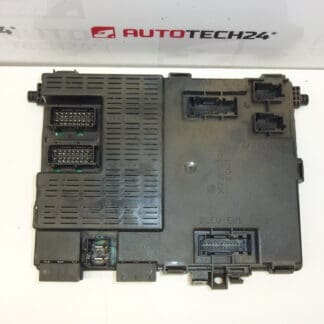
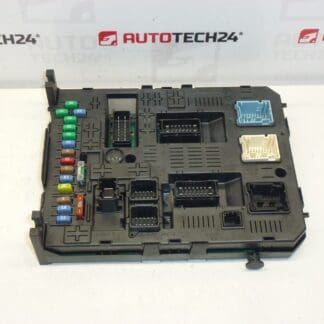
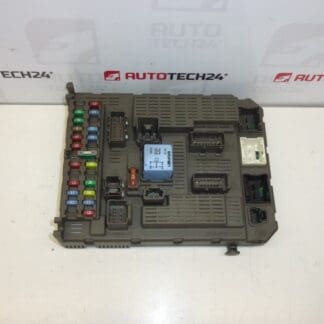
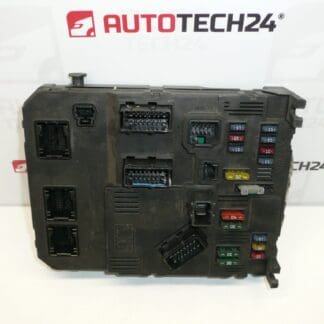
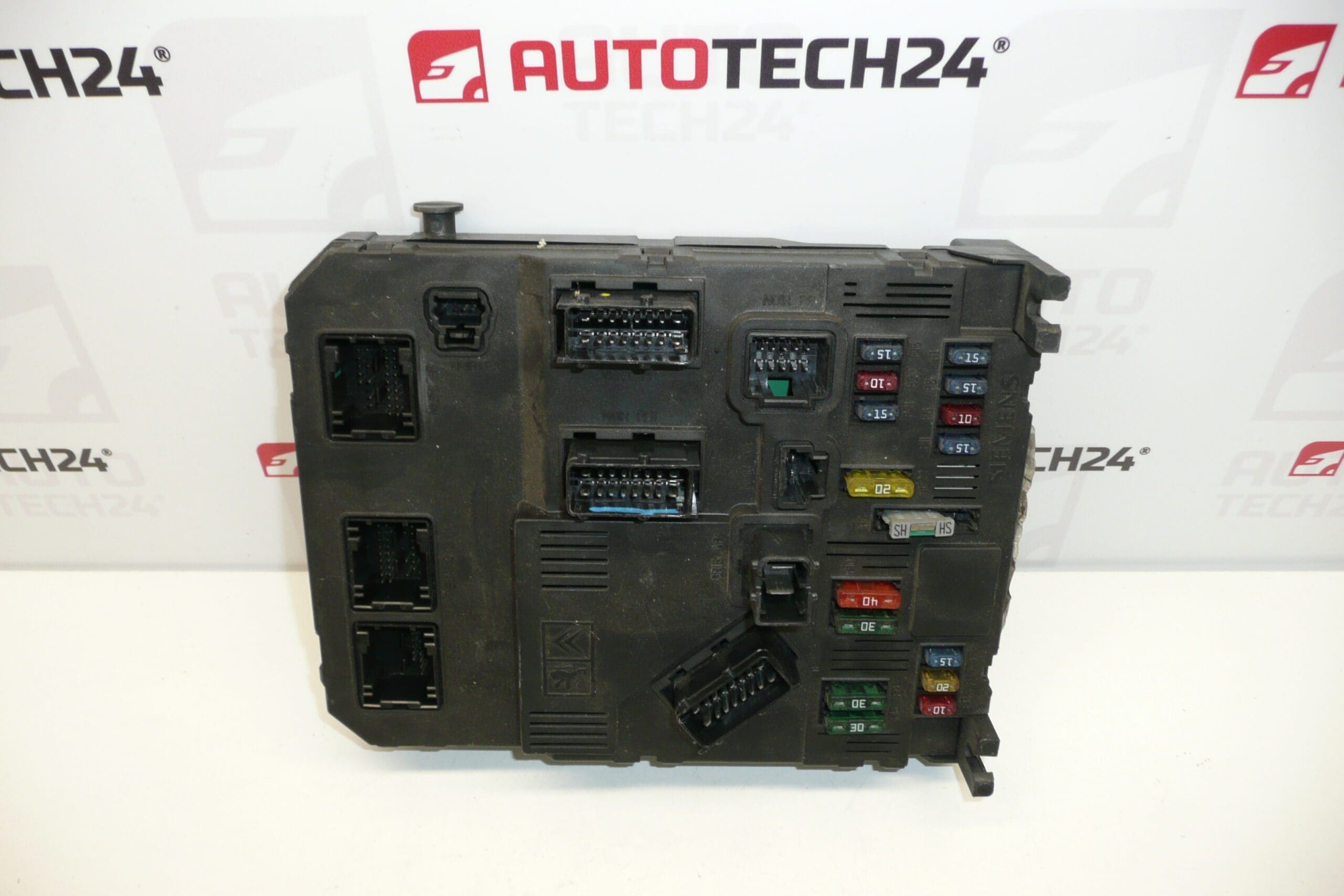
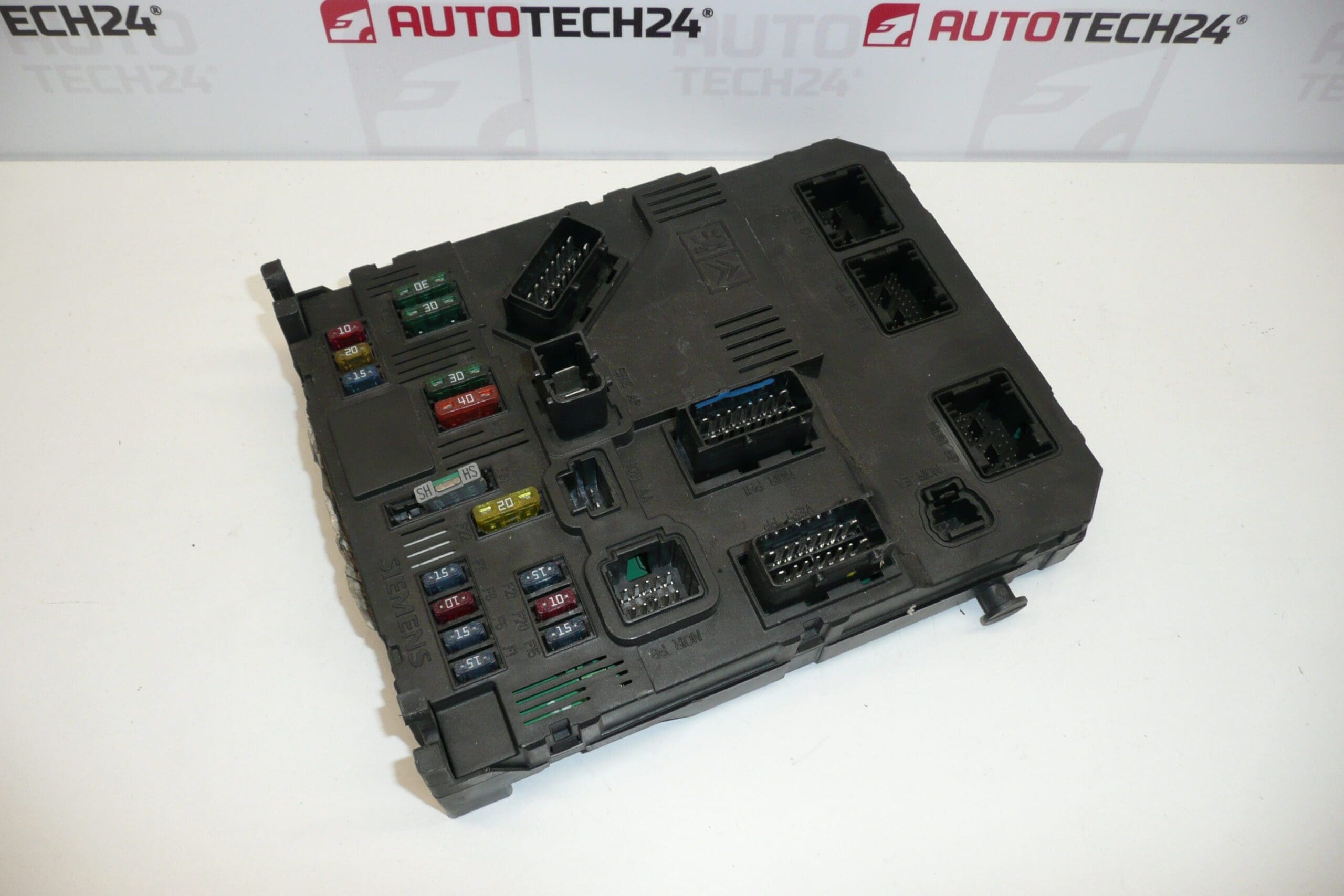
Multifunctional BSI Unit For PEUGEOT 206
Used multifunctional BSI (Body System Interface) comfort unit suitable for Peugeot 206. This original-style control module manages multiple body electrical functions and is commonly referenced by part numbers 9649627880, 1650882680, 6580HC, 6580L3, 6580FP and 6580GV. Ideal for professional workshops and experienced DIY mechanics who search parts by OE codes.
Overview
The BSI (Body System Interface) is the central comfort and body electronics unit on the Peugeot 206. It coordinates lighting, central locking, interior lights, wipers, indicators, certain climate and convenience functions, and interfaces with the immobiliser and engine management for start authorization. Replacing the BSI can resolve intermittent electrical faults, locking or lighting failures, and immobiliser or starting issues tied to the comfort module.
Features And Function
- Central Control For Body Electronics: Manages door locking, interior lighting, exterior lights, wipers and accessory relays.
- Immobiliser Interface: Works with transponder/key systems to permit engine start when correctly initialized.
- Diagnostic Access: Communicates fault codes and status via PSA diagnostic tools (DiagBox/Lexia/PP2000).
- Multiple OE References: Often traded and identified by OE numbers listed below, which workshops use for matching.
Fitment And Compatibility
Designed For Peugeot 206 models that use the E02-00 Siemens BSI platform. Always compare OE numbers when selecting a replacement: common references for this unit include 9649627880, 1650882680, 6580HC, 6580L3, 6580FP and 6580GV. This unit is intended for Peugeot 206 applications; compatibility with other models should be verified by checking part numbers and plug layout.
Replacement Procedure
General Replacement Steps (for experienced mechanics):
- Disconnect Battery: Always disconnect the negative terminal before starting work.
- Access The Unit: The BSI is typically located behind interior trim panels or under the glovebox/dashboard. Remove the necessary trim pieces to reach the module.
- Unplug Connectors: Carefully release locking tabs on multi-pin connectors and unplug harnesses. Check connector condition for corrosion or damage.
- Remove Mounting Hardware: Undo screws or clips securing the BSI and remove the unit.
- Install Replacement: Fit the replacement unit, secure it, reconnect connectors and reassemble trim.
- Coding/Initialization: After physical replacement the unit usually requires cloning or initialization/coding to the vehicle to restore immobiliser and function mapping (see Installation And Coding – Important below).
Installation Recommendations
- Perform Replacement In A Dry Environment: Moisture and humidity accelerate failures; avoid damp working conditions.
- Inspect Wiring And Connectors: Repair any damaged wiring, corroded pins or poor grounds prior to BSI replacement to prevent repeat failure.
- Use Correct Diagnostic Tools For Coding: Recommended to perform coding or cloning with PSA-approved tools (DiagBox/Lexia/PP2000) or equivalent capable of handling PSA EEPROM/Flash operations.
- Follow Manufacturer Procedures: Observe recommended torque and connector handling to avoid damage to module pins or housings.
Why The Part Fails Most Often
- Moisture Ingress And Corrosion: Water leaks or high humidity cause corrosion on PCB and connector pins, leading to intermittent or permanent failure.
- Electrical Surges And Short Circuits: Faulty alternator regulators, jump-starts, poor battery connections or aftermarket electrical work can produce voltage spikes that damage the module.
- Connector Wear And Poor Grounds: Loose or corroded connectors and bad ground points cause voltage drops and unreliable communication between modules.
- Age And Thermal Stress: Over time thermal cycling and vibration degrade solder joints and electronic components.
Technical Information
- Manufacturer: Siemens
- Model: BSI E02-00
- Product Codes: 9649627880, 1650882680
- Additional Numbers: 6580HC, 6580L3, 6580FP, 6580GV
Installation And Coding – Important
- The Unit Is Used And Is Paired With The Original Vehicle (VIN/PIN/Keys).
- Options For Commissioning:
- Cloning Data From The Old Unit (EEPROM/Flash) – After Cloning The Unit Becomes Plug And Play.
- Virginization And Subsequent Initialization/Telecoding Via DiagBox (Or Online) + Key Adaptation.
- Recommended To Be Performed By A Specialist With PSA Service Equipment (DiagBox/Lexia/PP2000).
- Always Disconnect The Battery Before Removal/Installation And Observe Manufacturer Procedures To Avoid Damaging The Unit.
Symptoms To Watch For After Installation: Check Central Locking, Interior And Exterior Lights, Wipers, Dashboard Indicators And Engine Start Authorization. If any functions are missing or immobiliser faults appear, re-check connector seating and proceed with cloning or proper initialization with PSA diagnostic tools.