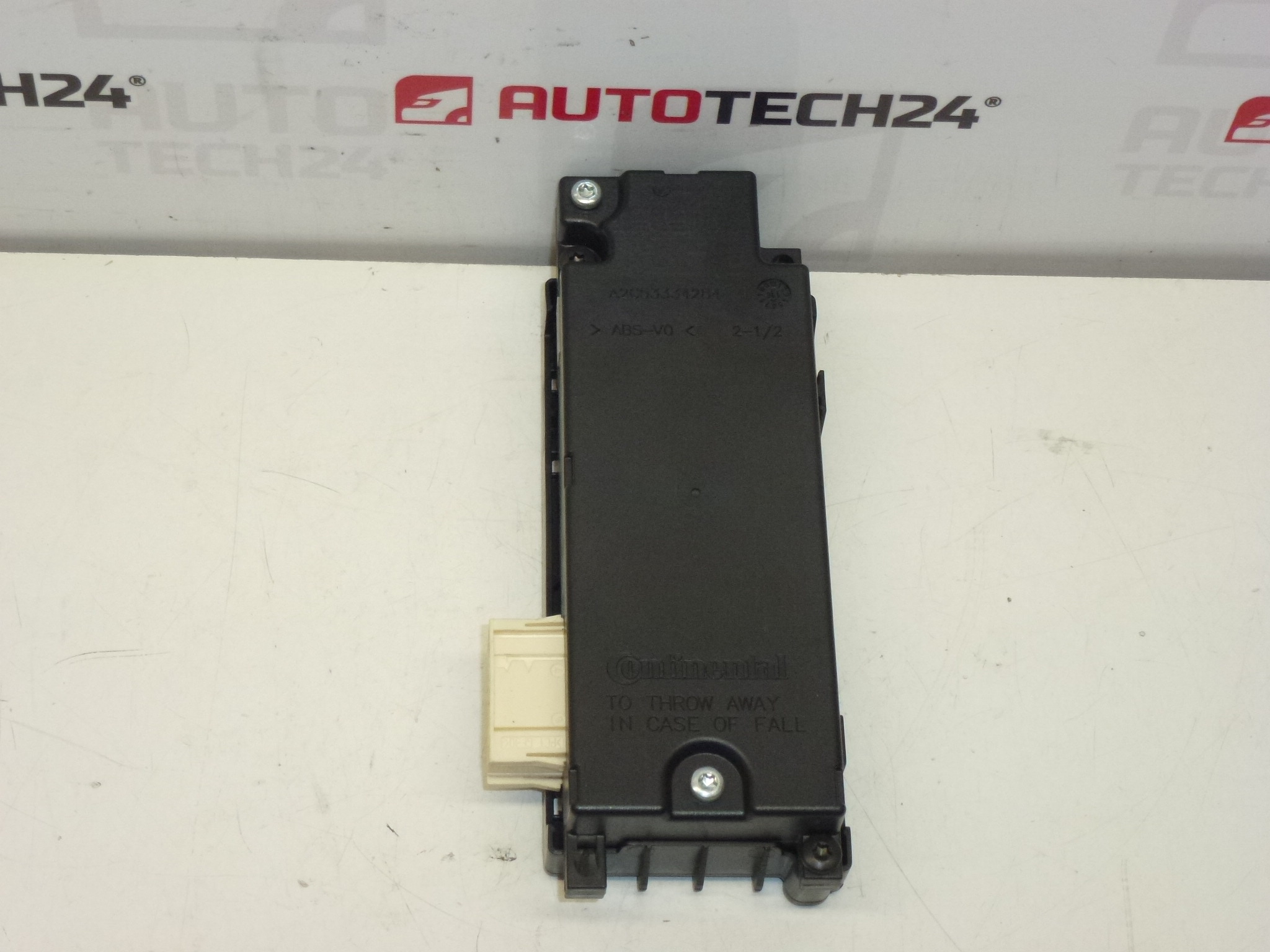
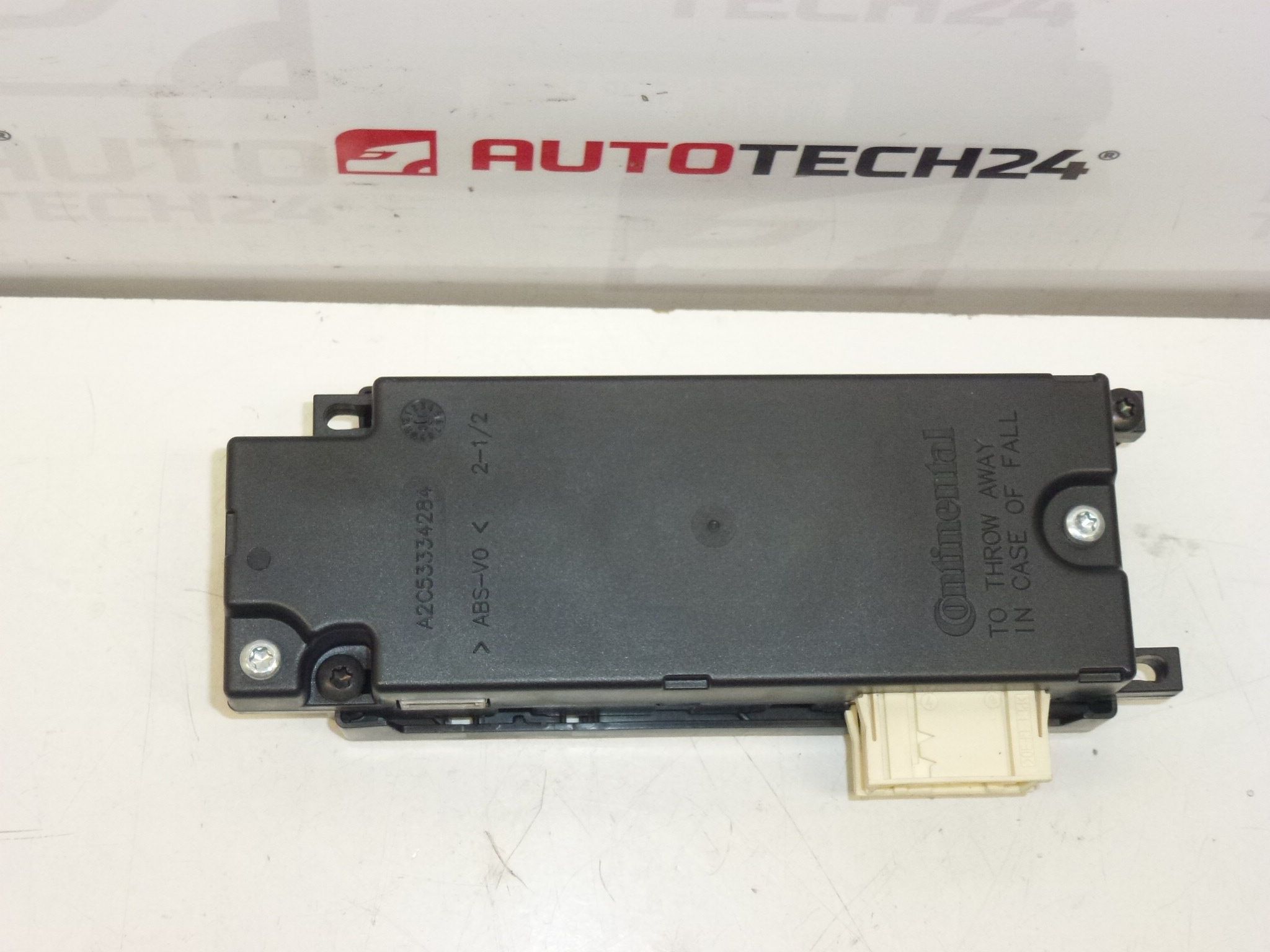
Description
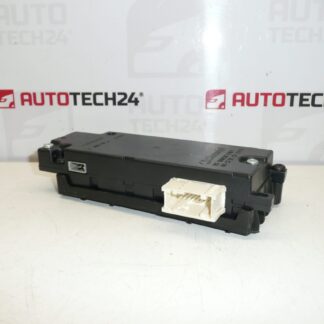
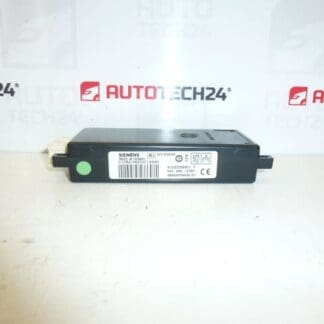
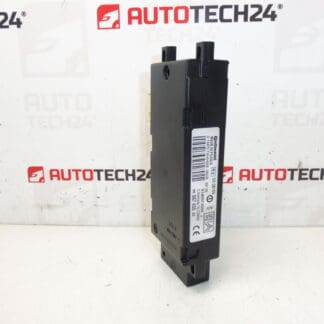
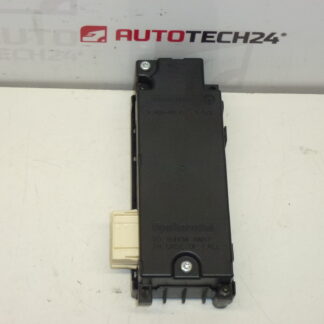
Telephone Interface Unit CONTINENTAL for Citroën and Peugeot vehicles.
Overview
This Bluetooth phone interface module from Continental restores hands‑free calling and wireless audio connectivity in compatible Citroën and Peugeot models. Ideal for professional garages and DIY mechanics, the unit is commonly searched by product number (for example 9666827980 or 6574NP). The module integrates with the vehicle infotainment and microphone systems to enable phone calls, phonebook access and audio streaming where supported by the factory system.
Technical Information
- Manufacturer: Continental
- Model: Citroën C3 II; Citroën C5 X7; DS3; Peugeot 207; Peugeot 3008 I; Peugeot 308; Peugeot 5008 I
- Product Codes: 9666827980, 6574NP, 6574NQ, 6579QC
- Other Numbers: S180073002 L, 1607242180
Installation Recommendations
- Always disconnect the battery before starting work and follow the vehicle manufacturer’s safety procedures.
- Access is typically gained behind the radio/infotainment unit or inside the glovebox depending on the model — remove trim and fasteners carefully to avoid damage.
- Handle connectors and ribbon cables with care. Ensure mating plugs are clean and fully engaged; inspect for bent pins or corrosion.
- After mechanical installation, pair the phone through the car’s infotainment system. In most installations the unit becomes operational after pairing, but in some vehicle variants the head unit settings must be checked or updated.
- Use anti‑static precautions when handling the electronic unit and avoid exposing it to moisture during installation.
Replacement Procedure
- Prepare basic tools: trim tools, Torx/screwdrivers, and a multimeter if diagnostics are required.
- Disconnect the negative battery terminal.
- Remove trim panels and the radio/infotainment unit or glovebox to reach the module location.
- Note connector positions, then unplug the module connectors and antenna leads. Replace the module with the new unit and reconnect all plugs.
- Reassemble trim and reconnect the battery. Power up the vehicle and perform pairing and functional test of hands‑free and audio features.
- If Bluetooth functions are not available after fitting, recheck connectors and fuses, and verify infotainment settings.
Why It Fails Most Often
- Moisture Ingress And Corrosion: Water penetration or humidity can corrode connector pins or internal boards.
- Connector And Wiring Faults: Damaged or loose plugs, broken wires and poor grounds cause intermittent operation or total failure.
- Thermal And Mechanical Stress: Repeated heating/cooling cycles and vibration can break solder joints or components.
- Software/Firmware Issues: Occasional incompatibilities or corrupted firmware can prevent proper pairing or audio streaming.
- Age And Wear: Units in older vehicles may degrade after several years of use depending on environmental conditions.
Useful Tips
- Search By Product Code: When sourcing a replacement, use the product codes listed above to match the correct hardware variant.
- Inspect Surrounding Components: Faulty microphone, antenna cable or infotainment faults can mimic module failure—check these items during diagnosis.
- Keep Firmware And Head Unit Updated: Where possible, ensure the vehicle’s infotainment software is up to date to maximize compatibility.