Description
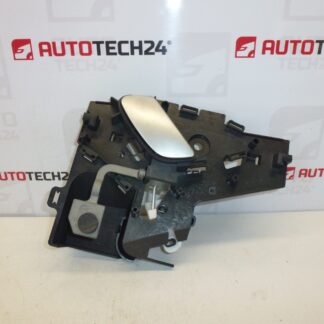
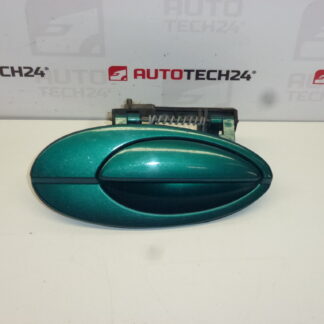
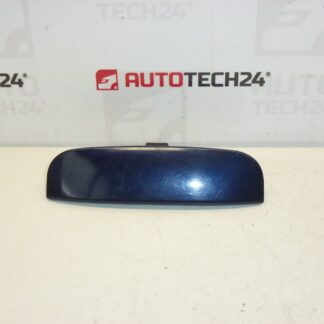
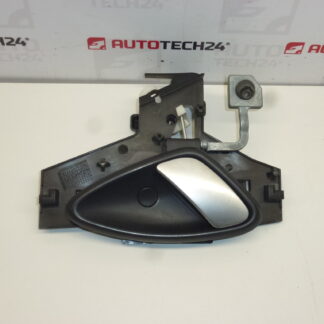
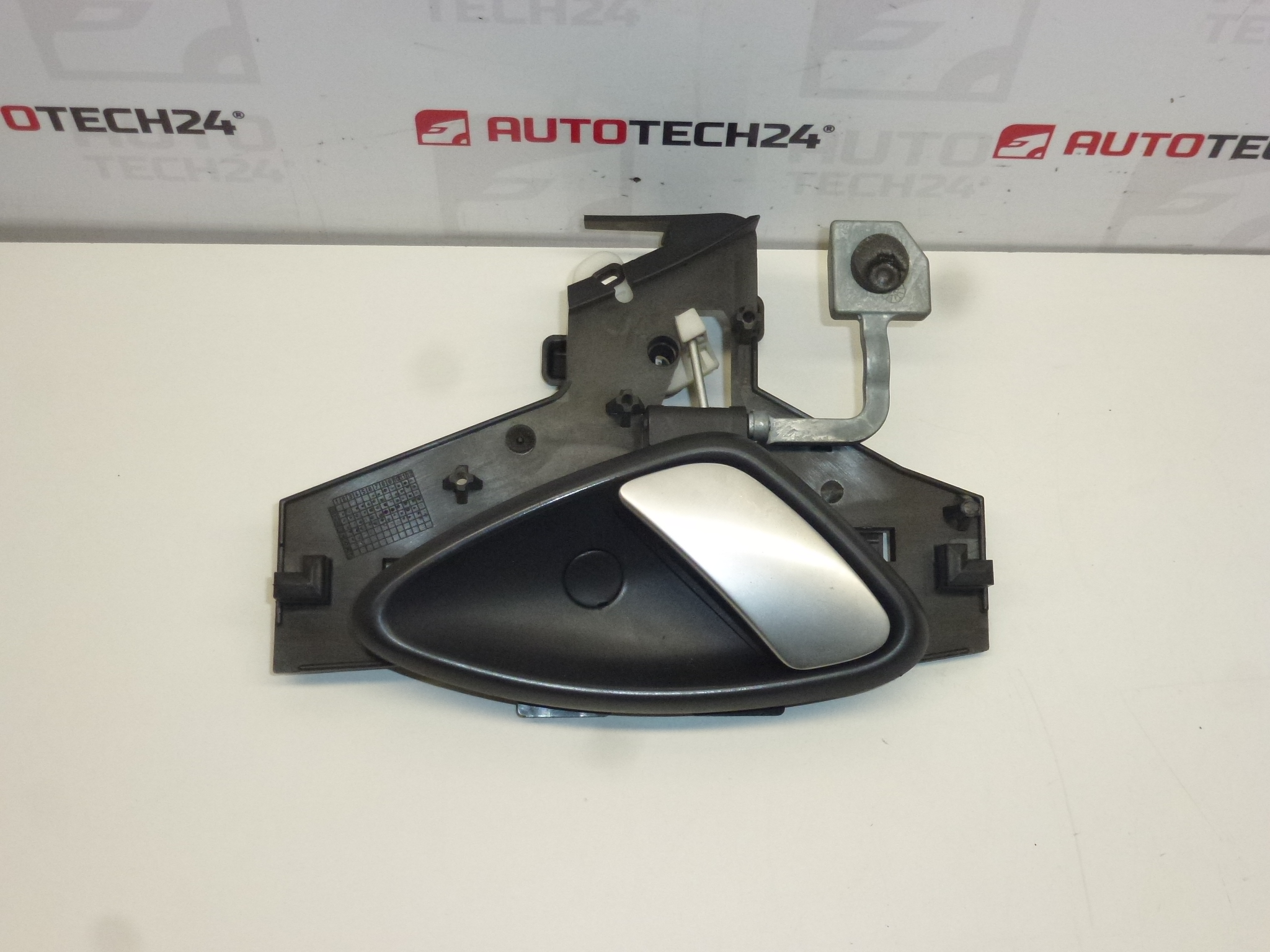
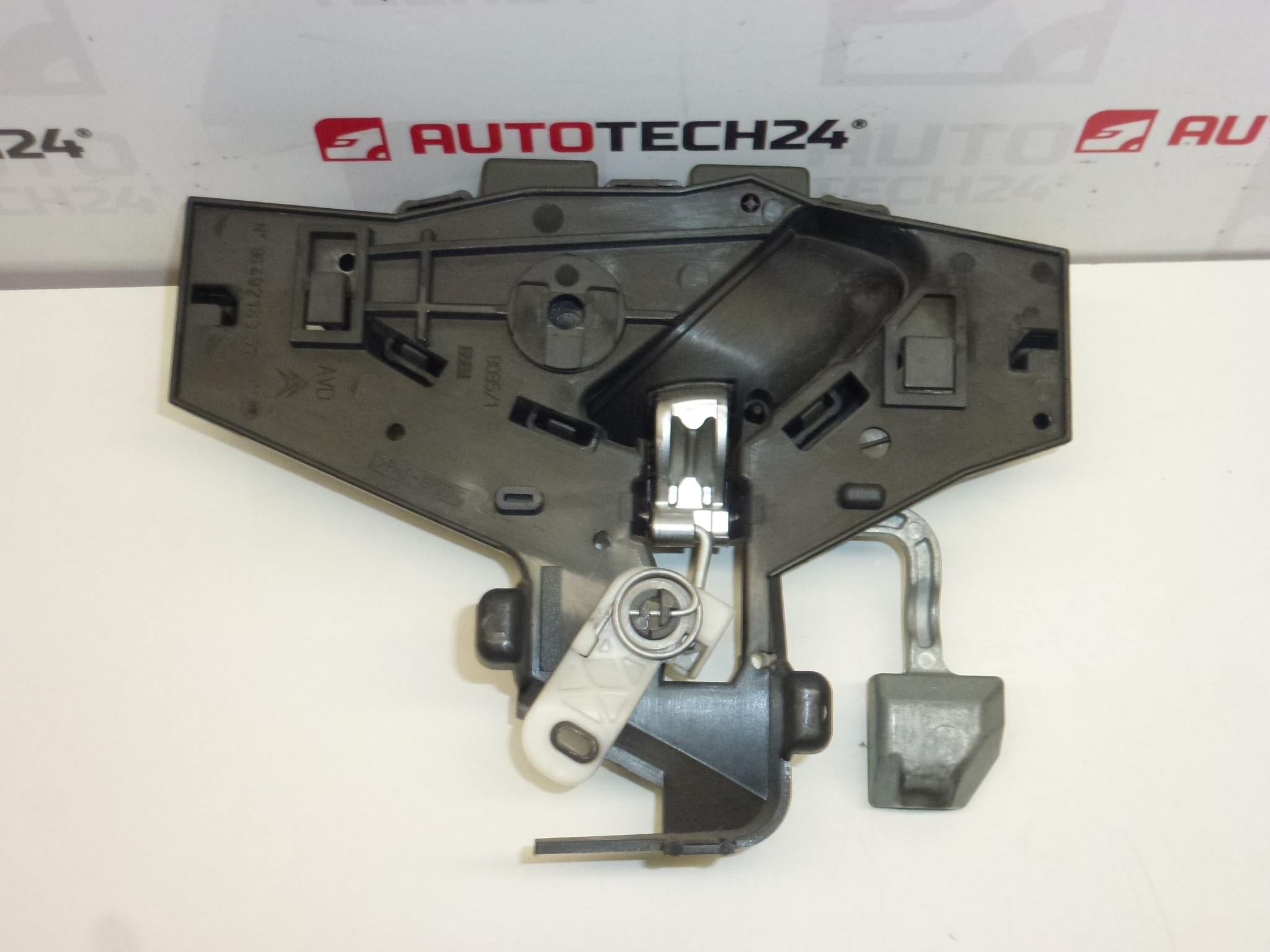
Complete interior passenger door handle including inner trim and screw cap for CITROËN C5. Color HVV – Lion Gray.
This complete right-front interior door handle assembly is designed as a direct-fit replacement for Citroën C5 first and second generation models. Suited for professional workshops and experienced DIY mechanics, the unit restores smooth and reliable door opening from the cabin while keeping the original appearance. The part is commonly searched and referenced by numbers 9649218377 and 9143H8, so adding these codes to your search will speed up finding the correct item.
Functionally the assembly operates the inner latch mechanism: when pulled it transfers motion via the internal lever and connecting rod to release the door catch. The delivered kit includes the inner handle, the inner trim/cover and the decorative screw cap, so no separate trim pieces are required for a tidy finish.
Key Features
- Complete assembly: inner handle, inner trim cover, and screw cap included
- Fitment position: Right Front (Passenger Side)
- Color: HVV – Lion Gray for a factory-matching interior look
- Direct replacement for OE-referenced part numbers
- Suitable for both professional fitment and competent DIY installation
Technical Information
- Manufacturer: Stellantis (Citroën/Peugeot)
- Model: Citroën C5 I, Citroën C5 II
- Product Codes: 9649218377, 9143H8
- Other Numbers: 9119P0, NFP
Installation Recommendations
Installation is straightforward for anyone familiar with door trim work. Recommended steps:
- Use plastic trim tools to remove the door card and avoid damaging clips and upholstery.
- Locate and remove the retaining screws and any retention clips that secure the inner handle assembly.
- Carefully detach the connecting rod or cable from the handle—note the orientation and any small plastic clips for reuse or replacement.
- Fit the new assembly, ensure the rod/cable engages securely with the lever, replace any worn clips, and tighten fixings.
- Check door opening/closing and lock operation before refitting the door card. Ensure smooth movement and no binding.
Use appropriate trim tools, replace damaged plastic clips, and inspect the latch mechanism while the door is open. If unsure, have the work carried out by a qualified technician.
Why This Part Most Commonly Fails
Interior door handles on Citroën C5 models typically fail due to plastic fatigue and broken pivot points or retaining clips. Frequent causes include repeated heavy use, forceful operation, impact from closing with obstructions, and long-term material degradation from temperature cycles and UV exposure. In some cases internal springs or small metal reinforcements can wear or corrode, causing slack or failure to return to the rest position.
Maintenance Tips
- Inspect plastic clips and the connecting rod during any door-panel service and replace brittle clips proactively.
- Apply a light lubricant to moving pivot points (silicone-based spray) to reduce wear and noise.
- Address any binding in the latch or water ingress into the door cavity, which accelerates deterioration.
Replacing a worn or broken inner door handle with this complete assembly restores reliable operation and a clean factory finish, preventing further damage to the latch linkage and improving daily usability of the vehicle.