Description
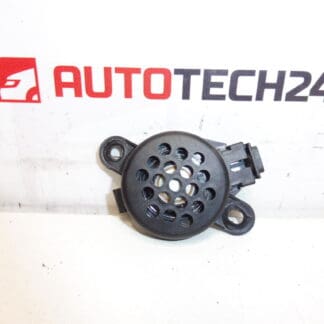
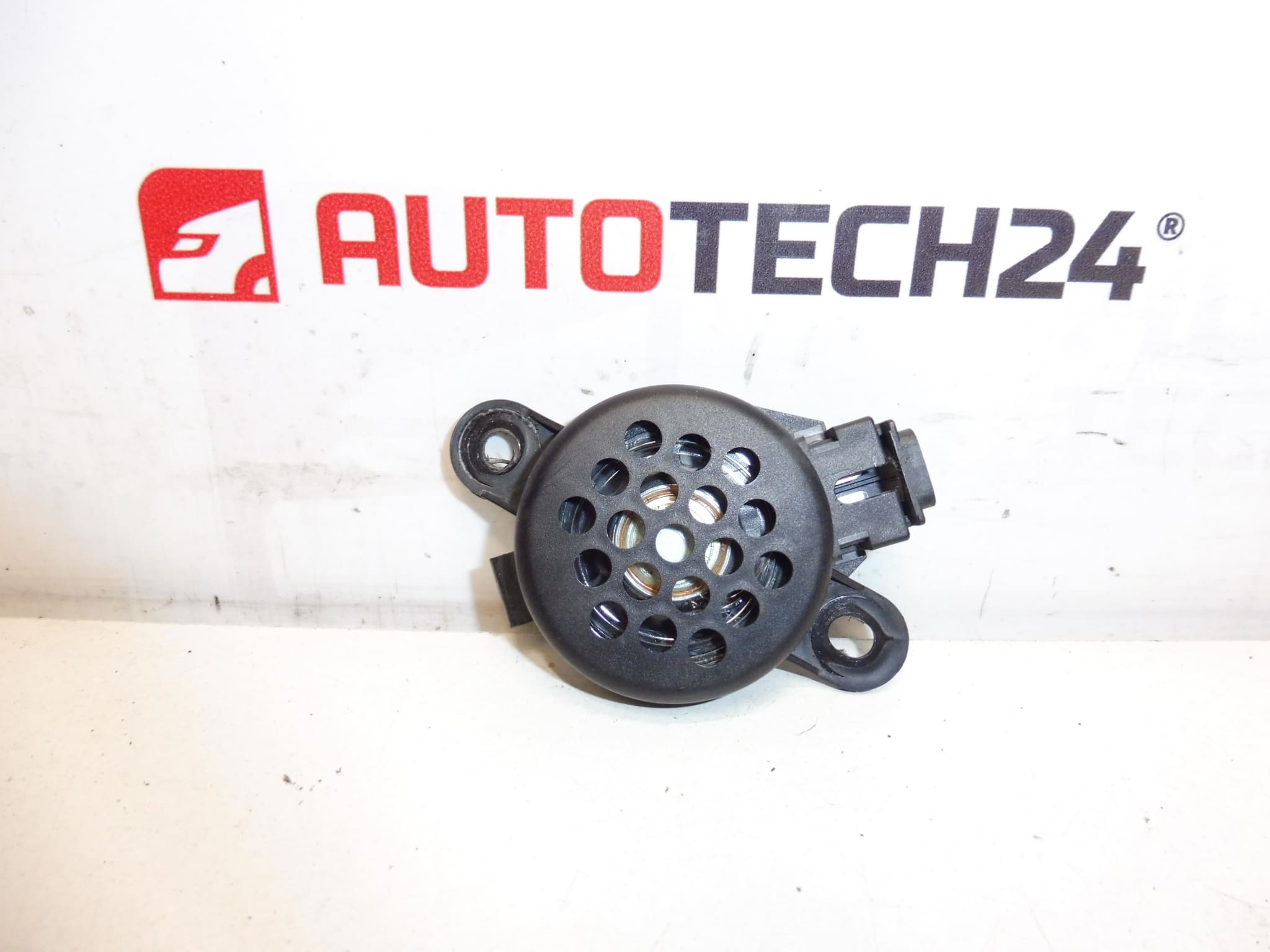
Speaker for parking assist for various Citroën and Peugeot vehicle models.
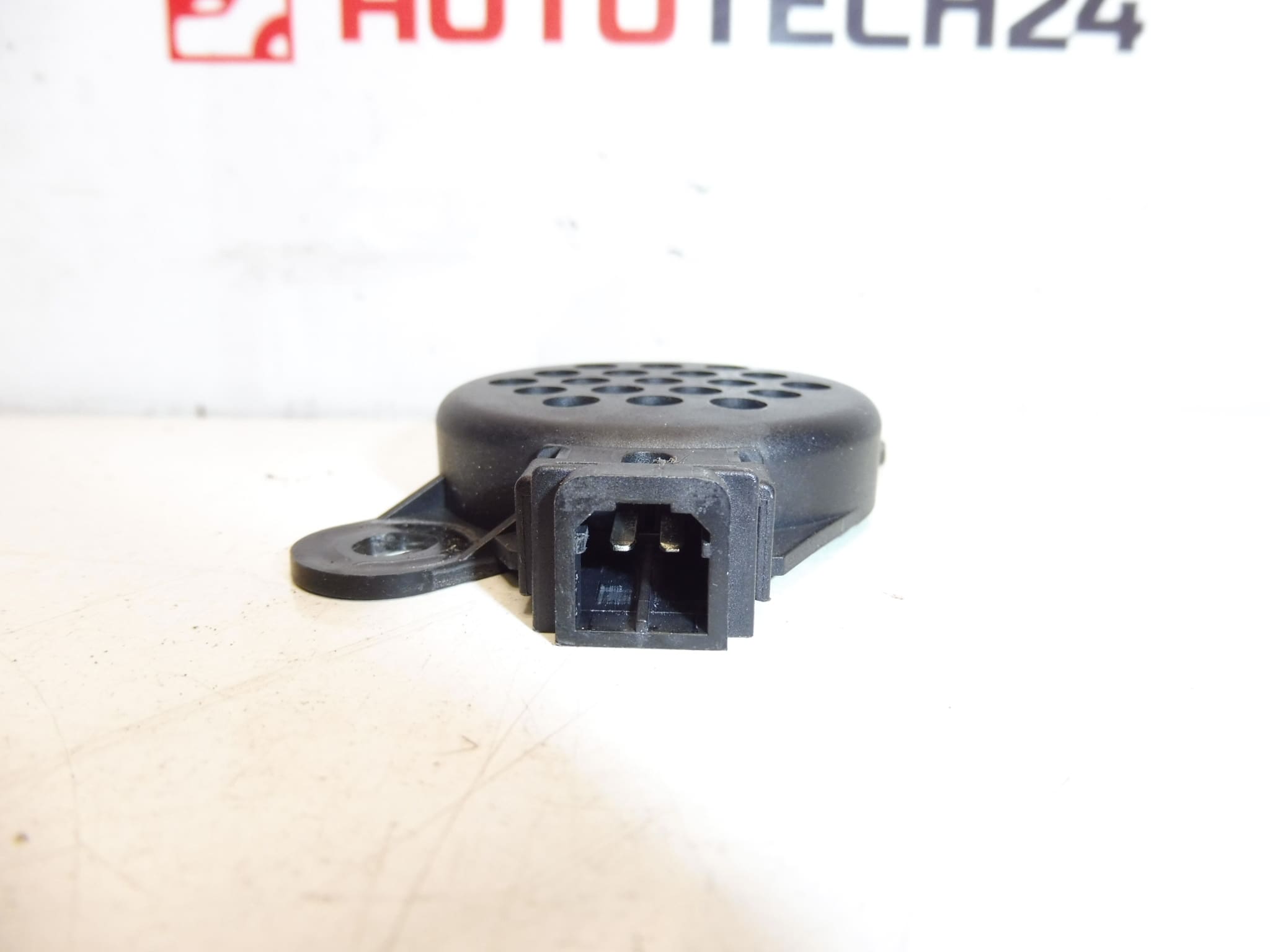
This genuine parking assist speaker is designed for a range of Citroën and Peugeot cars and is a direct-fit replacement for the original buzzer used by the factory parking assistance systems. It produces clear beeping signals that indicate obstacle proximity and integrates with the vehicle’s parking sensor control module to provide audible feedback during low-speed maneuvers. The compact design allows mounting inside bumpers or within the vehicle body depending on the original equipment location.
For mechanics and DIY enthusiasts this unit is a cost-effective way to restore proper audible warning functionality when the original speaker has failed or become intermittent. Buyers searching by part number will find this speaker listed under the most common OEM references, making it easy to match with workshop documentation and service manuals.
Technical Information
- Manufacturer: Stellantis
- Model: Citroën C2, Citroën C3, Citroën Xsara Picasso, Peugeot 307, Peugeot 607
- Product Codes: 9653138980
- Additional Numbers: 6590A0
Function And Fitment
The speaker converts the parking sensor control unit’s signals into audible beeps with increasing frequency as the vehicle approaches an obstacle. It is typically fitted in the rear or front bumper area or inside a trim panel, depending on the model. Compatibility with sensor modules is maintained by matching the OEM part number listed above.
Installation Recommendations
- Disconnect The Negative Battery Terminal Before Starting To Prevent Short Circuits Or Fault Codes.
- Remove Relevant Trim Panels Or Bumper Cover Carefully Using Trim Tools To Avoid Damaging Clips.
- Unplug The Speaker Connector And Remove Any Mounting Screws Or Clips Securing The Unit.
- Compare The Replacement With The Old Unit For Correct Connector Type And Mounting Orientation.
- Before Reassembly, Check Connector Pins For Corrosion, Clean Contacts, And Apply A Small Amount Of Dielectric Grease If Appropriate.
- After Installation, Reconnect The Battery And Verify Audible Signals By Activating The Parking Sensors (usually by engaging reverse gear or using the vehicle’s parking assist test procedure).
Common Causes Of Failure
Failures Most Often Result From Moisture Ingress And Corrosion, Damaged Wiring Or Connectors, Physical Impact To The Bumper Area, Or Internal Component Degradation Due To Age And Heat. Intermittent Sound Or Complete Silence Is Frequently Caused By Poor Electrical Contact At The Connector Or Broken Solder Joints Inside The Speaker.
Why Choose This Part
Replacing a faulty parking assist speaker restores reliable audible warnings and helps prevent low-speed collisions when parking. For workshops and home mechanics this part offers straightforward fitment, clear identification via OEM numbers, and an effective way to return the parking system to full operation without replacing sensors or control modules unnecessarily.