Description
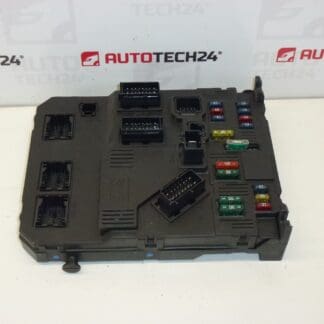
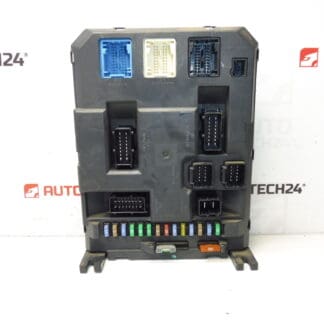
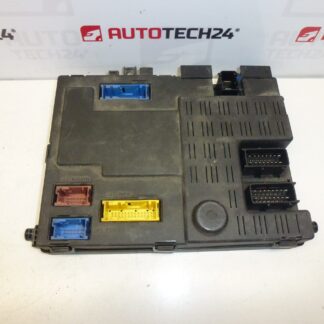
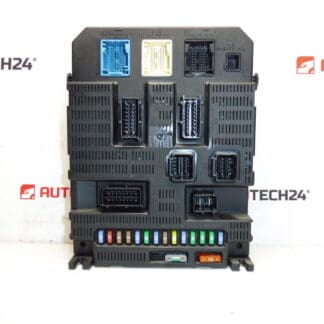
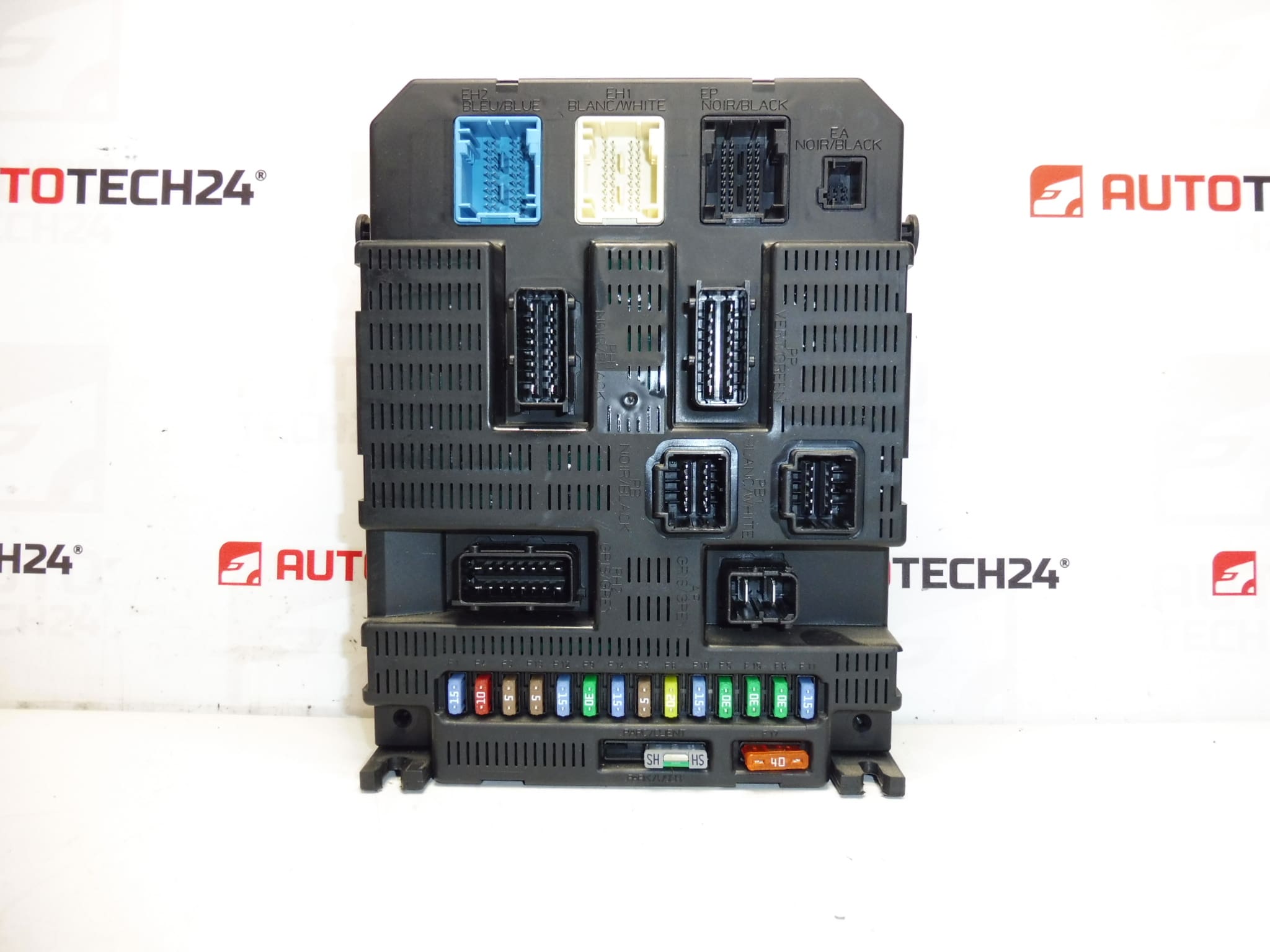
BSI 2004 P06-00 VALEO intelligent unit for CITROEN PEUGEOT cars
Part description
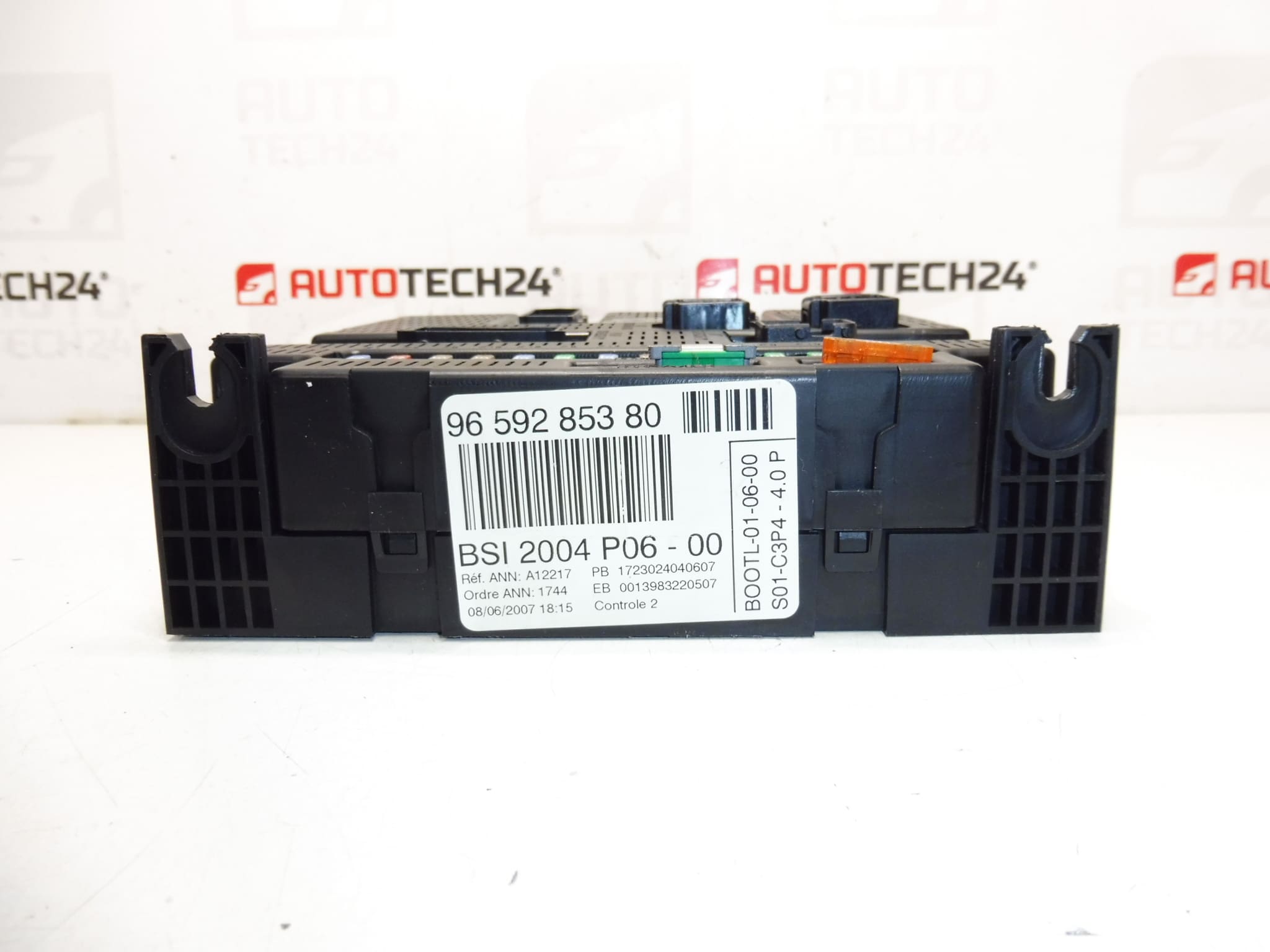
This BSI (Body Systems Interface) comfort unit serves as a central electronic module for controlling and communicating selected comfort and body functions of the vehicle. The offered part is marked BSI 2004 P06-00 from the manufacturer VALEO and is intended for cars of the Citroën / Peugeot concern. It is often searched and identified by product number, so we recommend that you compare all the codes from the label with the original unit when choosing.
According to the labels, the part is associated with the models: Citroën C3, Citroën C3 II, Peugeot 207.
Technical information
- Manufacturer: VALEO
- Model: Citroën C3 | Citroën C3 II | Peugeot 207
- Other numbers: 1663372580, 6580X4, 6580NG, 6580X5, 6580NH
Product codes
- Product codes: 9659285380
Installation recommendations
The exact procedure may vary according to the specific model and equipment of the car. Below is the general/typical procedure for replacing the BSI comfort unit on Citroën/Peugeot cars.
1) Before assembly
- Compare all codes on the unit (especially 9659285380 and other numbers listed) to the old part.
- Check for damage to connectors, connector locks and pins (bent, oxidized, pulled).
- Visually verify that the unit cover is not cracked and does not show signs of moisture.
2) Necessary tools and materials
- Basic set of hand tools (screwdrivers/ratchet depending on design)
- Plastic pry bar for removing covers (to minimize plastic damage)
- Electrical contact cleaner (optional) and dry cloth
- Diagnostics / option to configure the unit (according to service equipment)
3) Step-by-step assembly procedure
- Turn off the ignition, remove the key and allow the vehicle to idle for a short time (typically a few minutes).
- Disconnect the battery (minus pole first) to avoid damaging the electronics.
- Ensure access to the BSI unit (remove the necessary covers/panels according to the car).
- Document the connection: take a picture of the connectors and their location, or mark them.
- Gradually unlock the connector locks and disconnect the connectors carefully (do not pull on the cables).
- Unfasten the drive and remove the drive.
- Compare the old and new piece (codes, connectors, mechanical attachment).
- Install the unit in place and secure it in its original mounting.
- Connect the connectors in the correct order, all locks must clearly “click”.
- Connect the battery (first positive, then negative) and turn on the ignition.
- Perform a basic verification of functions and any configuration/programming as necessary for the vehicle.
-
4) Post-assembly checks and test drive/function verification
- Verify that bus communication is working and that there are no non-standard messages.
- Check the basic comfort functions that are controlled via BSI (depending on the car’s equipment).
- After a short test drive, verify again that everything is working stably and without dropouts.
5) The most common assembly mistakes + how to avoid them
- Disconnecting/connecting live connectors → always disconnect the battery and observe the idle mode.
- Connectors interchanged or lock not clicked → mark the connectors, check the locking after connection.
- Ignoring different codes → always compare numbers (9659285380 and others) with the old unit.
- Fouled/oxidized contacts → check before installation and, if necessary, gently clean.
Attention, for used engine control units and BSI comfort units, the original software of the target vehicle (EEPROM FLASH) must be loaded into the unit’s memory.
Reasons why the part is damaged
- Moisture and leakage into the unit space → corrosion of pins, short circuits, unstable communication.
- Voltage fluctuations (weak battery, bad charging, bad contacts) → electronics and memory failures.
- Unprofessional interventions (disconnecting connectors when the ignition is on, improper handling) → damage to the unit or connectors.
- Damage to cabling/connectors in the vicinity → transition resistances, function failures and erroneous signals.