Description
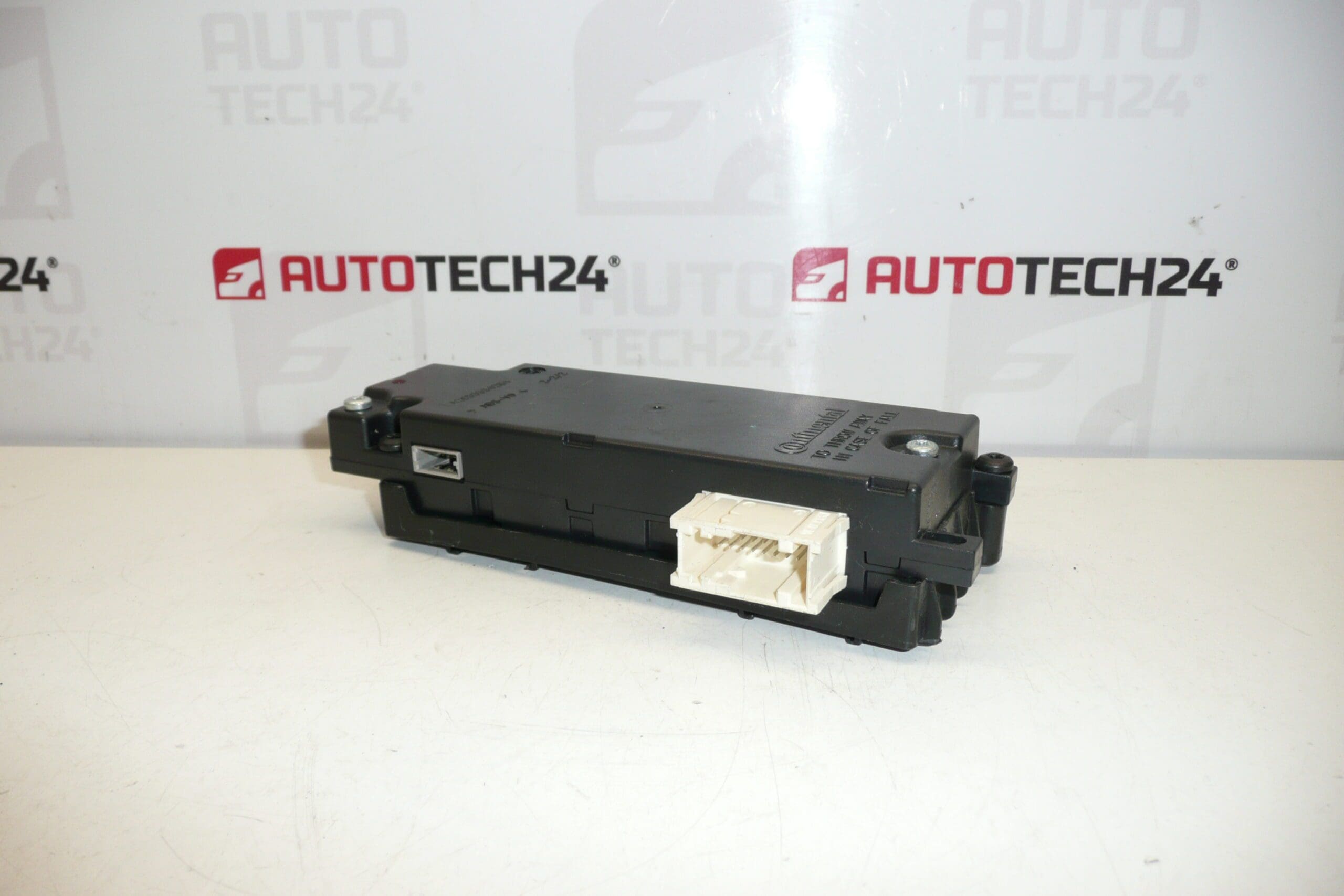
Phone, Bluetooth and USB Interface Unit for Citroën and Peugeot Vehicles
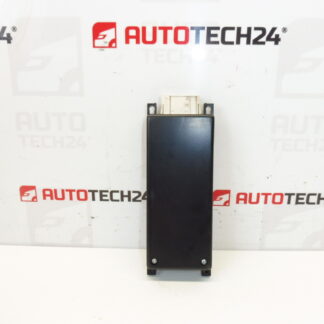
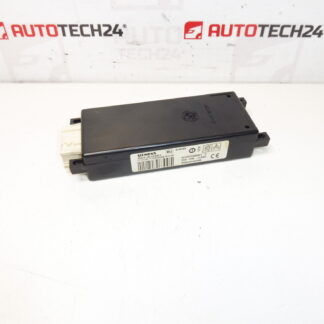
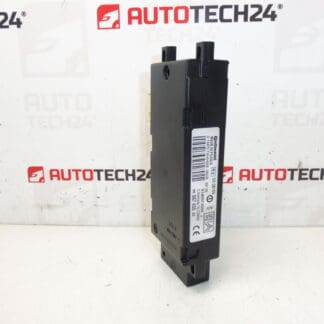
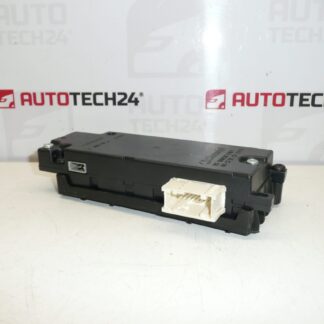
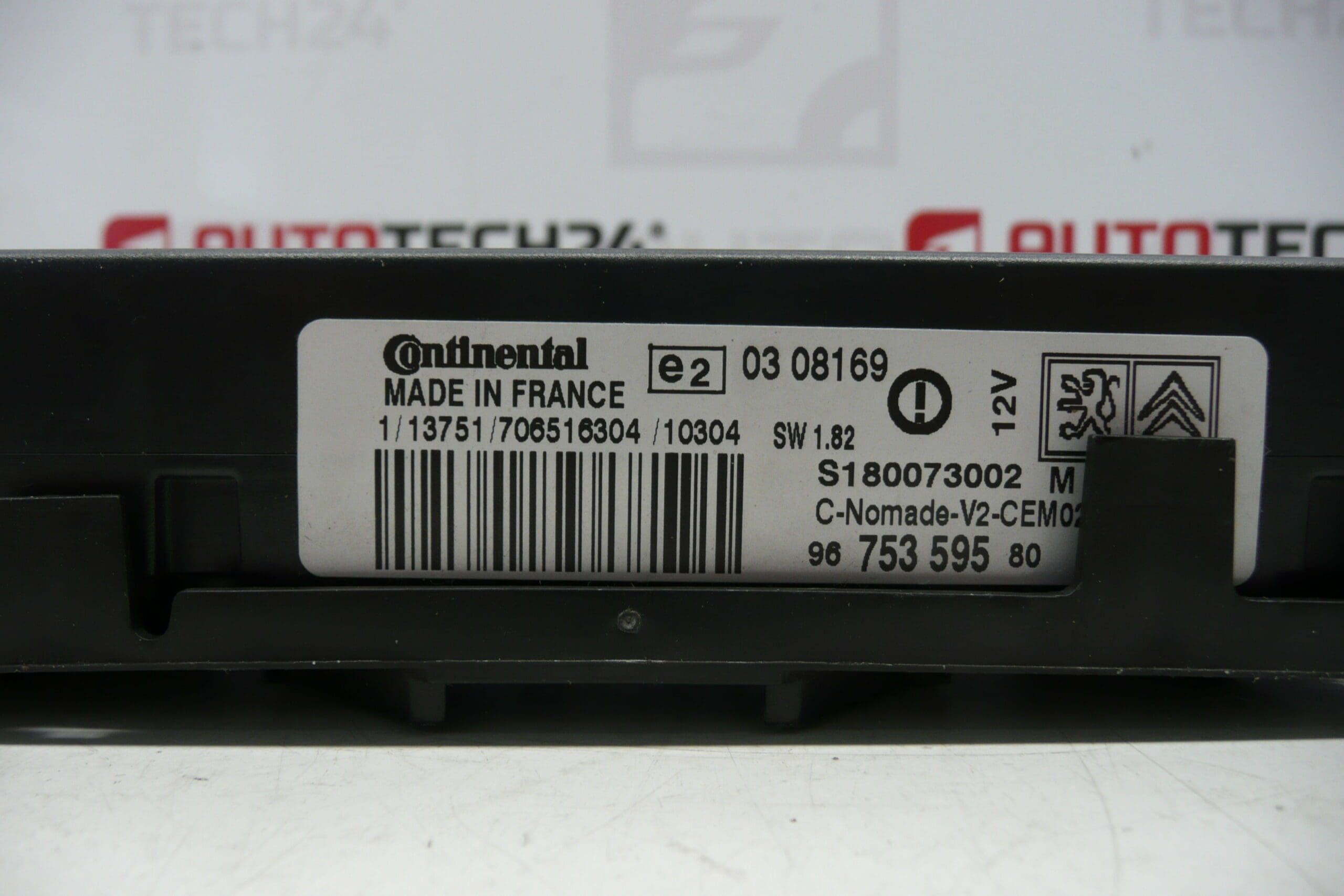
This Bluetooth and USB interface module provides hands‑free telephony, audio streaming and USB connectivity for compatible Citroën and Peugeot infotainment systems. Ideal for workshops and experienced DIYers, this unit is commonly sought by part number (e.g. 9675359580 / S180073002 M) and integrates with factory head units to restore phone and media functionality.
Overview and Function
The module handles telephone integration (hands‑free calling), Bluetooth A2DP audio streaming, and USB data/charging for mobile devices. It interfaces with the vehicle’s infotainment system to provide call control, phonebook access and media playback through the car speakers. This replacement part is suitable when the original interface loses pairing capability, drops audio, or the USB port stops recognising devices.
Technical Information
- Manufacturer: Stellantis (Citroën / Peugeot)
- Model: Bluetooth USB Interface Module
- Product Codes: 9675359580, S180073002 M
- Additional Numbers: 6574TS, 6574TT, 6579PQ, 6574QR, 96750284XN, 16077679XN, 16077683XH
Compatible Models
Commonly fitted to selected models including Citroën C4 Picasso, Citroën C5 (X7) and Peugeot 308. Compatibility depends on the vehicle’s original infotainment configuration and connector harness.
How Replacement Is Performed
Typical replacement steps for a trained technician or competent DIYer:
- Disconnect the negative battery terminal before starting to avoid short circuits and protect vehicle electronics.
- Remove relevant trim panels or the glovebox/radio fascia to access the original interface module (procedure varies by model).
- Unplug multi‑pin connectors and any antenna or USB leads, then remove the retaining screws and extract the module.
- Fit the replacement unit, reconnect all plugs and secure with original fasteners. Refit trim panels.
- Power up the vehicle and re‑pair Bluetooth devices following the infotainment prompts. Verify USB data and audio functions.
Installation Recommendations
- Always disconnect the battery before removal or installation to prevent damage to the module and vehicle electronics.
- Use the correct trim tools to avoid breaking clips and to ensure clean access to the unit.
- Check and clean connector pins and wiring harness for corrosion before fitting the new module.
- After installation, test all functions: phone calls, microphone operation, Bluetooth streaming and USB recognition.
Why This Part Commonly Fails
Common failure modes include:
- Connector Corrosion Or Poor Contact: Moisture ingress or loose connections cause intermittent audio, loss of Bluetooth pairing or USB faults.
- USB Port Wear Or Damage: Mechanical stress and debris can prevent device recognition or charging.
- Internal Electronic Faults: Aging components, solder joint fatigue or power surges may disable Bluetooth circuitry.
- Software/Configuration Errors: Firmware glitches or corrupted settings can cause pairing and audio issues (reinitialisation or reprogramming may be required in some cases).
Notes For Professionals
Part number searches (e.g. 9675359580, S180073002 M) are common—include these codes when sourcing or cross‑referencing units. Ensure the replacement module matches the vehicle’s original connector layout and infotainment specification to avoid incompatibilities.