Description
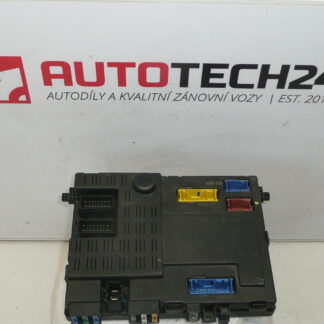
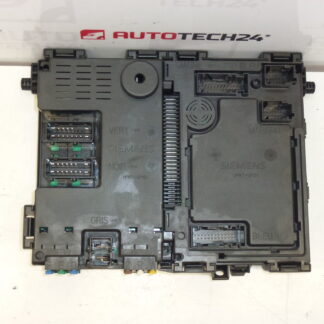
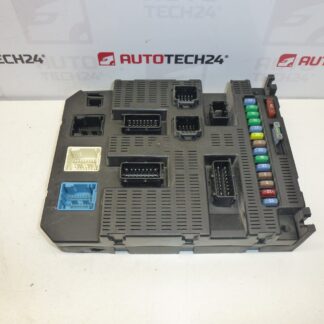
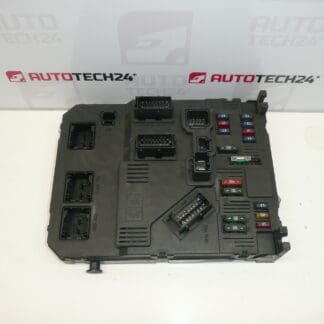
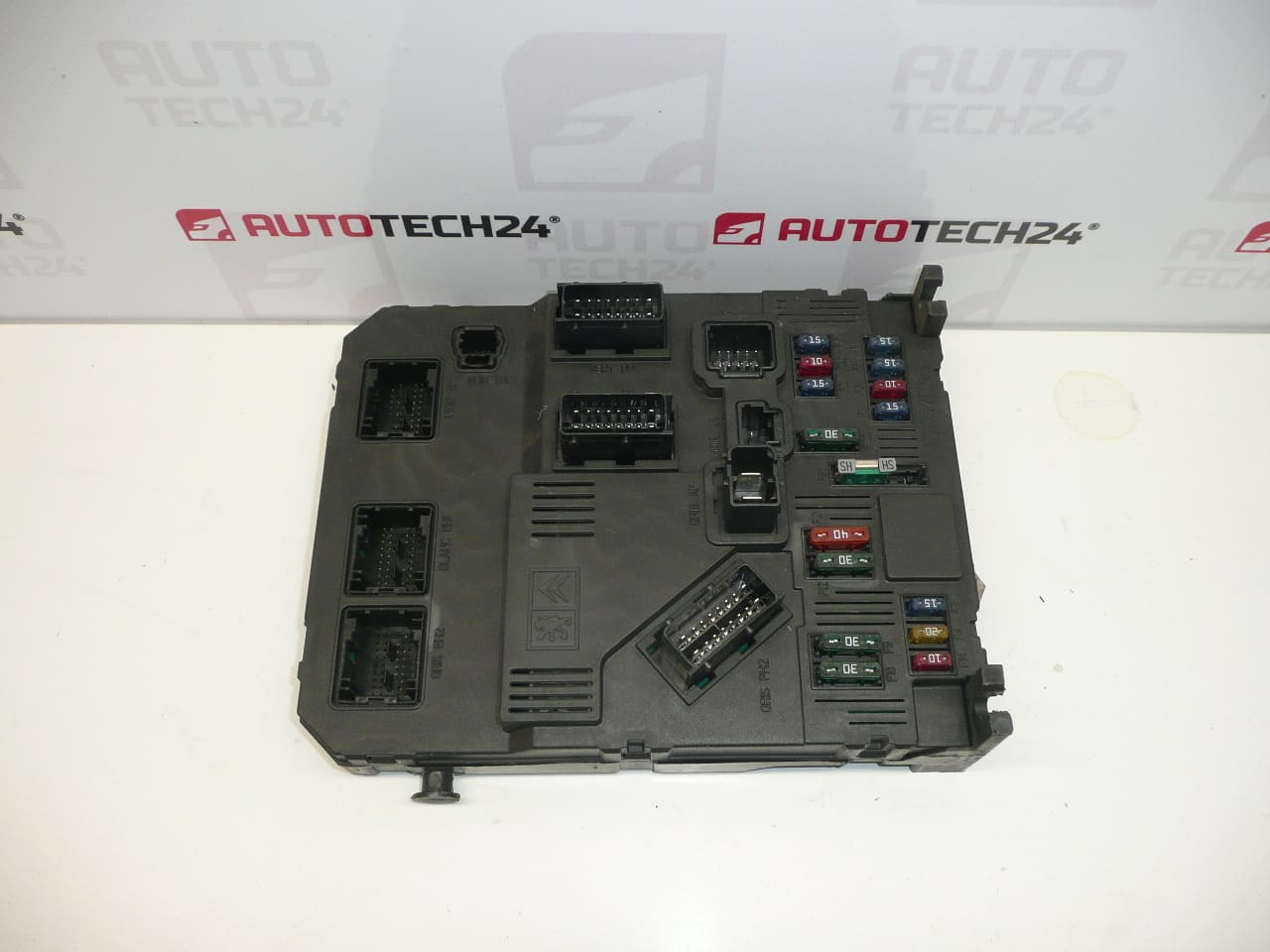
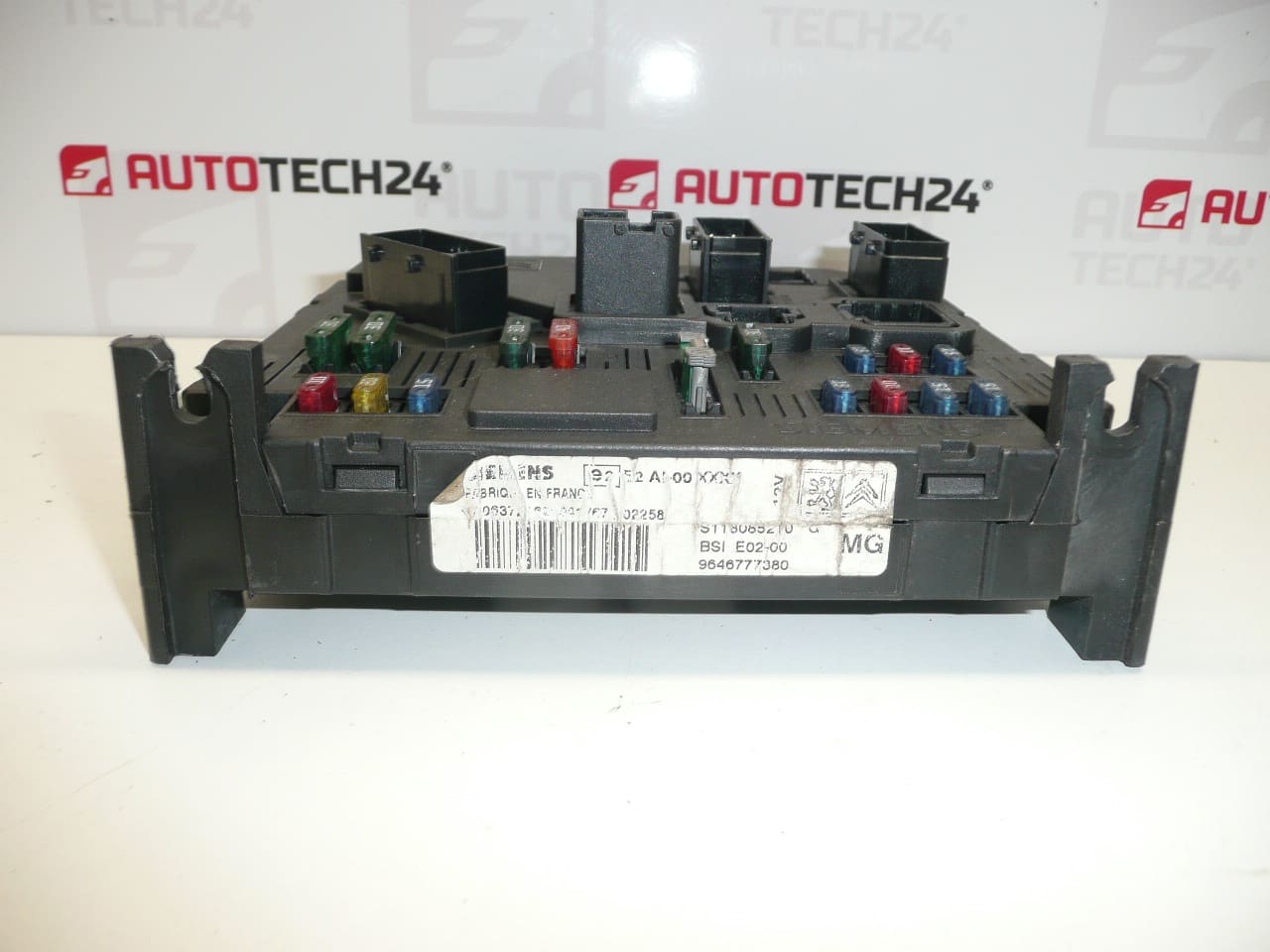
BSI Control Unit Siemens E02-00 MG for Citroën and Peugeot vehicles
Used Siemens BSI E02-00 MG comfort control unit suitable for Citroën and Peugeot cars. This unit is a central body control module that manages multiple comfort and security functions — central locking, interior lighting, wipers, power windows, alarm/immobilizer communication and other vehicle convenience circuits. The module is commonly searched by product codes (9646777380, S118085210, 6580GZ, 1650882680), so quoting the exact number speeds up identification for workshops and DIY mechanics.
Compatibility And Typical Applications
Suitable For: Peugeot 206. Also Installed In Various Citroën And Peugeot Models Equipped With Siemens BSI E02-00 MG. Always Match The Product Codes Below With The Unit On The Vehicle When Verifying Fitment.
Technical Information
- Manufacturer: Siemens
- Model: BSI E02-00 MG
- Product Codes: 9646777380, S118085210, S118085210G, S118085210E
- Other Numbers: 6580GZ, 1650882680, NFP, Stellantis
Function And Common Fault Symptoms
The BSI (Built-in Systems Interface) is the vehicle’s comfort and body control unit. Typical symptoms of a failing or mismatched BSI include intermittent or total loss of central locking, non-working electric windows, erratic interior or exterior lighting, false warning lights on the dash, problems with the immobilizer leading to no-start conditions, and failures of convenience features. Because the BSI also communicates with the immobilizer and keys, a not-properly-paired unit can prevent the engine from starting.
Replacement Procedure
General Replacement Steps (For Experienced Technicians/Mechanics):
- Disconnect The Negative Battery Terminal Before Any Work.
- Access The BSI Unit (Usually Located Under The Dashboard On The Driver Side Or Behind The Glove Box Depending On Model).
- Remove Covering Panels And Retaining Fasteners.
- Carefully Unplug Electrical Connectors And Remove The Unit.
- Install The Replacement Unit, Reconnect Connectors And Refit Panels.
- After Mechanical Fitment, Follow The Required Coding/Initialization Steps Below To Restore Full Functionality.
Installation And Coding – Important
- The Unit Is Used And Is “Paired” With The Original Vehicle (VIN/PIN/Keys).
- Options To Commission:
- Cloning Data From The Old Unit (EEPROM/Flash) – After Cloning The Unit Is Plug And Play.
- Virginization And Subsequent Initialization/Telecoding Via DiagBox (Or Online) + Key Adaptation.
- Recommended To Be Performed By A Technician With PSA Service Equipment (DiagBox/Lexia/PP2000).
- Before Removal/Installation Always Disconnect The Battery And Follow The Manufacturer’s Procedure To Avoid Damaging The Unit.
Installation Recommendations
Perform Installation In A Clean, Dry Environment. Inspect Electrical Connectors For Corrosion Or Bent Pins And Clean Or Replace As Necessary. Ensure Good Ground Connections And Stable Battery Voltage During Coding Procedures. Use PSA Diagnostic Tools For Virginization/Telecoding And Key Adaptation To Restore Immobilizer Functionality.
Why This Part Most Commonly Fails
Common Causes Of Failure Include Water Ingress Or Moisture Damage, Corrosion On Connectors, Electrical Surges Or Poor Battery Connections, Thermal Stress And Aging Of Internal Components (Solder Joint Cracks Or Failed Capacitors). Faulty Wiring Or Aftermarket Electrical Modifications Can Also Cause Premature BSI Failure.
Notes For Mechanics And DIY Enthusiasts
Because This Is A Used Unit, Verify Product Codes Before Purchase And Prepare For Either Cloning Or Reprogramming During Installation. Keep Diagnostic Equipment Ready To Confirm Communication With Vehicle Systems After Fitment. Quoting The Exact Part Number When Searching Or Ordering Will Improve The Chance Of Correct Fitment.