Description
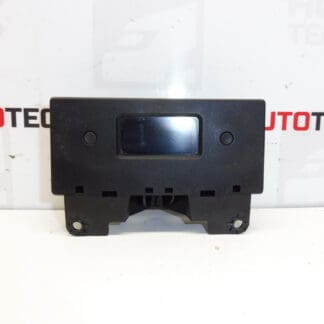
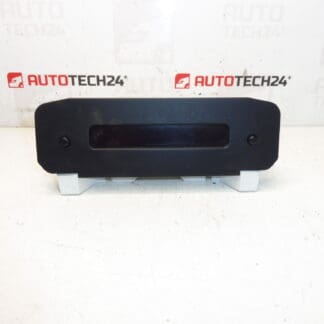
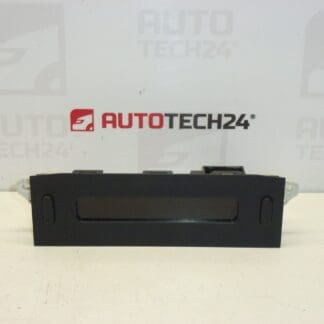
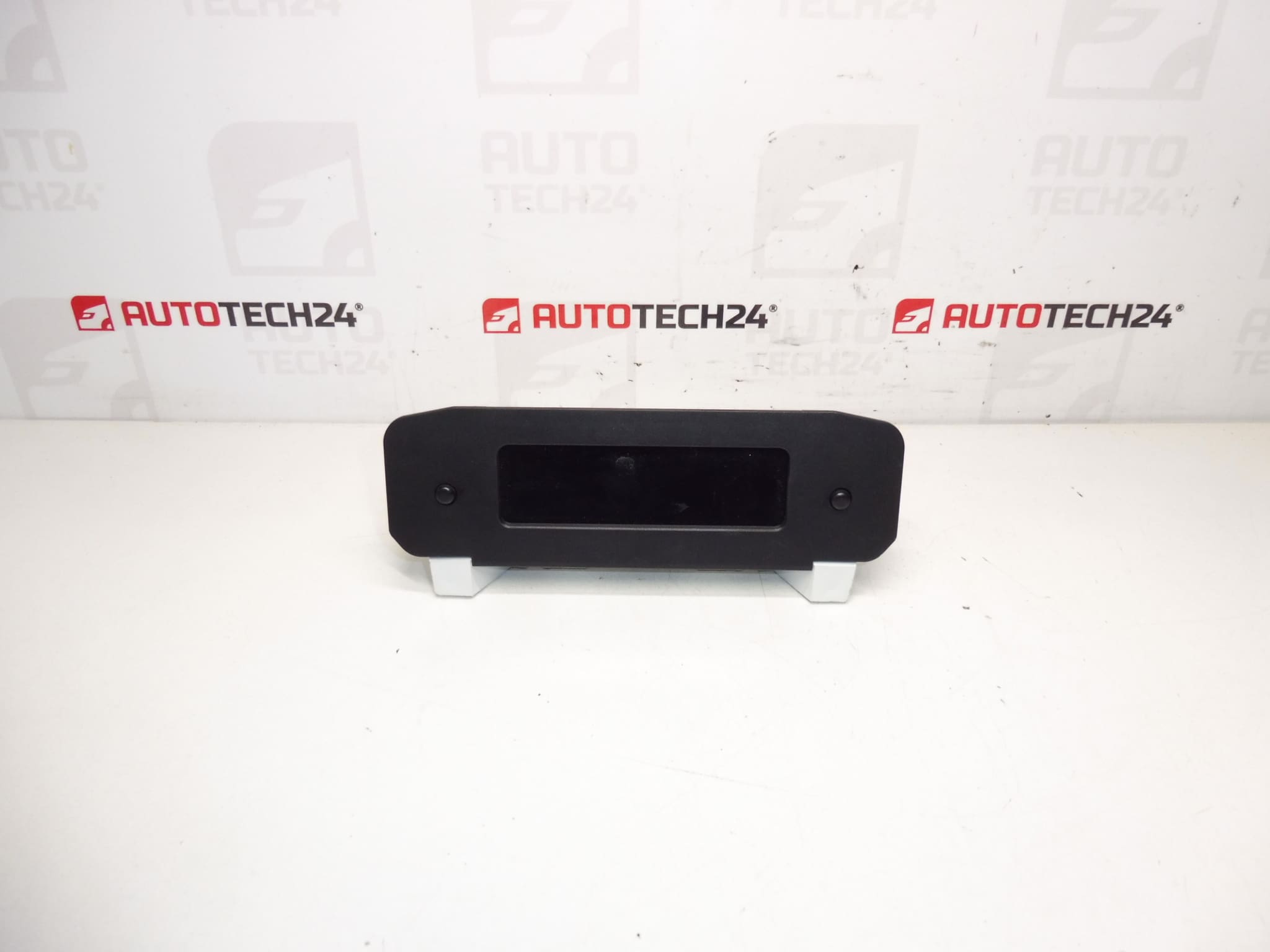
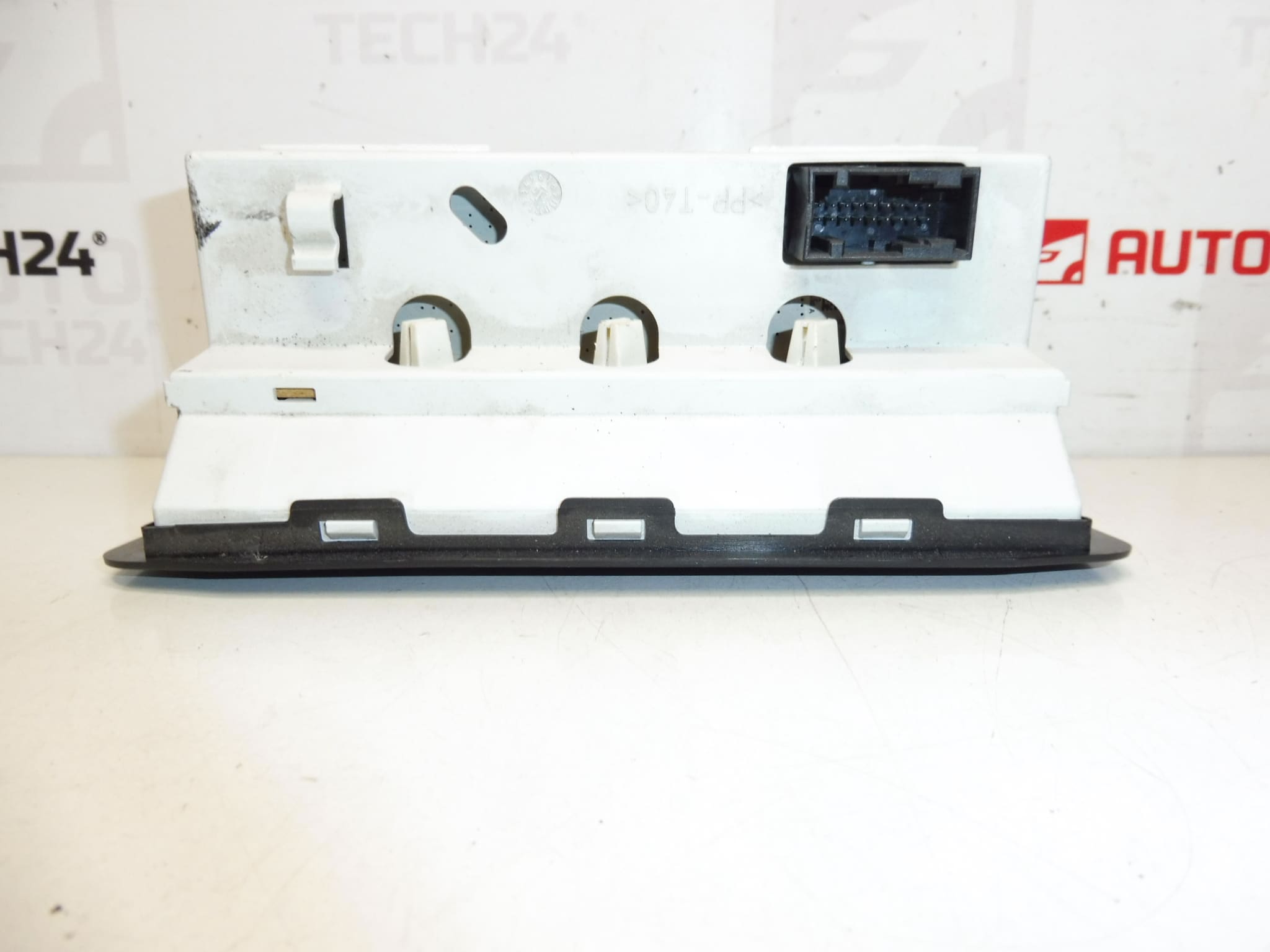
Radio and on-board computer display for Peugeot 206. Some functions may need to be configured with a diagnostic tool.
Overview
This replacement display is designed for the radio and instrument/on-board computer cluster in the Peugeot 206. It shows radio information, on-board computer data (trip, range, basic vehicle messages) and other driver information. The unit is a direct-fit component commonly searched by its part numbers, making it easy for technicians and DIY enthusiasts to find and identify.
Key Benefits
- Direct Fit For Peugeot 206 — Designed To Match Original Mounting And Connectors.
- Improves Readability — Restores Clear Radio And On-Board Computer Readouts.
- Cost-Effective Repair — Replace Only The Display Instead Of Entire Head Unit.
- Commonly Searched By Part Number — Fast Identification For Workshops And Owners.
Technical Information
- Manufacturer: Stellantis (Citroën / Peugeot)
- Model: Peugeot 206
- Product Codes: 9650242977, C00
- Additional Numbers: 6563HV, 6563AV, 6564CS, 659300, 6563TF, 659601
Installation Recommendations
Always follow safe workshop practice when replacing the display. Typical replacement steps:
- Disconnect The Battery Before Starting To Prevent Short Circuits And Protect Electronics.
- Carefully Remove The Radio/Center Bezel Using Proper Trim Tools To Avoid Damaging Panels.
- Unplug Electrical Connectors And Any Ribbon Cables From The Old Display.
- Replace The Display And Reconnect All Plugs Firmly. Check For Correct Seating Before Reassembly.
- Reconnect The Battery And Test All Display Functions. If Some Features Are Missing, Configuration With A Diagnostic Tool May Be Required.
When diagnostics are required, use appropriate PSA tools (DiagBox/Lexia/PP2000) or an equivalent capable of configuring radio/on-board computer settings.
Why This Part Most Commonly Fails
- Backlight Or Contrast Degradation — Aging LEDs Or Backlight Components Reduce Visibility.
- Pixel Or Segment Failure — Individual Segments Or Pixels Can Stop Displaying Correctly.
- Thermal Stress And Solder Joint Fatigue — Repeated Temperature Changes Can Cause Intermittent Connections.
- Moisture Or Contamination — Water Ingress Or Dirt Can Damage Display Electronics.
- Connector Wear Or Corrosion — Poor Contact Leads To Flicker Or Complete Loss Of Display.
Notes
Part is frequently searched and identified by the listed part numbers (e.g., 9650242977). Some functionalities may require diagnostic configuration after installation to restore full operation.