Description
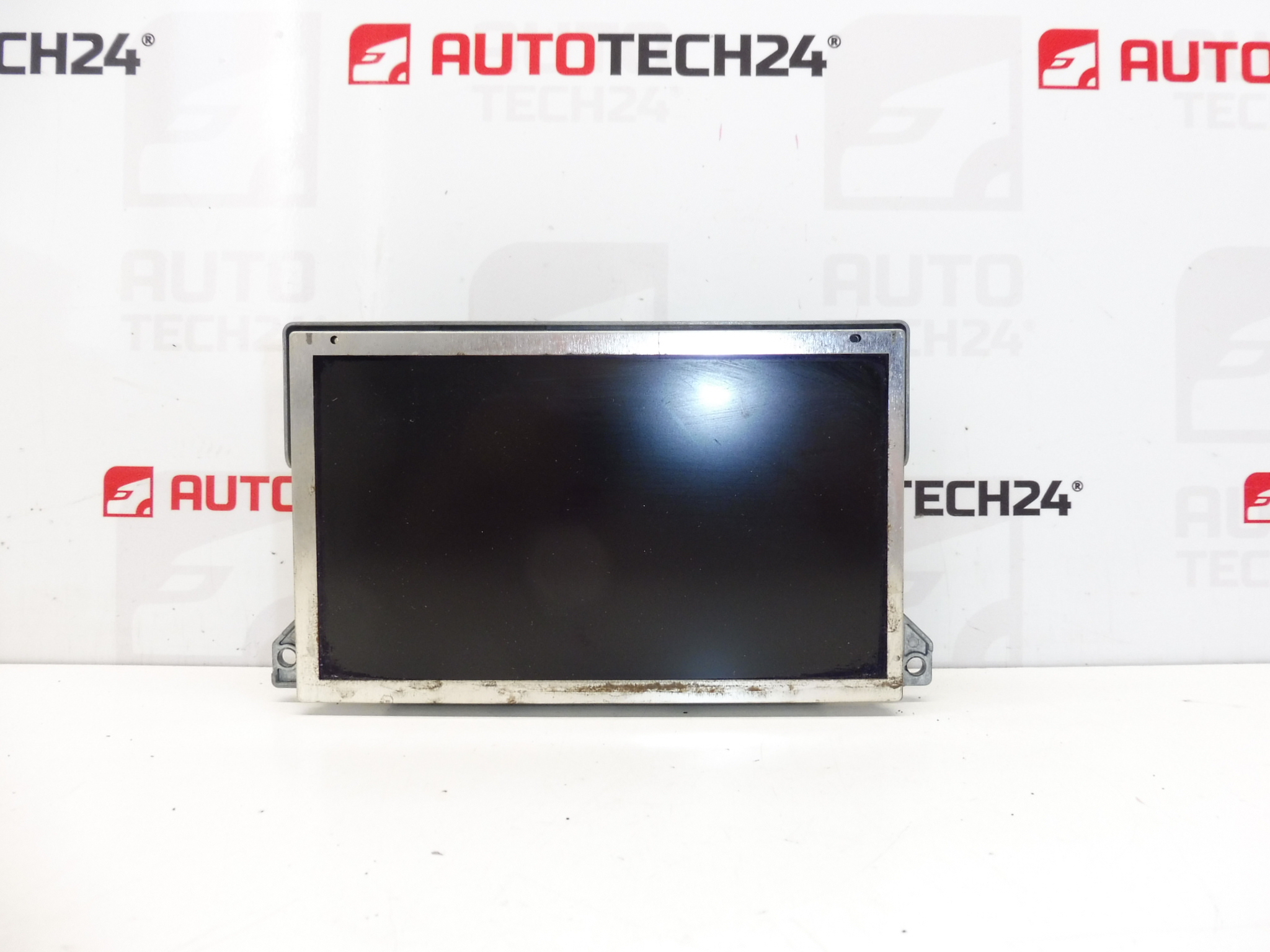
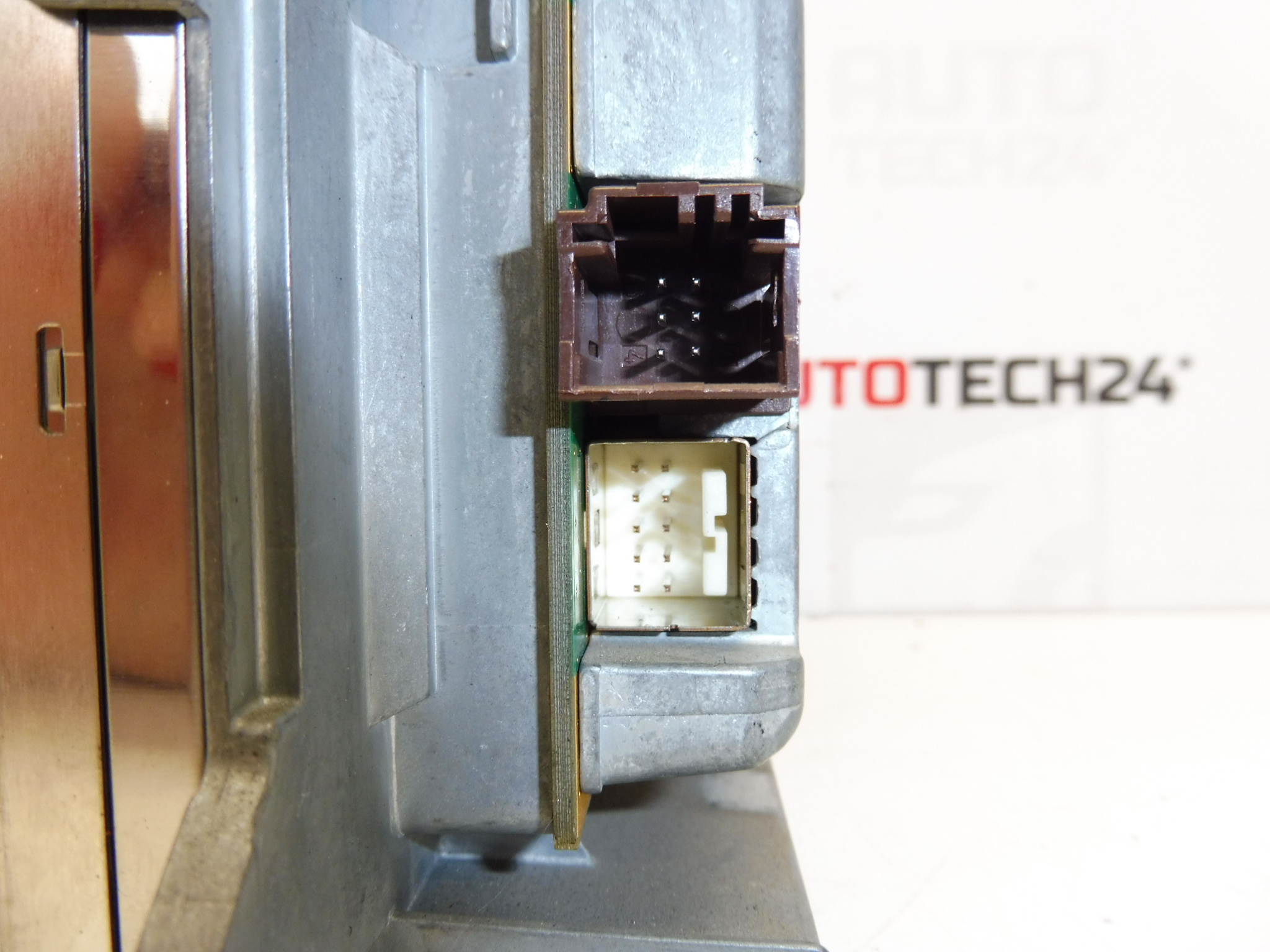
Multifunction display for Peugeot 307 from 2005. Shows radio, navigation, trip computer, chassis and other vehicle functions. There are two small marks on the display, it is fully functional, readable, tested.
This original Stellantis display is a direct-fit instrument for many Peugeot 307 vehicles. It presents the radio information, built-in navigation prompts, onboard computer data and chassis/vehicle status information on a single screen. The unit is commonly searched by part numbers, so we list the relevant codes below to help mechanics and DIY enthusiasts find the correct replacement quickly.
Technical Information
- Manufacturer: Stellantis (Peugeot/Citroën)
- Model: Peugeot 307 (from 2005)
- Product Codes: 9661235580
- Other Numbers: 659377, 6593S9
Compatibility
Primarily fitted to Peugeot 307 models (check part numbers for exact match). This display is used across several equipment levels where the multifunction screen with navigation and vehicle information is installed.
How To Replace
Basic replacement workflow for experienced mechanics or competent DIYers:
- Disconnect the negative battery terminal before starting to prevent electrical damage.
- Carefully remove surrounding trim panels using plastic trim tools to avoid scratching or breaking clips.
- Unscrew the retaining screws that hold the display module in the dashboard frame.
- Pull the unit gently forward and unplug all electrical connectors, taking care with ribbon cables and locking tabs.
- Install the replacement unit by reversing the removal steps: connect the harnesses, secure the unit, refit trims and reconnect the battery.
- Verify all functions (radio, navigation, onboard computer messages, vehicle info) after installation.
Installation Recommendations
- Always disconnect the battery before removal and follow the vehicle manufacturer’s guidelines to avoid damage to the unit or airbag/electrical systems.
- Use plastic trim tools to remove panels and avoid applying excessive force to dashboard fasteners.
- Handle the display and ribbon cables with care; avoid bending or touching contacts with bare hands to prevent contamination.
- If functions related to navigation or vehicle modules do not initialize correctly after fitment, consult a qualified technician with PSA diagnostic tools.
Why This Part Fails Most Often
- Backlight or display pixel degradation due to age and heat exposure, causing dark spots or small marks on the screen.
- Mechanical damage to the front panel or LCD from impact or pressure.
- Degraded solder joints or connector corrosion from humidity and temperature cycles leading to intermittent operation.
- Wear to ribbon cables and connector locking tabs caused by repeated removal or improper handling during previous repairs.
Buying the correct part number and following careful installation procedures will maximise the lifespan of the replacement display and restore full readability of radio, navigation and vehicle information functions.