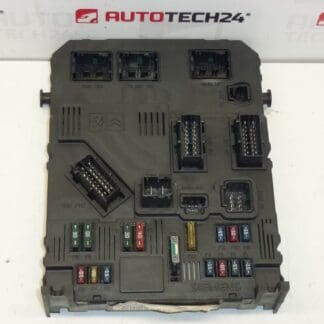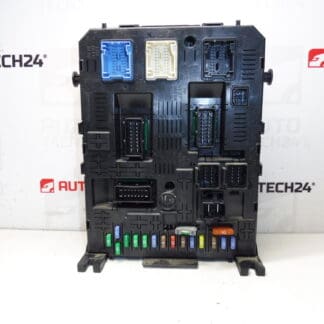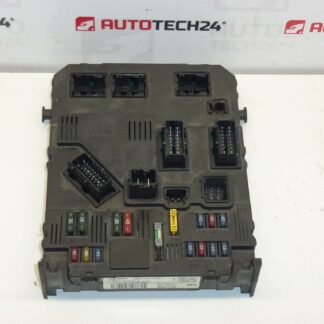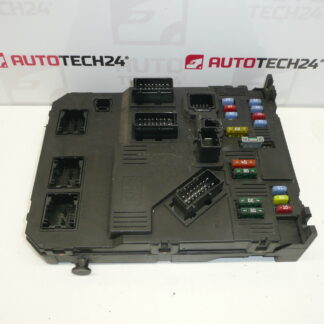
Description
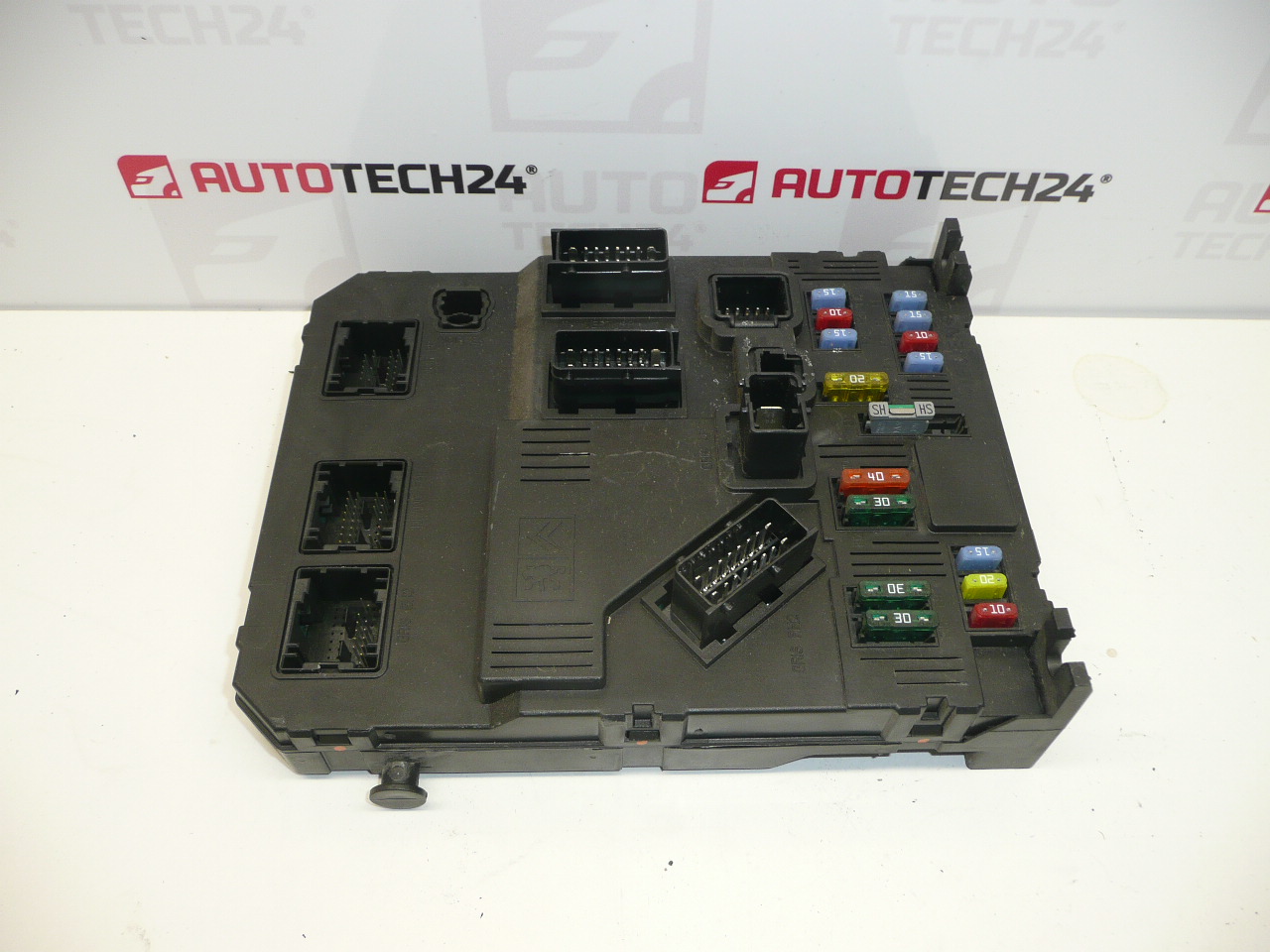
BSI Control Unit Siemens For Citroën And Peugeot Vehicles
Product Overview
This Siemens BSI (Body Systems Interface) control unit is designed for Citroën and Peugeot models and manages multiple comfort and electrical functions. It is a direct-fit electrical control module commonly used in central body electronics systems. Ideal for professional workshops and experienced DIY mechanics who perform diagnostics and module replacement.
Applications
Typical fitment examples:
- Citroën Xsara Picasso
- Peugeot 206
Function And Role
The BSI is the central comfort and body electronics gateway. It coordinates functions such as central locking, interior and exterior lighting logic, wipers, power windows, alarm/immobilizer signals and communication with other control units (instrument cluster, engine ECU, ABS, etc.). Faults in the BSI can cause intermittent electrical problems, non-working central locking, instrument cluster errors or immobilizer-related starting issues.
Replacement And Installation
Basic replacement steps (for qualified personnel):
- Disconnect the negative battery terminal before starting to avoid damage to the unit and vehicle electronics.
- Access the BSI: typically located behind the dashboard near the fuse box or under the glovebox depending on model year.
- Remove trim panels and unscrew the BSI mounting fasteners.
- Carefully unplug all wiring connectors, noting their positions.
- Install the replacement unit, secure fasteners, reconnect connectors and reassemble trim.
- Complete cloning or coding procedure (see Installation And Coding – Important below) to restore full functionality.
Technical Information
- Manufacturer: Siemens
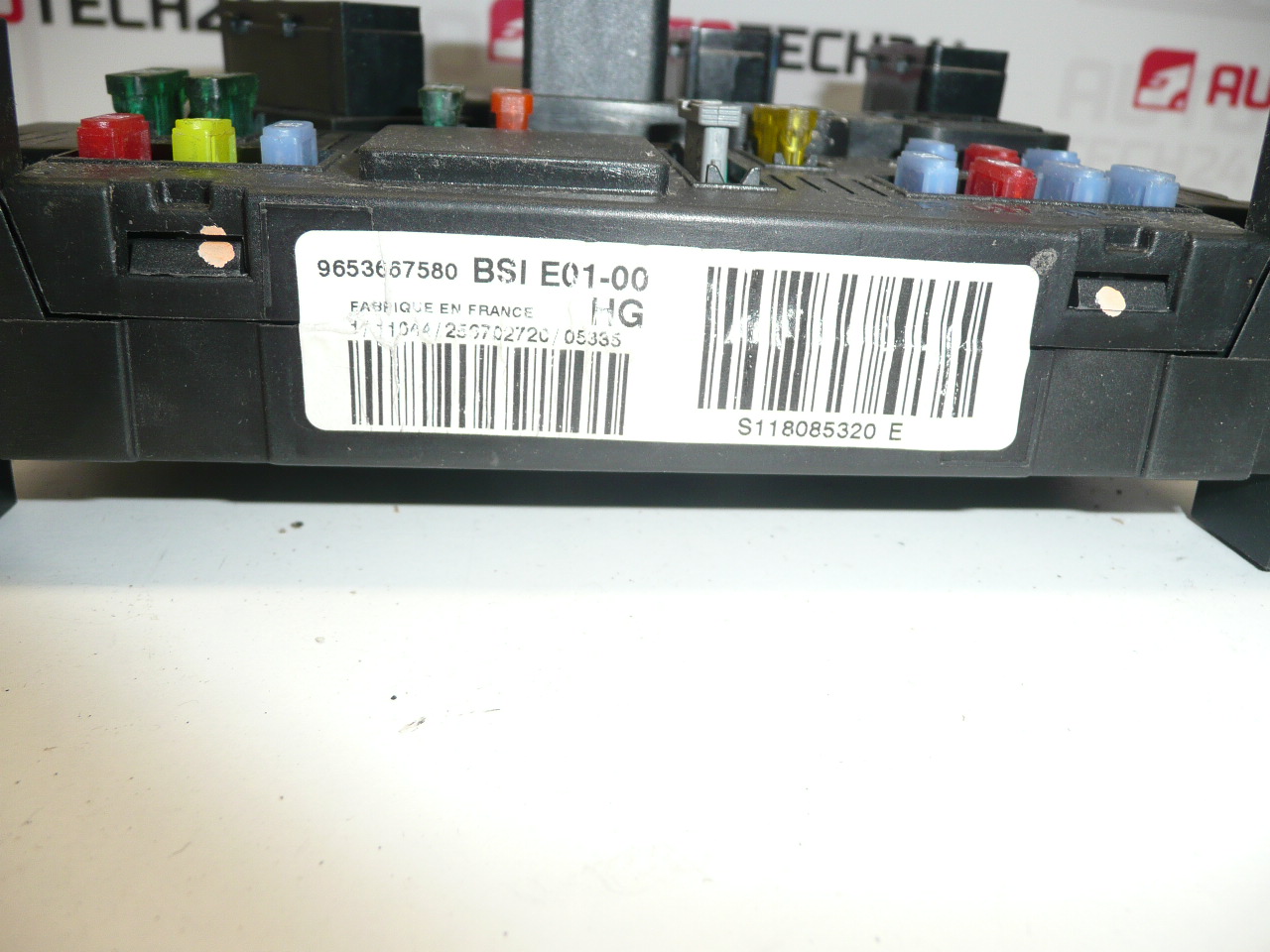
- Model: BSI E01-00
- Product Codes: 9653667580, S118085320
- Other Numbers: 1650882680, 6580FQ, NFP
Installation And Coding – Important
- The unit is used and is “paired” with the original vehicle (VIN/PIN/Keys).
- Options for commissioning:
- Cloning data from the old unit (EEPROM/Flash) – after cloning the unit is plug and play.
- Virginization and subsequent initialization/telecoding via DiagBox (or online) + key adaptation.
- Recommended to be performed by a technician with PSA service equipment (DiagBox/Lexia/PP2000).
- Always disconnect the battery before removal/installation and follow the manufacturer procedure to avoid damage to the unit.
Recommendations For Mounting
Install the unit on a clean, dry surface and ensure connectors are free of corrosion. Use dielectric grease on connector pins if appropriate for long-term protection. After installation, perform a full system scan and reset learned values where required. If cloning is used, verify EEPROM/Flash integrity and backup original data before proceeding.
Common Failure Causes
Most frequent reasons for BSI failure include moisture ingress and corrosion, electrical surges or short circuits, poor grounding, and thermal stress or cracked solder joints over time. Improper disconnection of the battery during servicing and exposure to water (leaks or high humidity) accelerate degradation. Failures often occur on higher-mileage or older vehicles but there is no fixed lifespan.
Why Choose This Unit
Having the correct BSI with matching product codes ensures compatibility with vehicle electrical architecture and reduces time needed for troubleshooting. Suitable for workshops and skilled DIYers who have access to appropriate diagnostic and coding tools.