Description
Power Supply Protection Unit On Battery For Citroën And Peugeot Vehicles
Product Overview
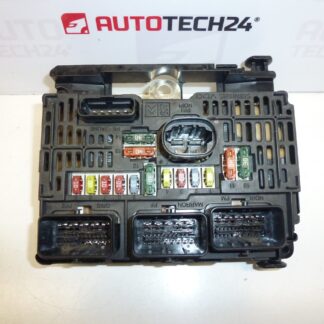
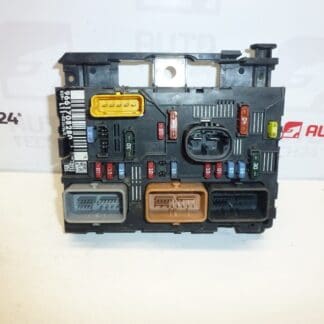
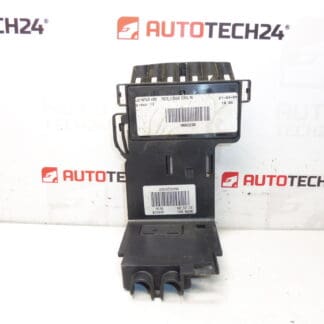
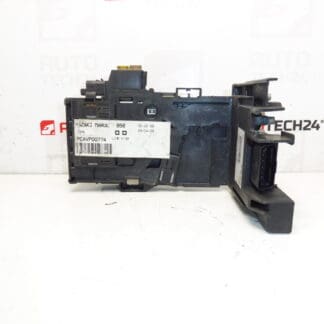
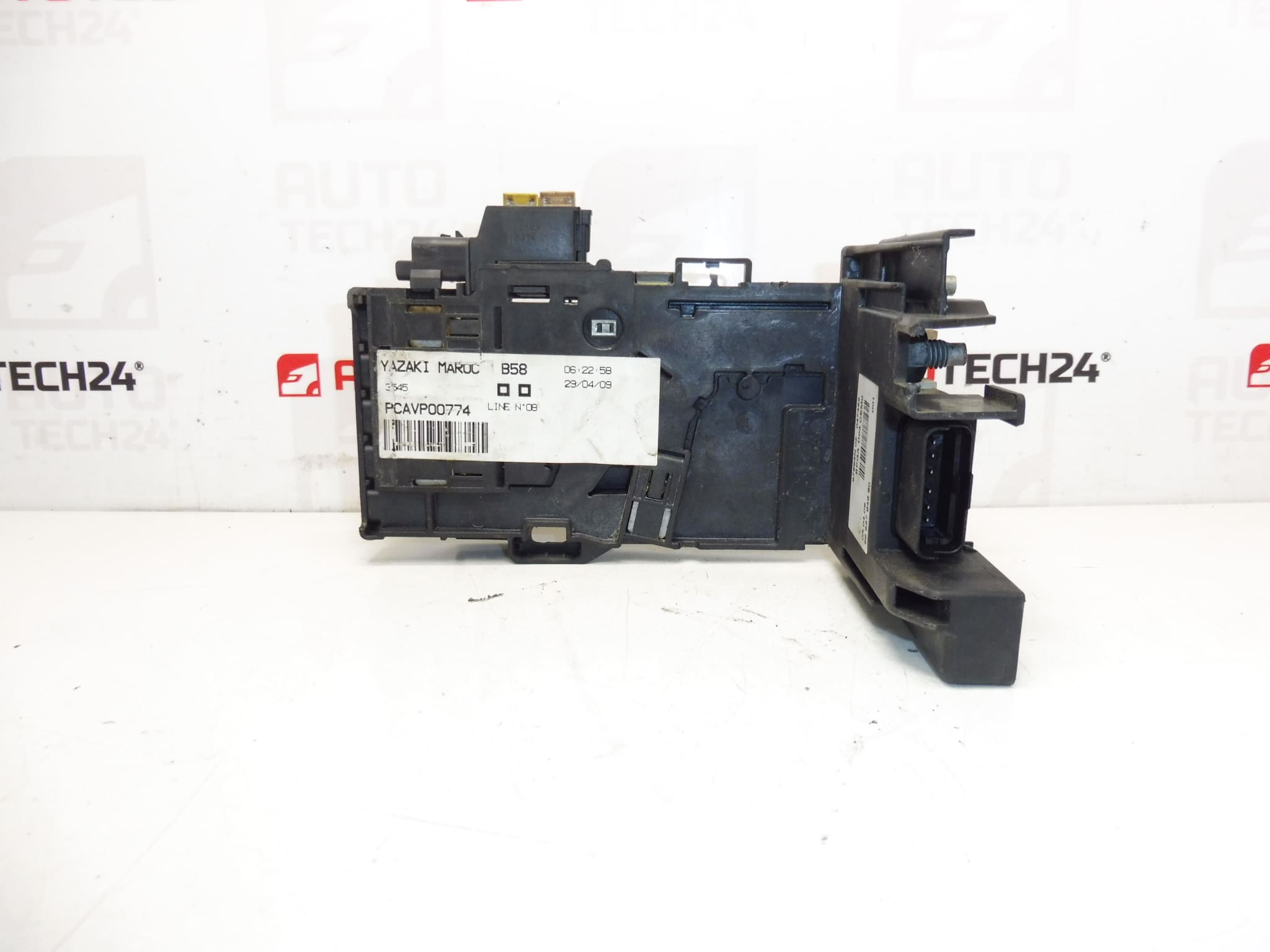
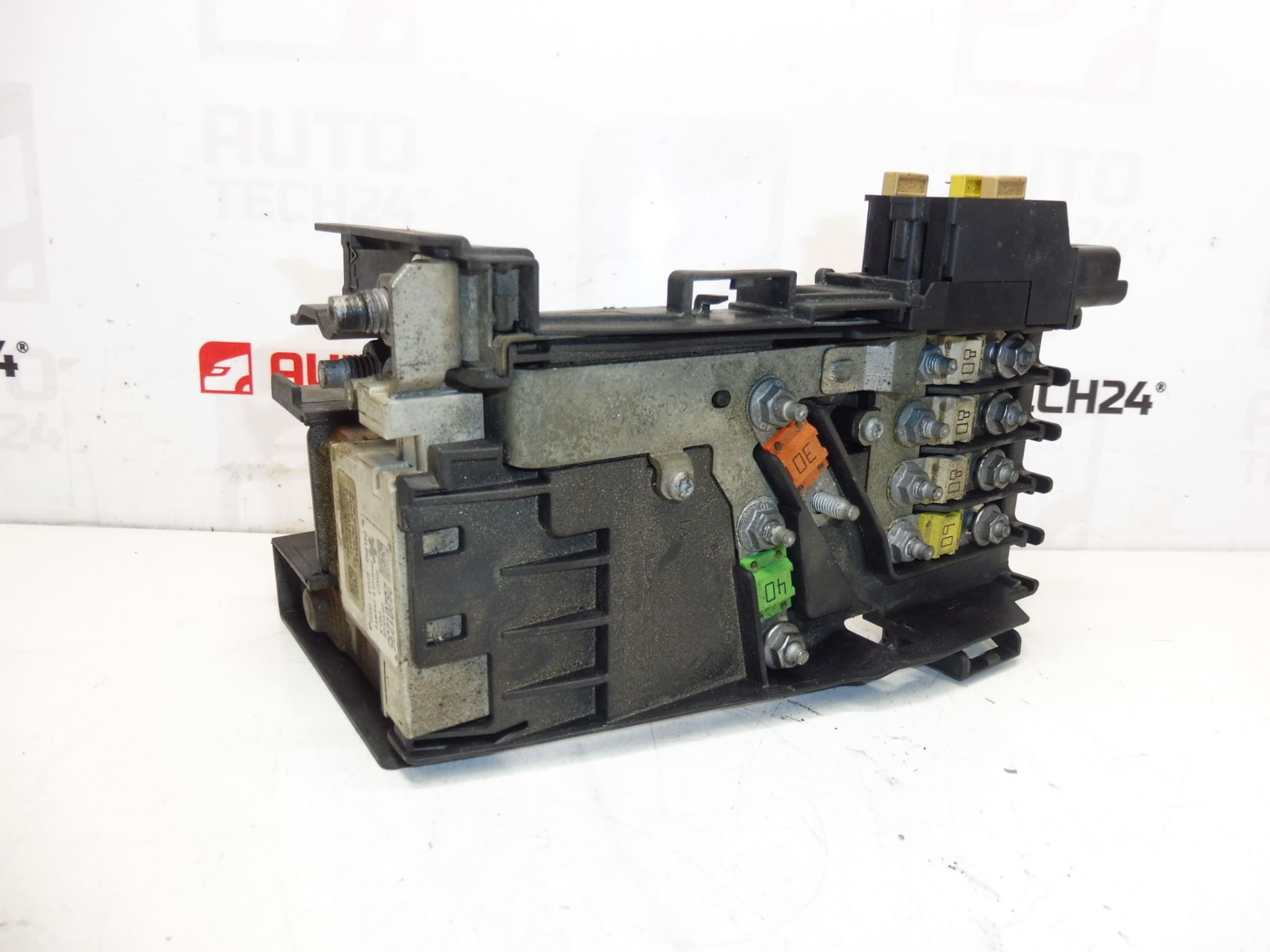
This fuse / power distribution module (BSM style) is designed for Citroën and Peugeot vehicles to manage and protect battery-fed circuits in the engine bay. It consolidates fuses and relays, ensures controlled power distribution to essential systems and protects wiring against overloads and short circuits. Ideal for professional workshops and experienced DIY mechanics searching by part number (9665794680, 28201235, 6500HE).
Technical Information
- Manufacturer: Stellantis (Citroën / Peugeot)
- Model: Citroën C4; Citroën C4 II; Citroën C4 Picasso; Peugeot 3008 I; Peugeot 308; Peugeot 5008 I
- Product Codes: 9665794680, 28201235, 6500HE
- Additional Numbers: N/A
Function And Location
The module is mounted in the engine bay near the battery and collects multiple fuses and relays into one compact unit. It serves as the main protection point for battery-supplied circuits (ignition, fuel pump, engine management auxiliaries, cooling fans, and other engine-bay electronics). By centralizing fuses and relays, it simplifies wiring, reduces harness length and allows quicker diagnostics and replacements.
Typical Symptoms Of A Faulty Module
- Intermittent loss of power to engine-related circuits or accessories.
- Vehicle Fails To Start Or Repeated Blown Fuses.
- Electrical gremlins such as unexpected shutdowns, relays not clicking, or certain functions working sporadically.
- Visible Corrosion, Melted Plastic Or Burn Marks On Connectors/Terminals.
Why This Part Commonly Fails
Failures are most often caused by environmental and electrical stresses: water ingress and moisture leading to corrosion, thermal cycling and heat in the engine bay causing solder joint or connector degradation, vibration damaging pins or PCB traces, and electrical overloads or shorts that blow internal fuses or damage components. Poor sealing after previous repairs or damaged grommets also accelerates failure.
Installation Recommendations
Work Should Be Performed By A Trained Technician Or An Experienced DIYer With Basic Electrical Knowledge. Follow These Key Steps:
- Always Disconnect The Battery Before Starting—remove the negative terminal first to avoid short circuits.
- Allow Systems To Sleep After Disconnecting Battery (wait a few minutes) to ensure capacitors discharge and modules go to a safe state.
- Document Fuse/Relay Positions Or Transfer Original Fuses/Relays To The New Module If Required.
- Inspect Connectors And Wiring For Corrosion Or Damage; Replace Damaged Clips Or Seals To Restore Water Tightness.
- Ensure Proper Seating And Locking Of The Module; Use Manufacturer Procedures When Available.
- After Installation, Reconnect Battery (positive last) And Verify All Affected Circuits Function Correctly.
Fitment And Search Tips
Customers Frequently Search Using The OEM Part Numbers 9665794680, 28201235 Or 6500HE — include these codes when checking compatibility. The unit is commonly fitted to first- and second-generation Citroën C4 models, C4 Picasso, and first-generation Peugeot 3008 and 5008, as well as Peugeot 308 variants. Always confirm model fitment and compare part numbers before ordering.
Notes For Professionals
This module is a critical element of the vehicle’s power distribution. Replace only with the correct part number and ensure connectors and sealing elements are renewed where necessary to prevent early re-failure. After replacement, perform a functional check of engine-start systems and affected electrical circuits.