Description
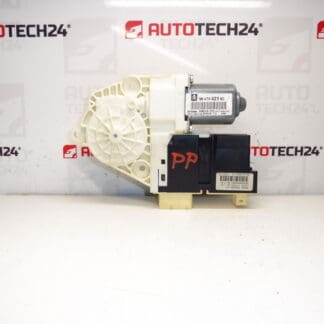
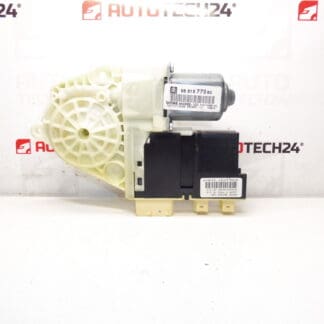
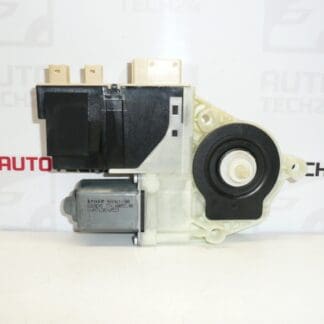
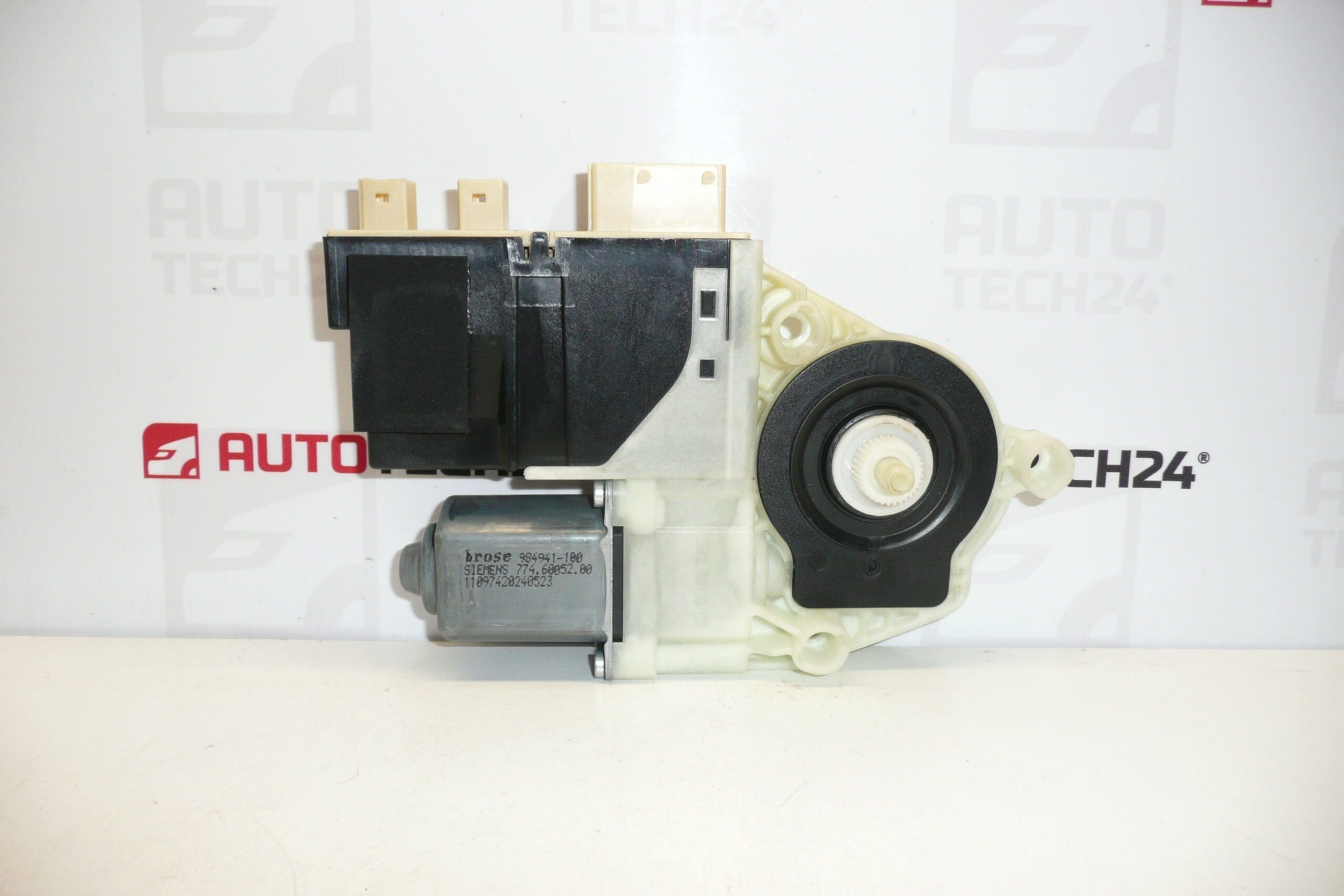
Electric motor for the left front window regulator for Citroën C4 first generation (Driver’s door).
Product Description
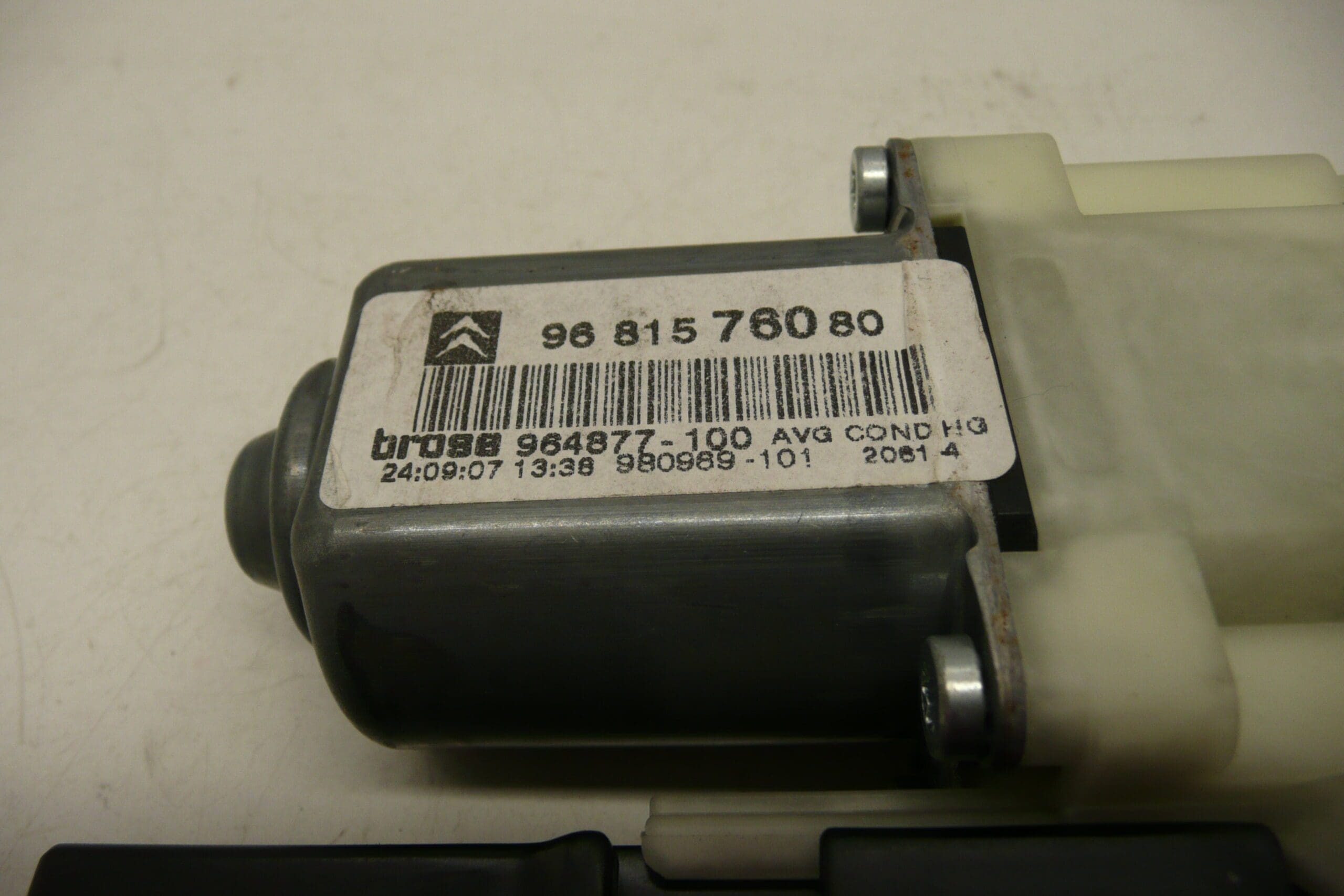
This electric window regulator motor is a direct-fit used part for the left front (driver’s) door of the first generation Citroën C4. Supplied with the referenced product codes 9681576080 and 9221AY, it is ideal for auto mechanics and DIY enthusiasts who need a reliable replacement motor that restores smooth and quiet window operation. The unit is suitable for vehicles where the original motor has failed due to wear, water ingress, or mechanical damage. Fast identification by part number makes ordering and installation straightforward.
Technical Information
- Manufacturer: Stellantis (Citroën/Peugeot)
- Model: Citroën C4 First Generation – Left Front (Driver’s) Door
- Product Codes: 9681576080, 9221AY
- Additional Numbers: 9681576080 / 9221AY
Installation Recommendations
- Park vehicle on a level surface and remove the ignition key.
- Disconnect the negative battery terminal before starting work to avoid short circuits or accidental motor movement.
- Remove the door trim panel and protective vapor barrier carefully to access the regulator and motor assembly.
- Support the glass in a safe position (tape or suction cups) before unbolting the motor or regulator mounting points.
- Disconnect the electrical connector and remove bolts securing the motor to the regulator. If replacing only the motor, transfer any required mounting brackets or spacers.
- Fit the replacement motor, reconnect the wiring, and verify correct operation of the window mechanism before refitting the door trim.
- Apply light grease to regulator sliders and check glass alignment. Reassemble door trim and reconnect the battery.
Common Failure Reasons
- Water Ingress And Corrosion: Moisture entering the door can corrode motor brushes, commutator, or internal gears and cause failure.
- Wear Of Internal Components: Brushes, armature, and gear teeth wear over time, reducing torque and causing intermittent operation.
- Mechanical Stress: Misaligned window glass or damaged regulator cables/sliders overload the motor and lead to premature failure.
- Electrical Issues: Poor connectors, wiring faults, or fused circuits can present as motor failure even when the motor itself is functional.
- Debris And Dirt: Accumulated dirt in the regulator mechanism increases friction and load on the motor.
Practical Tips For Mechanics And DIYers
- Always test the replacement motor on the bench or with the connector attached before final installation to ensure proper rotation and noise level.
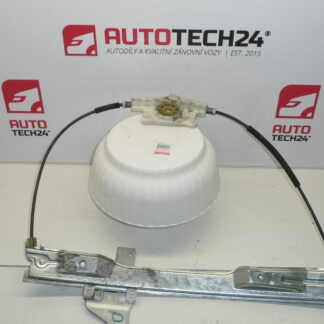
- When replacing the motor, inspect the regulator rails, sliders, and cables. Replacing the worn regulator parts at the same time reduces the chance of repeated failure.
- Keep part numbers 9681576080 and 9221AY handy when searching catalogs or ordering to speed up identification.
Why Choose This Part
This motor offers a cost-effective repair option that returns window function and comfort to the vehicle. It is well suited for garages and independent mechanics who require a clear part-number-based solution for Citroën C4 first generation left front window issues.