Description
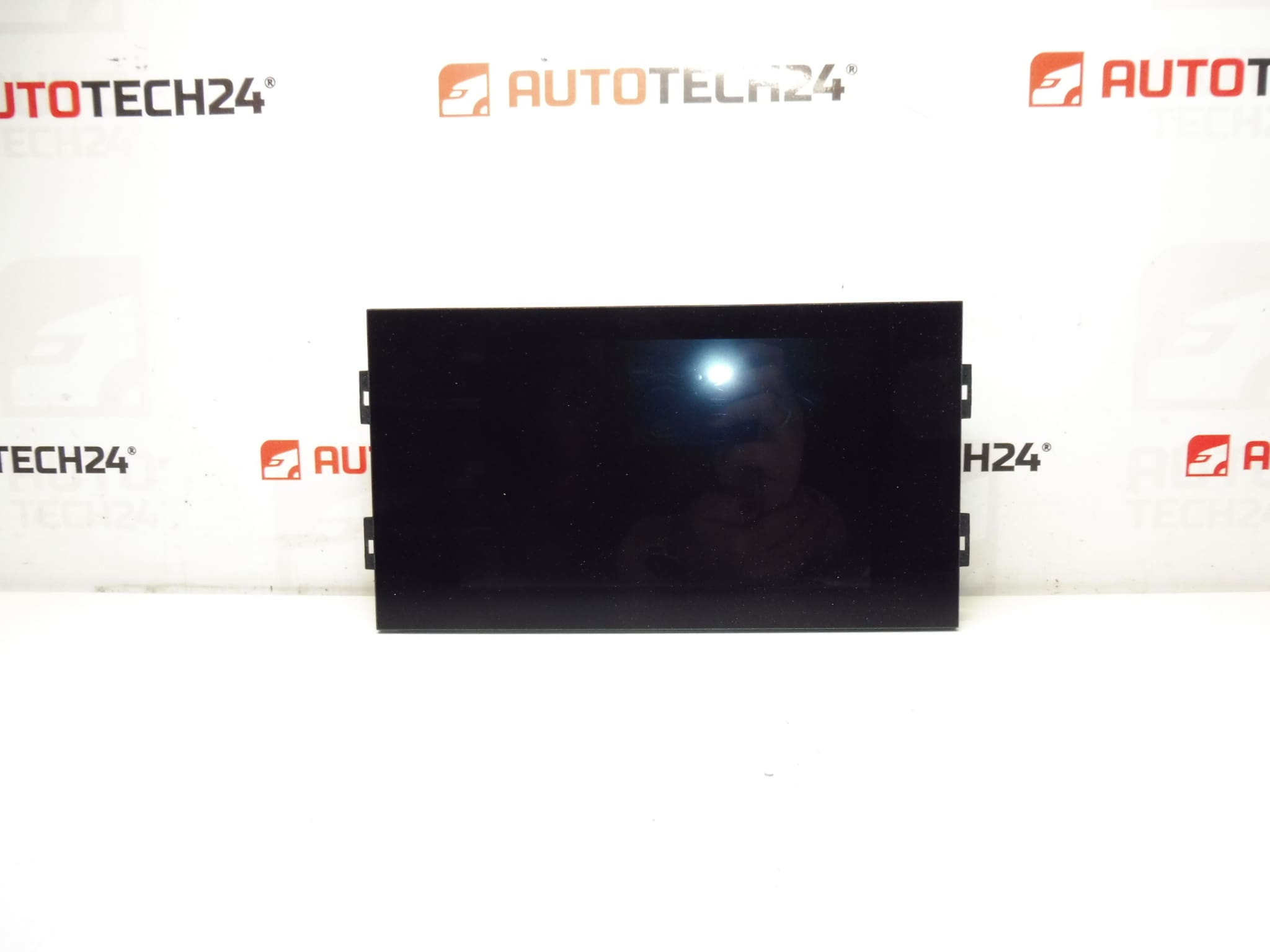
Multifunctional video display for Peugeot 308 T9. Some functions may need to be initialized with diagnostic equipment.
Product Overview
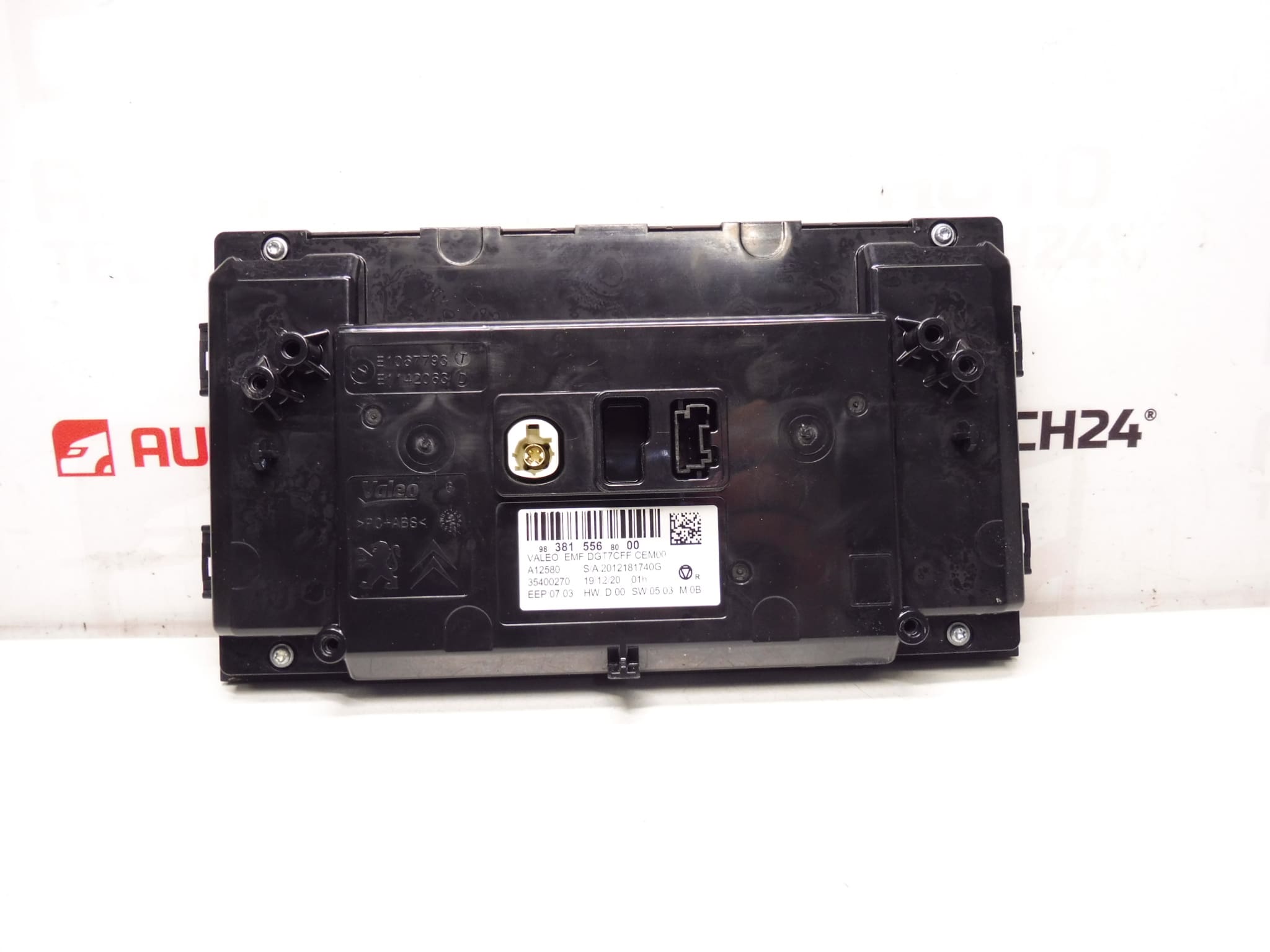
This original equipment style multifunctional display replaces the radio, onboard computer and climate control screen on the Peugeot 308 T9. Designed to present audio, vehicle information and HVAC settings in a single module, the unit improves ergonomics and keeps factory functions intact. The display is commonly referenced by the part number 9838155680, making it easy to find in catalogs and aftermarket listings.
Technical Information
- Manufacturer: Stellantis / Peugeot
- Model: Peugeot 308 T9
- Product Codes: 9838155680
- Additional Numbers: No additional numbers provided
Fitment And Compatibility
Intended for vehicles in the Peugeot 308 T9 range. Always confirm the part number 9838155680 against the component on the vehicle before fitting. This display is designed to match the factory connectors and mounting points for the T9 dash layout.
Installation
Replacement is straightforward for a trained mechanic or an experienced DIYer with basic dash trim tools. Typical steps:
– Disconnect the negative battery terminal before starting.
– Remove surrounding trim panels using plastic pry tools to avoid damage.
– Unscrew the display unit mounting screws (usually Torx or Phillips) and carefully pull the unit forward.
– Disconnect electrical connectors and any antenna or data cables.
– Fit the new display, reconnect connectors, secure with screws and refit trim panels.
Estimated time: 30–90 minutes depending on experience and vehicle equipment.
Initialization And Diagnostics
Some features of the display may require initialization or configuration using diagnostic equipment. If certain functions do not appear or menus are missing after installation, a diagnostic session with PSA-compatible tools (for example DiagBox) may be required to enable or adapt specific features. Follow the vehicle manufacturer’s procedures when performing any software configuration.
Mounting Recommendations
– Always disconnect the battery before removing or fitting the display to avoid electrical damage.
– Use plastic trim tools to prevent scratching the dashboard.
– Check connectors for corrosion or bent pins and clean contacts if needed before reassembly.
– Tighten mounting screws to a firm but not excessive torque to prevent housing damage.
– After installation, verify all display functions and backlighting at different ignition positions.
Why This Part Most Commonly Fails
Failures are most often caused by electrical faults, wear of internal components or connector problems. Common causes include:
– Backlight or LCD panel degradation due to age and heat exposure.
– Faulty ribbon or flex cable connections between the display and control PCB.
– Water ingress or condensation leading to corrosion of contacts.
– Software or communication errors that prevent menus or features from appearing until reinitialised by diagnostic tools.
Additional Notes For Mechanics And DIYers
Keep the original part number 9838155680 handy when searching for replacements or spares. This helps ensure you obtain a unit with matching connectors and firmware family. If any doubts arise during fitting, consult the vehicle manufacturer’s repair manual or factory wiring diagrams to verify connector pinout and mounting details.