Description
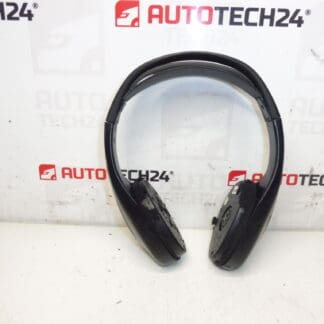
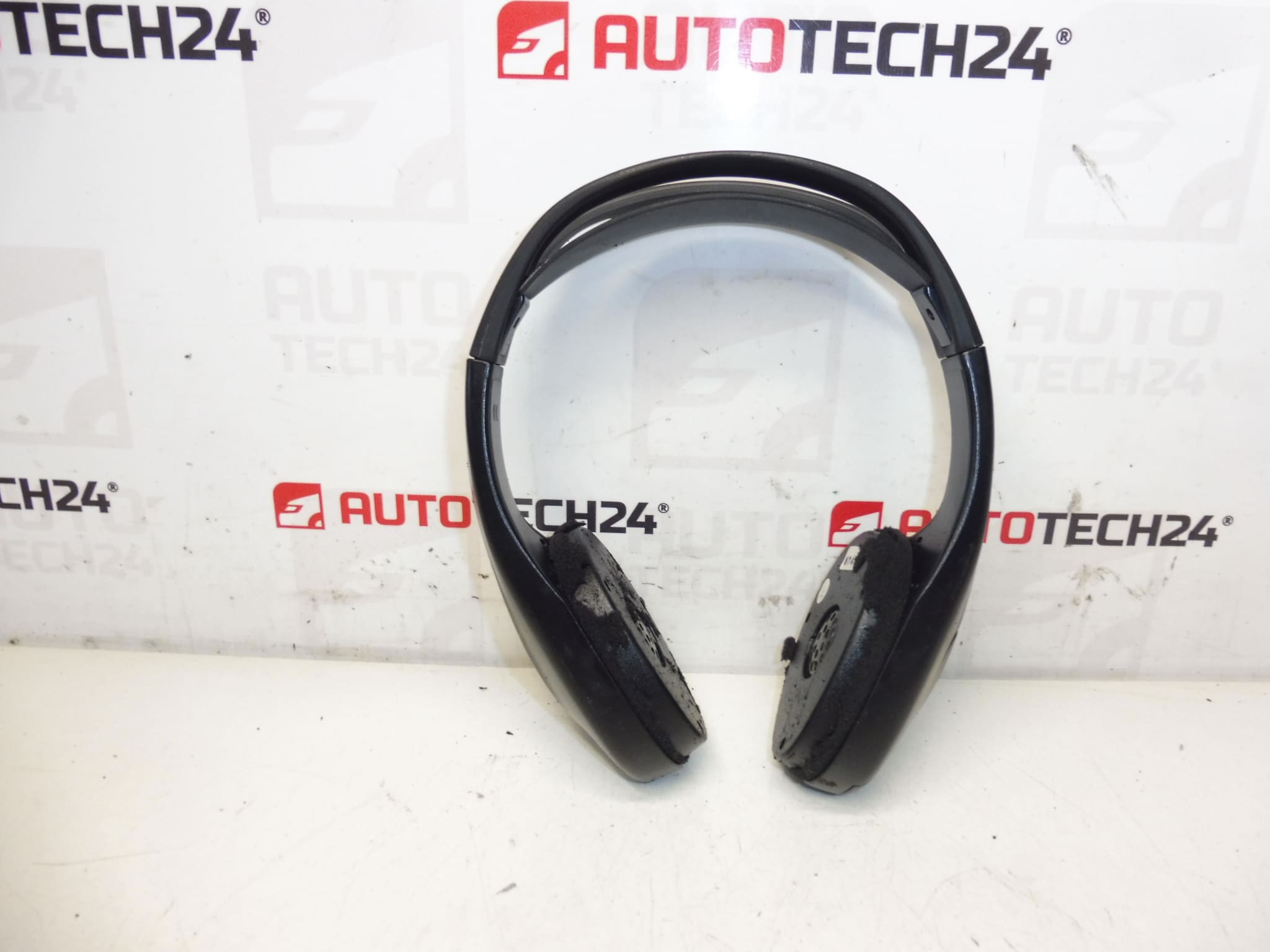
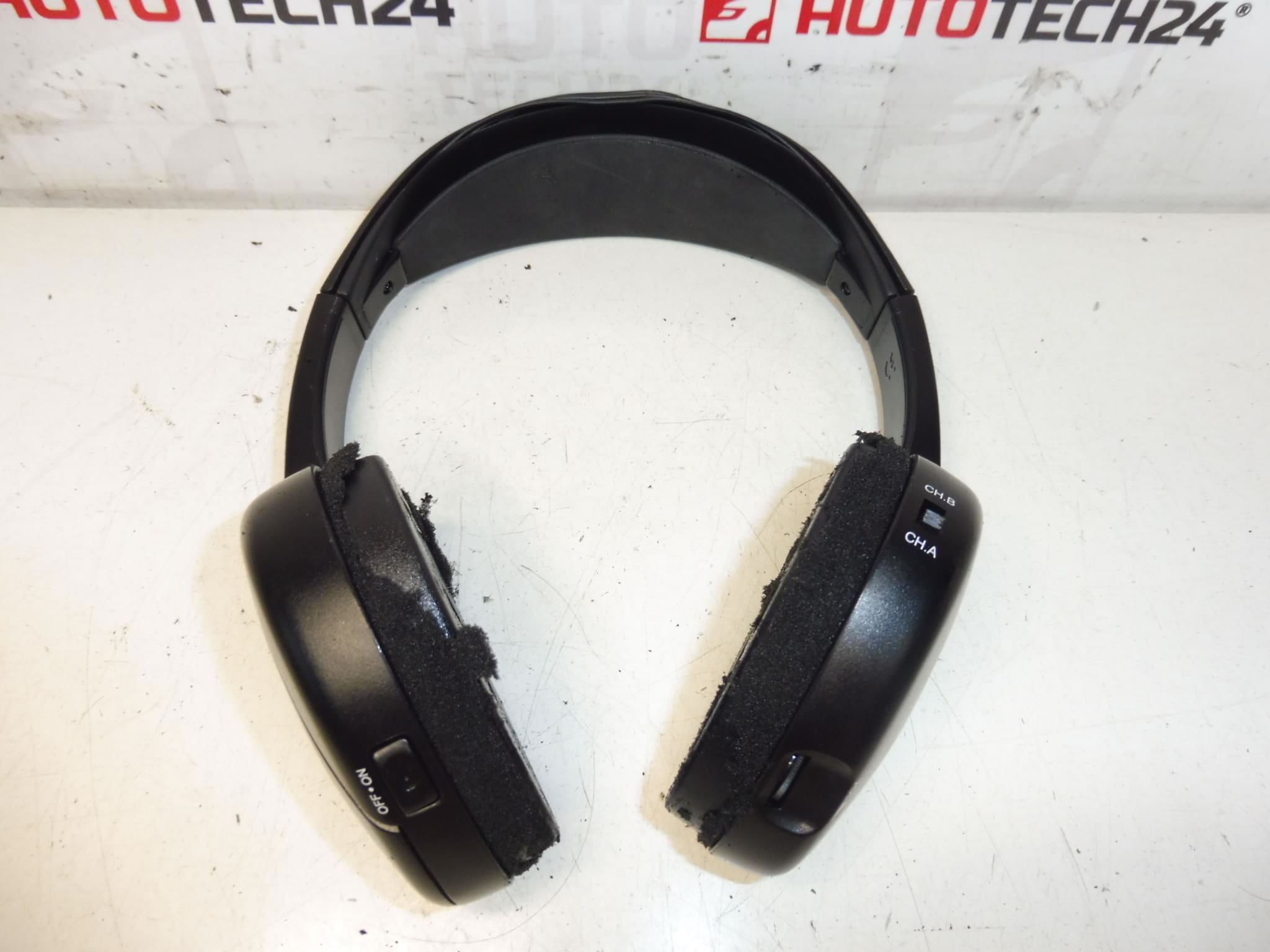
Headphones for DVD and Multimedia Player for Citroën C4 Picasso first generation. Condition unknown, for spare parts, protective foam pads missing, sold without warranty.
Overview
Replacement headphones intended for use with factory DVD and multimedia systems fitted to the Citroën C4 Picasso (first generation). Ideal for mechanics and do-it-yourself enthusiasts searching by product code 6574C2 or by vehicle model. This item is offered as a spare part and may be missing the soft protective foam pads and other cosmetic pieces.
Technical Information
- Manufacturer: Stellantis / Citroën / Peugeot
- Model: Citroën C4 Picasso (First Generation)
- Product Codes: 6574C2
- Other Numbers: Not Available
Function And Compatibility
These headphones deliver audio from the in-car DVD or multimedia unit to rear-seat passengers. Depending on the original vehicle specification, connections can be wired (jack or dedicated plug) or wireless (infrared/headset). Confirm the physical connector type and mounting method when replacing to ensure compatibility with the roof-mounted or rear entertainment module installed in C4 Picasso models.
Replacement Procedure
Typical replacement steps for a workshop or competent DIYer:
- Prepare basic trim removal tools and a Torx/Phillips screwdriver set.
- Park the vehicle on level ground, engage the parking brake and, if required, disconnect the negative battery terminal to avoid short circuits when working near electrical connectors or airbags.
- Remove the relevant headliner trim or cover panels to access the headphone bracket and wiring harness. Use plastic trim tools to avoid damaging clips.
- Unplug the headphone connector from the multimedia unit or extension harness. Note connector orientation and any retaining clips.
- Replace the headphone unit, refit any missing protective foam pads, and reconnect the harness. Secure clips and fasteners to original torque/retention settings.
- Reinstall trim panels and test operation of the multimedia system and headphone audio before finalizing the job.
Typical workshop time: approximately 30–90 minutes depending on access and whether headliner removal is required.
Installation Recommendations
- Work Carefully Around Airbag Areas: If removal involves trim near curtain airbags, follow manufacturer procedures and disconnect the battery if instructed by the service manual.
- Protect Trim Clips: Use plastic trim tools to prevent breaking fragile fasteners when removing headliner or trim panels.
- Inspect Connectors: Check pins and contacts for corrosion or deformation and clean with appropriate electronic contact cleaner if necessary.
- Replace Missing Foam: Fit replacement foam pads to restore comfort and prevent rattles; missing foam is a common cosmetic issue.
Why This Part Fails Most Often
- Physical Wear And Tear: Foam pads, headband cushions and external housing commonly degrade from use, sunlight and passenger handling.
- Connector Damage: Repeated plugging/unplugging or water ingress can corrode or break connector pins, causing intermittent or no audio.
- Mechanical Damage: Dropping, snagging or improper removal can crack the housing or break internal mounts.
- Loss Or Degradation Of Wireless Components: If the system uses infrared or batteries, transmitters/receivers or battery contacts can fail over time.