Description
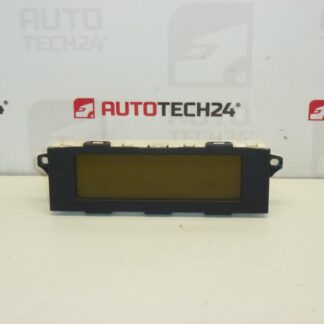
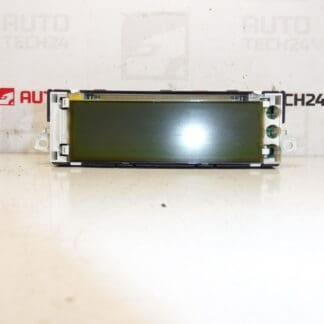
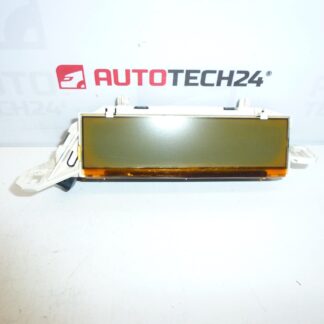
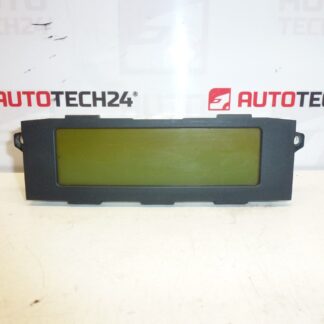
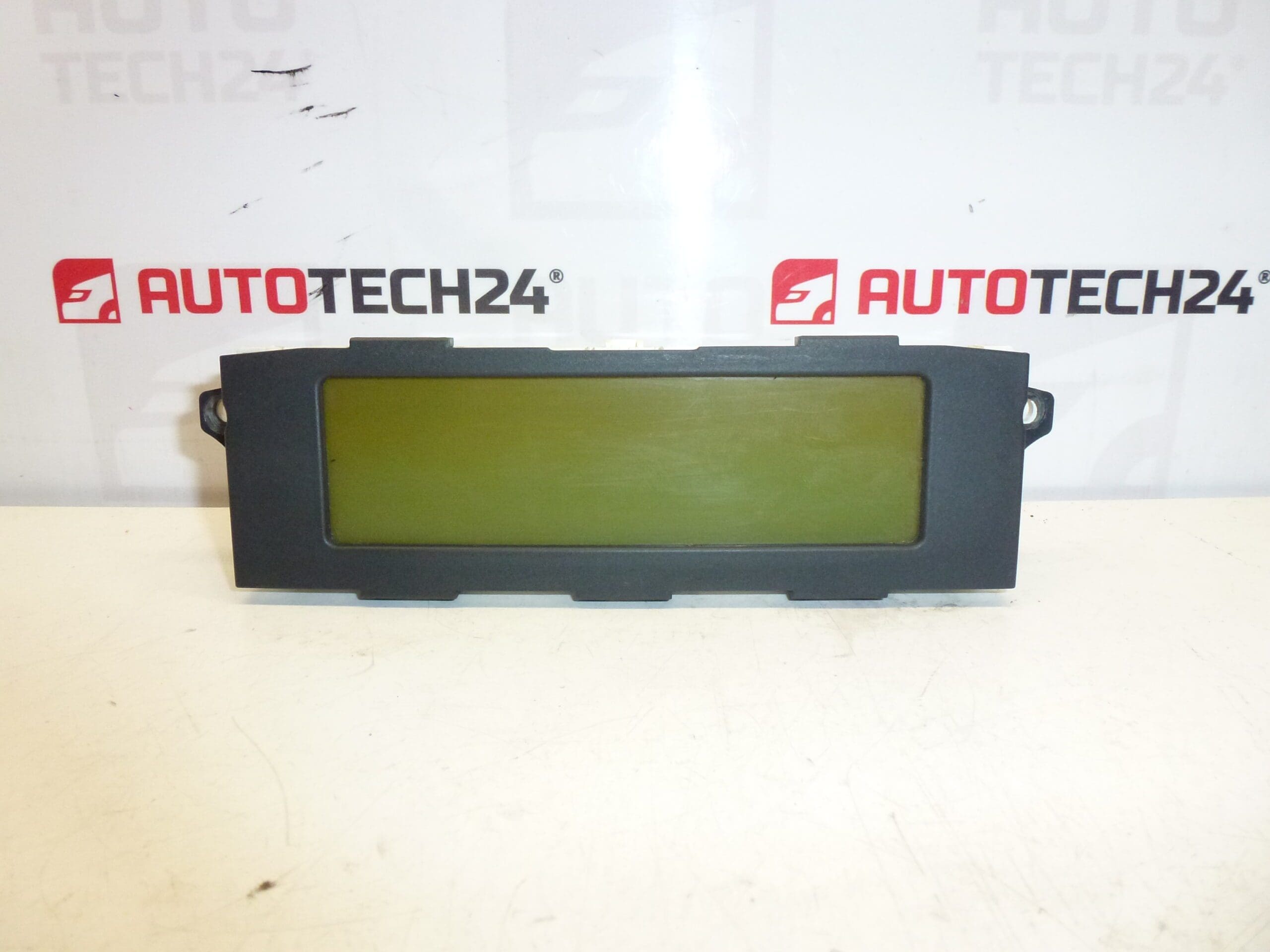
Radio and onboard computer display for Citroën C5 vehicles from 2005 to 2007. Some functions may need to be enabled via diagnostic.
Overview
This display is designed for the factory radio and driver information system used on Citroën C5 II (2005–2007). It presents audio menus, vehicle trip computer data, and status messages (e.g., service reminders, fuel consumption, range). The unit is a direct-fit replacement for vehicles fitted with the original dash display and uses the same mounting points and electrical connectors as the OEM part numbers listed below.
Technical Information
- Manufacturer: Stellantis / Citroën
- Model: Citroën C5 II (2005–2007)
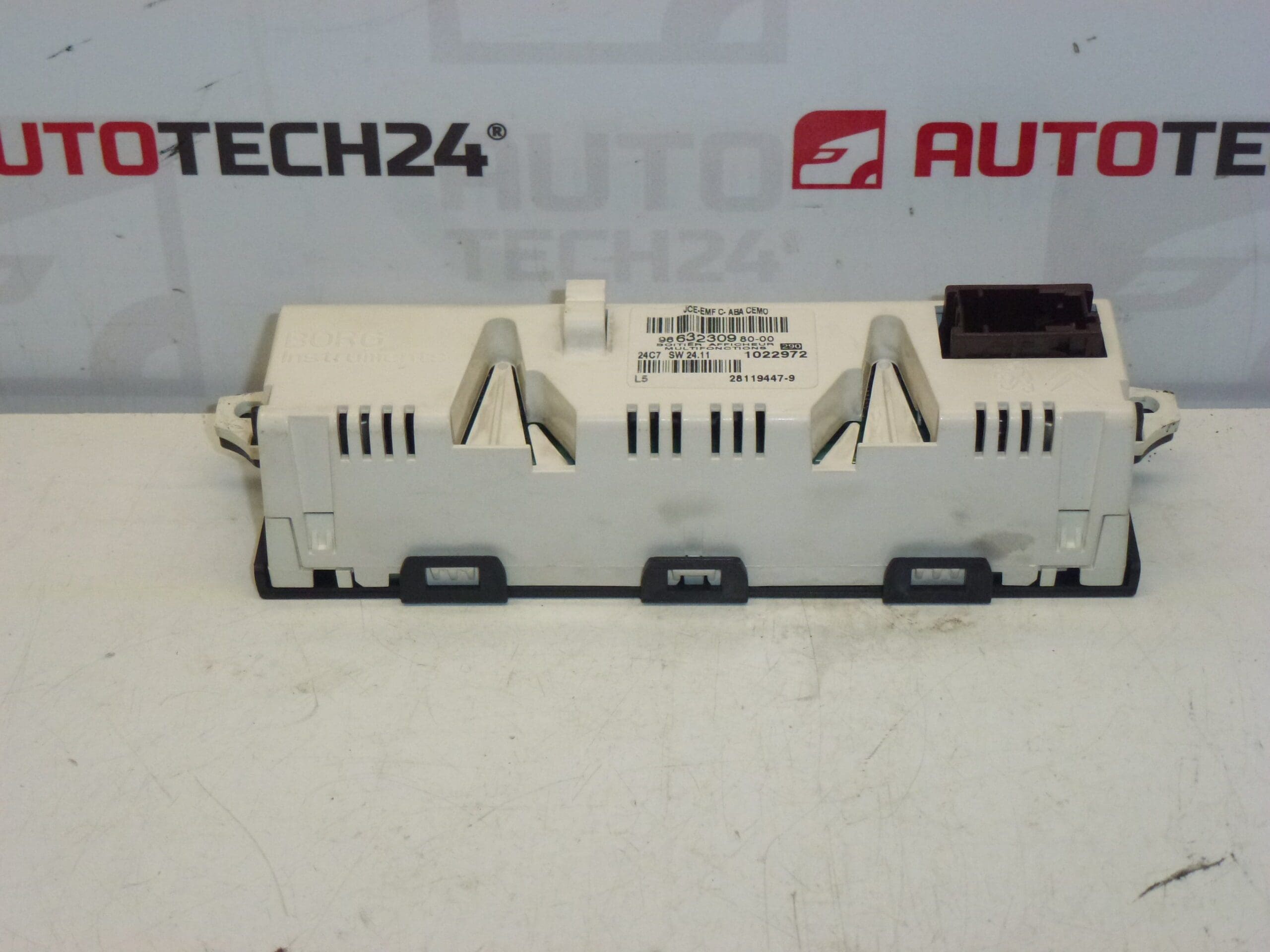
- Product Codes: 9657882880-00, 9657882880, 6593T2
- Other Numbers: 6593T2 NFP
How It Works And What It Does
The display provides the interface between the driver and the vehicle’s radio and onboard computer. It shows radio station information, menu navigation, clock, trip statistics and warning messages. Some advanced functions or menu items may be locked until enabled by a PSA-compatible diagnostic tool (e.g., DiagBox).
Replacement Procedure (High Level)
- Disconnect the negative battery terminal before starting work to avoid short circuits and to protect vehicle electronics.
- Carefully remove the dash trim surrounding the radio/display using plastic trim tools to avoid damaging clips and panels.
- Unscrew the fasteners securing the radio/display module and pull the unit forward just enough to access the connectors.
- Disconnect all electrical connectors and any ribbon cables. Note connector orientation and locking tabs.
- Fit the replacement unit, reconnect connectors and ribbon cables, and secure the module with the original fasteners.
- Reinstall trim, reconnect the battery, and verify operation. If some functions are missing, enable them with a PSA diagnostic tool (DiagBox) or equivalent.
Installation Recommendations
- Perform installation in a dry, well-lit area and use plastic trim tools to avoid damaging interior panels.
- Handle the display and ribbon cables with care; avoid bending or creasing flex cables and touching contact surfaces.
- Check connectors for corrosion or bent pins before reconnecting. Clean contacts if necessary.
- If additional functions are not visible after physical installation, enable them via a PSA-compatible diagnostic tool (DiagBox/Lexia/PP2000).
- Follow vehicle manufacturer procedures for disconnection/reconnection of the battery and allow modules time to initialise after power restoration.
Common Failure Reasons
- Backlight or LCD degradation due to age and heat exposure causing dim or blank screens.
- Ribbon cable or connector faults from repeated removal, vibration or poor contact leading to intermittent display or loss of functions.
- Moisture ingress or corrosion affecting connectors and circuit boards, especially in vehicles exposed to humid conditions.
- Software or firmware glitches requiring reinitialisation or activation through a PSA diagnostic tool.
- Physical damage from impact or improper removal of trim and unit.
Additional Notes
If the display appears physically intact but some menu items or features are missing, a diagnostic activation may be required to enable those functions. For workshop environments, ensure you have the correct tools and follow manufacturer instructions to avoid damage to the vehicle electronics.