Description
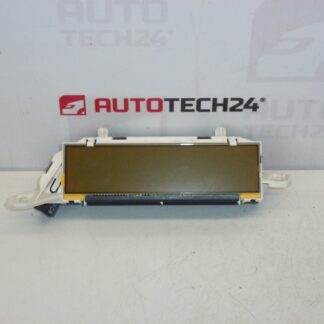
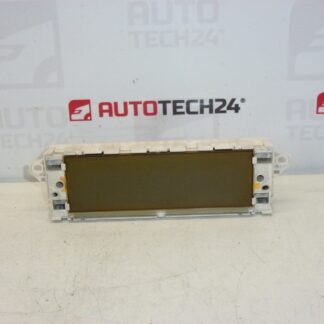
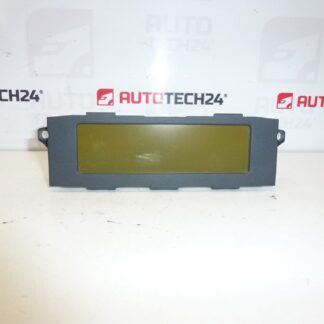
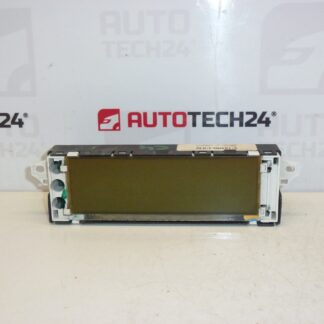
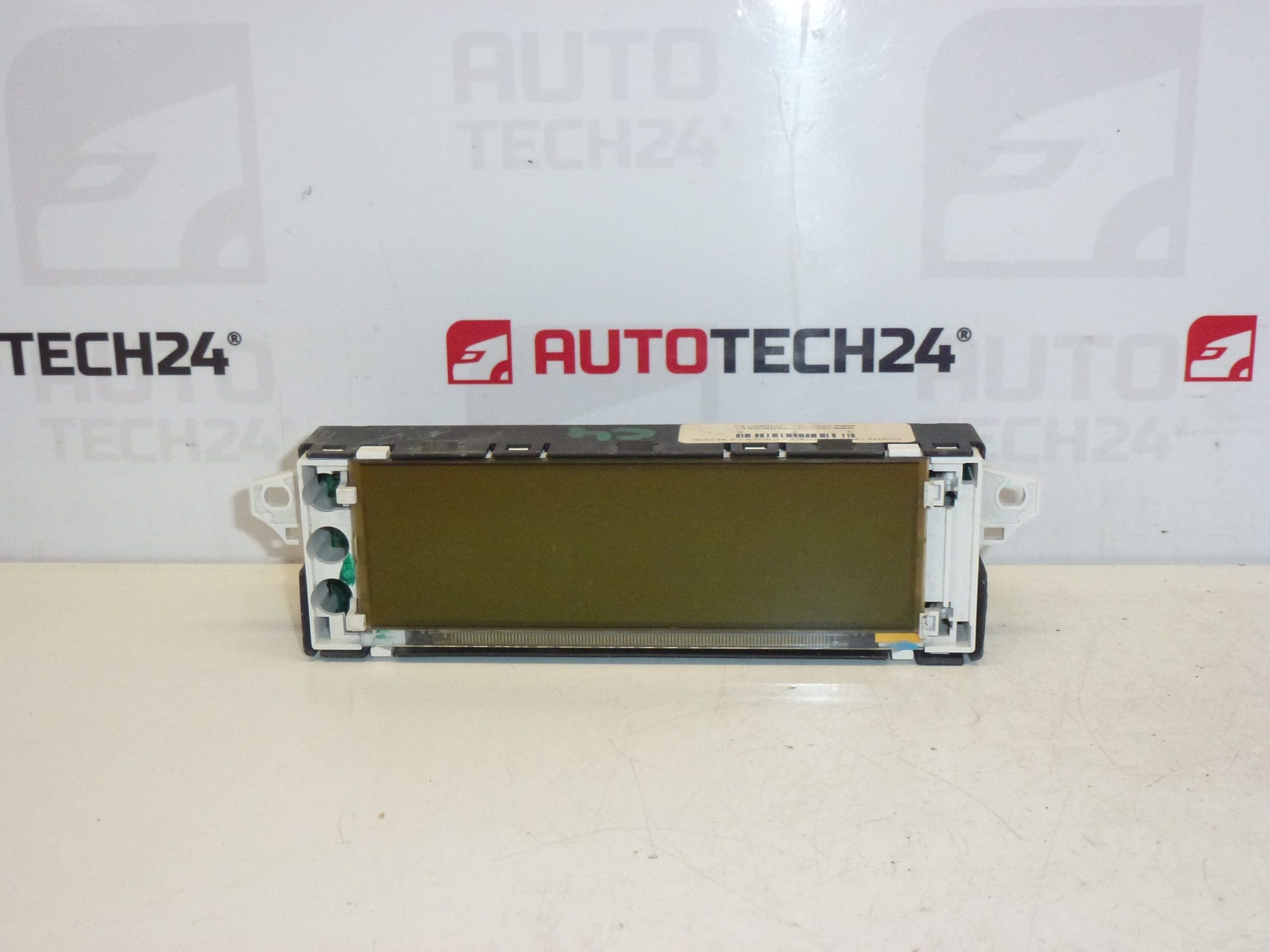
Radio and trip computer display for Citroën C4 first series
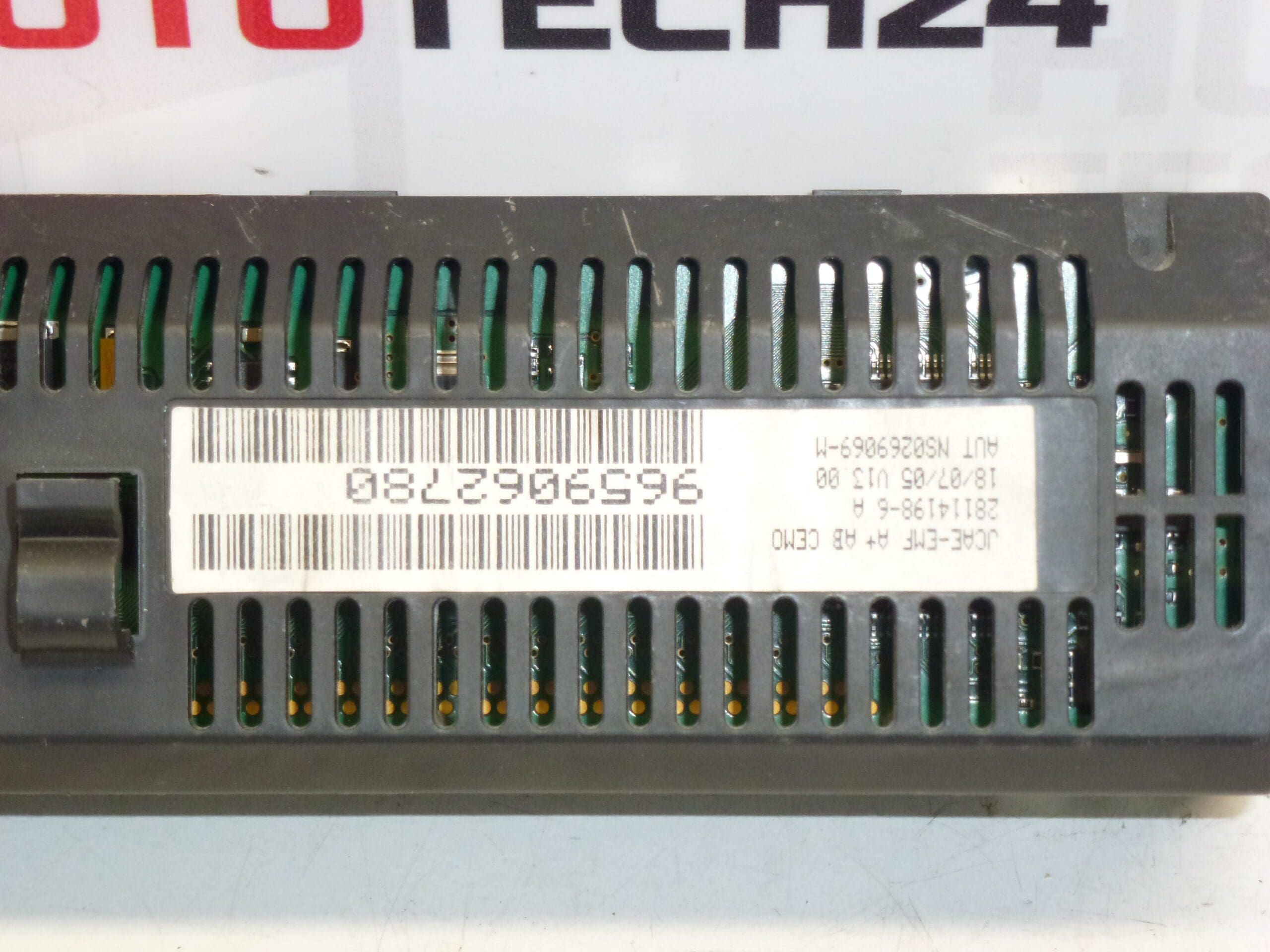
Replacement radio and trip computer display designed for Citroën C4 (first generation). This unit restores clear readout of radio information, clock, onboard computer messages and basic vehicle status indicators. Supplied with original equipment part numbers commonly referenced by mechanics and DIY enthusiasts (9659062780, 6155FW, 6155FX, 6155GX), it is a direct-fit option for vehicles equipped with the 6155-series infotainment cluster. Ideal for garages and independent technicians who need a reliable dash display to return functionality to the center console and trip computer.
Technical Information
- Manufacturer: Stellantis (Citroën / Peugeot)
- Model: Citroën C4 I (First Series)
- Product Codes: 9659062780
- Other Numbers: 6155FW, 6155FX, 6155GX
Compatibility and Fitment
Fits Citroën C4 first generation vehicles equipped with the 6155-series radio/display cluster. Frequently used as a replacement for faded, cracked or malfunctioning displays showing error lines, missing segments or complete blank screens. Check the part numbers stamped on your existing unit to confirm match before installation.
Installation Recommendations
- Always disconnect the vehicle battery before starting work to avoid short circuits and protect vehicle electronics.
- Remove surrounding trim panels carefully using appropriate trim tools to avoid damage to clips and fascia. Unscrew and extract the display unit from the center console.
- Unplug all electrical connectors gently; avoid pulling on wiring — release any locking tabs first.
- Handle the LCD and connector ribbons with care. Do not flex or crease ribbon cables and avoid touching contact surfaces with bare hands.
- After fitting, reconnect the battery and verify display functions (radio text, clock, onboard messages) before reassembling trim. Ensure secure seating of connectors to prevent intermittent faults.
- If other functions (radio, steering-wheel controls) behave abnormally after replacement, re-check connector seating and fuses related to the infotainment circuit.
Why This Part Commonly Fails
- Backlight and LED degradation over time causing dim or uneven illumination.
- Cold or cracked solder joints on PCB components due to prolonged thermal cycling, leading to intermittent or permanent display faults.
- Ribbon cable damage or connector corrosion from moisture ingress, especially in older vehicles or those exposed to damp environments.
- Physical damage from impact or improper removal/install procedures.
Notes for Mechanics and DIY Enthusiasts
This display is suitable for professional fitment in workshops as well as careful DIY replacement. When replacing an older unit, inspect nearby wiring and connectors for corrosion and ensure the dash mounting points are intact to avoid vibration-related failures. Using the correct tools and following manufacturer-standard removal steps will reduce the risk of damage during installation.