Description
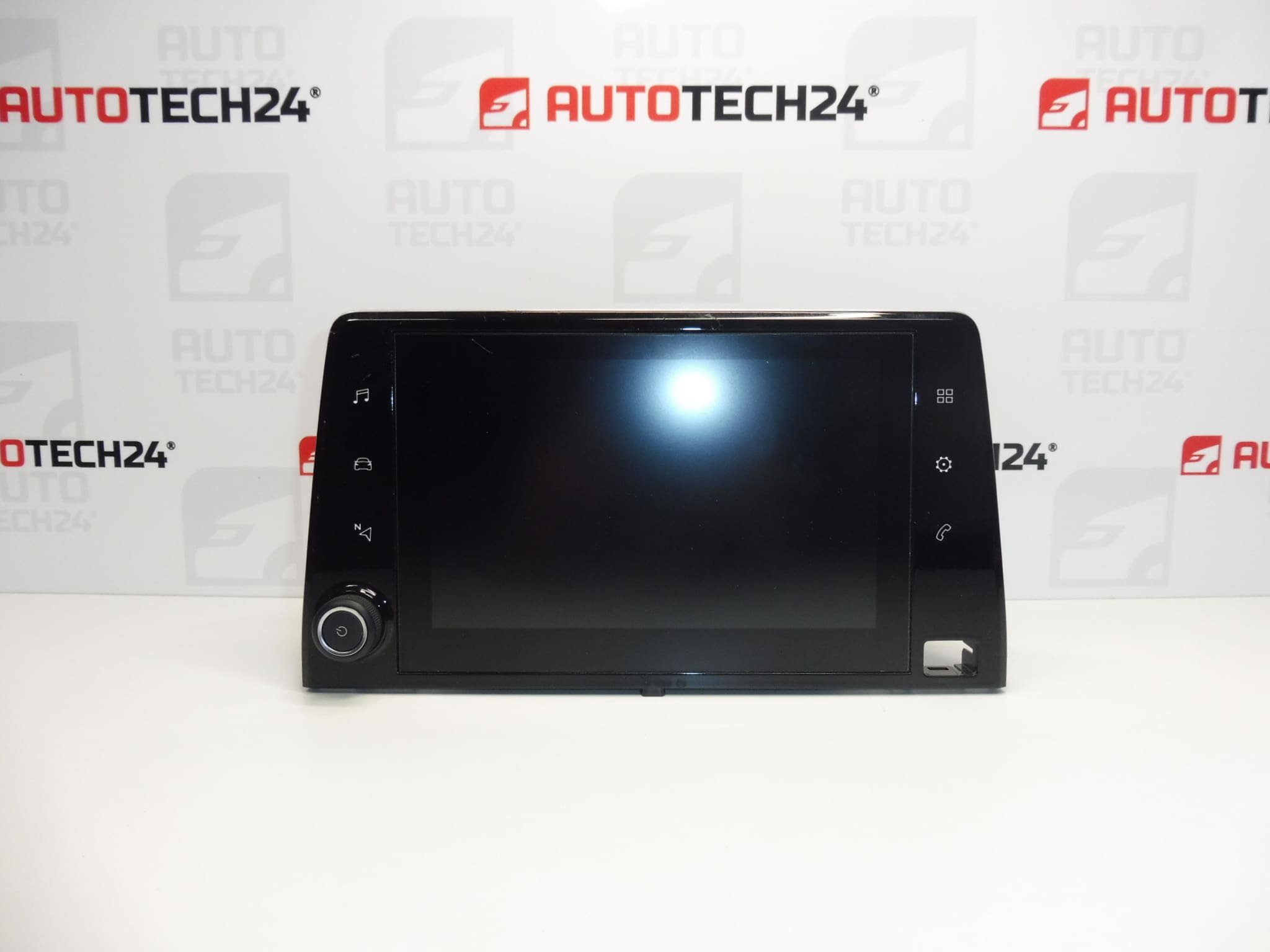
Multifunctional video display for Stellantis group vehicles. Some functions may need to be initialized using diagnostics.
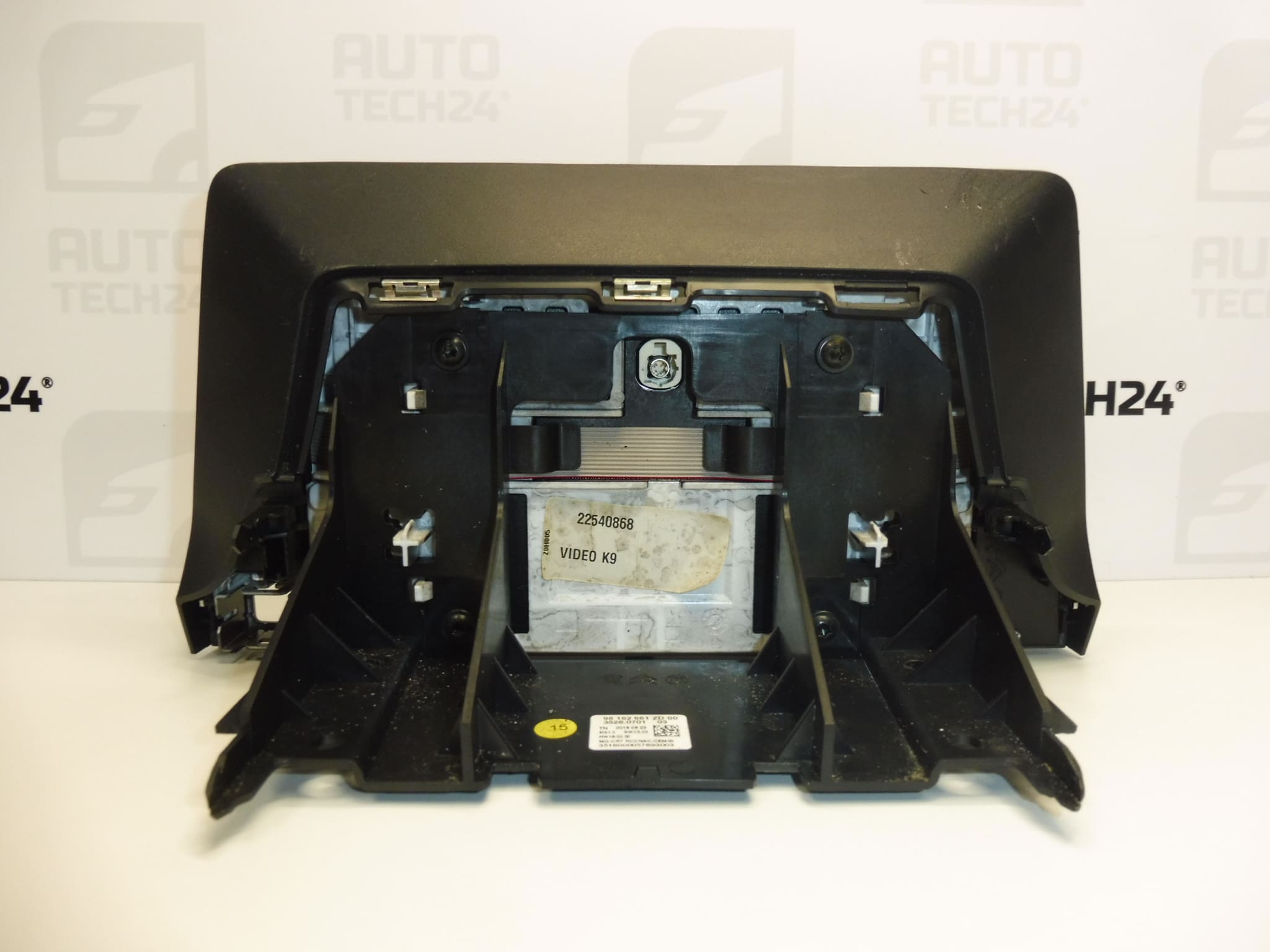
This OEM display (radio/cluster screen) is a direct-fit multimedia component for Citroën, Peugeot and Opel vans and MPVs on the K9 platform. It provides clear graphics for radio, trip computer and vehicle menus, and is commonly sought under part numbers 98162661ZD, 9828422080 or 9830426480. Designed for professional workshops and skilled DIYers, the unit restores full visual feedback for infotainment, parking assistance and on-board computer functions.
Technical Information
- Manufacturer: Stellantis
- Model: Citroën Berlingo K9, Peugeot Partner III, Peugeot Rifter, Opel Combo E K9
- Product Codes: 98162661ZD
- Additional Numbers: 9828422080, 9830426480
Compatibility & Fitment Notes
Fits third‑generation Partner and Rifter and corresponding Berlingo/Combo E derivatives built on the K9 platform (from about 2018 onwards). Ensure the vehicle is equipped with the compatible radio/infotainment harness and connectors; screen variants may differ by trim level and factory options. Some functions (menus, camera, sensors) may require software initialization after fitment.
Installation Recommendations
Installation should be carried out by an experienced technician or an informed DIYer with appropriate tools. General replacement steps:
- Disconnect the vehicle battery before starting to prevent electrical damage.
- Remove surrounding trim panels using plastic trim tools to avoid scratches.
- Unscrew and remove the head unit or instrument bezel as required to access the display.
- Carefully unplug all connectors (power, LVDS/video ribbon, CAN/data and antenna where applicable).
- Replace the display, reconnect connectors ensuring secure seating, then reassemble in reverse order.
- Reconnect the battery and verify basic operation. If menus, camera image or vehicle integrations do not appear, initialization via diagnostic tool may be necessary.
Use correct fasteners and avoid forcing ribbon cables. Keep connectors and contacts clean and dry.
Why The Part Commonly Fails
- Backlight or LED driver failure causing dim or blank screen.
- LCD damage or pixel defects from impact, thermal stress or moisture ingress.
- Faulty ribbon cable or connector corrosion producing intermittent image or no image.
- Software glitches after battery disconnects or electrical faults requiring reinitialization.
- Power supply board faults inside the unit due to voltage spikes.
Practical Tips
- When diagnosing a blank display, check fuses and power at the display connector before removing the unit.
- Document connector positions and screws during disassembly to ensure correct reassembly.
- Retain the original unit until full system checks are completed to allow data cloning if needed.
Additional Notes
This display is often searched for by its part numbers 98162661ZD, 9828422080 and 9830426480 — include these when searching catalogs. Some functions may require dealer-level diagnostic initialization to restore full functionality.