Description
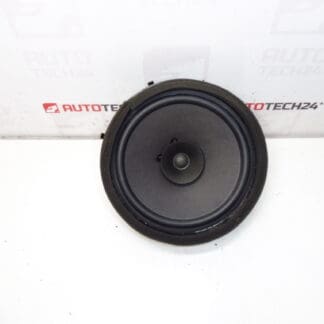
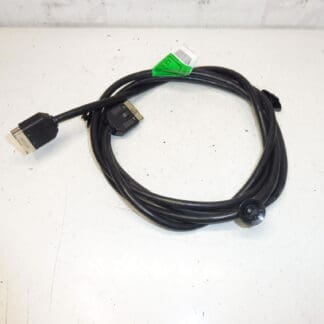
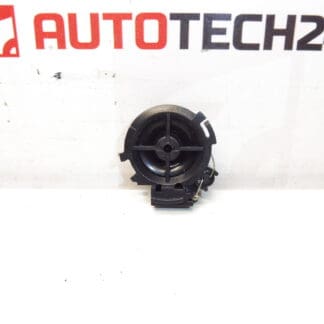
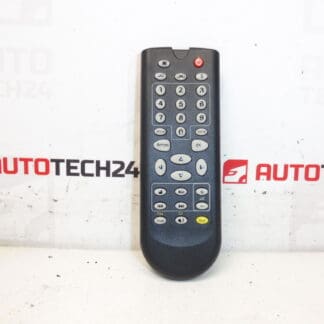
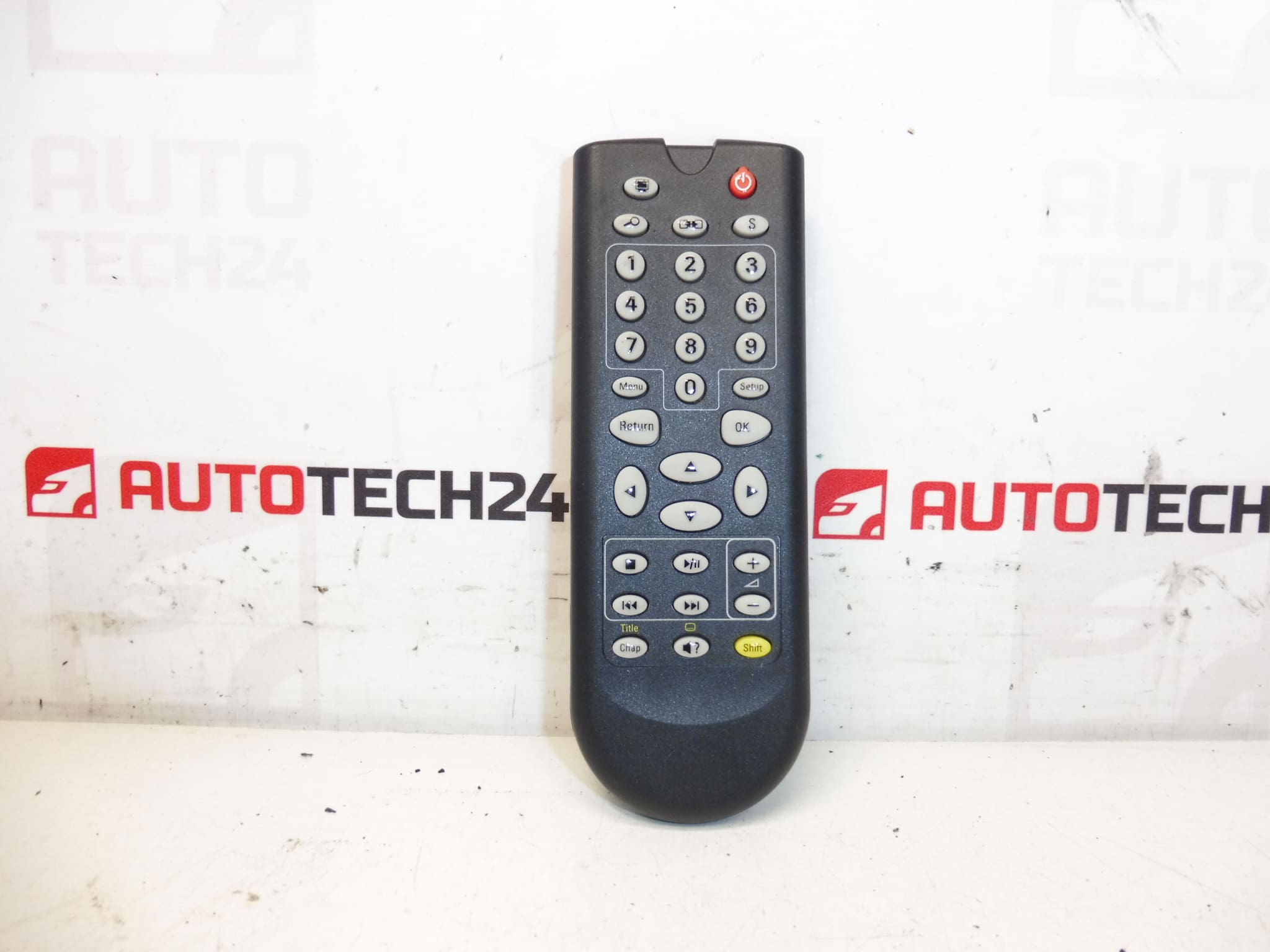
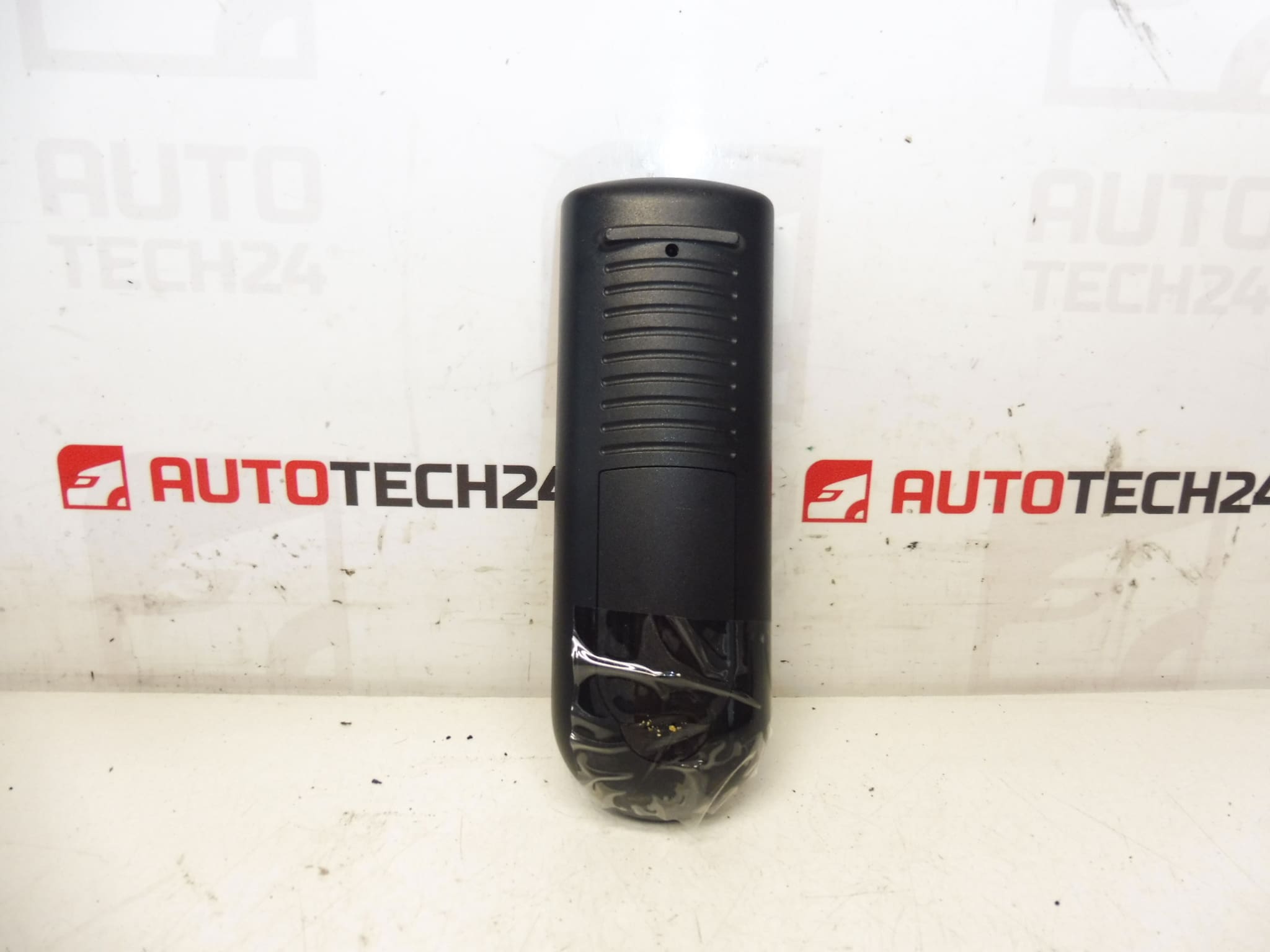
DVD and multimedia player controller for Citroën C4 Picasso first generation. Condition unknown, for spare parts, without warranty.
This replacement DVD and multimedia controller is intended for use in Citroën C4 Picasso (first generation) vehicles. It is a direct-fit user interface for the in-dash entertainment system and controls DVD playback, menu navigation and multimedia functions. The unit is often searched by its part number 6574C1, so including that code in your search will help you locate the exact item quickly.
Features And Benefits
Designed as the original interface for the factory multimedia system, this controller provides the physical buttons and rotary controls that drivers and passengers use every day. Replacing a faulty controller restores control responsiveness, fixes unresponsive buttons or stuck commands and can bring a dead multimedia front panel back to life when the rest of the head unit is functional.
Compatibility
Suitable For: Citroën C4 Picasso (First Generation). Check the physical connector layout and part number 6574C1 to confirm fitment for your vehicle.
How The Part Is Replaced
- Disconnect The Battery Before Starting To Avoid Short Circuits And Protect Electronics.
- Remove Dashboard Trim Around The Radio Using Trim Tools To Prevent Damage.
- Unscrew The Head Unit Fasteners (Typically Torx Or Phillips) And Slide The Unit Out.
- Unplug The Multiconductor Connectors And Any Ribbon Cables From The Controller Module.
- Swap The Controller Module With The Replacement, Reconnect All Cables Securely, Refit The Head Unit And Trim, Then Reconnect The Battery.
- Test All Functions (Buttons, Volume, Menu Navigation, DVD Loading/Eject If Applicable) Before Final Reassembly.
Installation Recommendations
- Always Disconnect The Battery Before Removing The Unit.
- Use Proper Trim Tools To Avoid Breaking Clips Or Trim Panels.
- Handle Connectors And Ribbon Cables Carefully; Do Not Bend Or Crease Flexible Flat Cables Excessively.
- Observe ESD Precautions When Working With Electronic Boards—Touch A Grounded Metal Point Before Handling The PCB.
- Verify Connector Orientation And Locking Tabs Are Fully Engaged To Prevent Intermittent Connections.
- After Installation, Perform A Full Functional Check Of The Multimedia System Before Reassembling Trim.
Technical Information
- Manufacturer: Stellantis (Citroën / Peugeot)
- Model: Citroën C4 Picasso (First Generation)
- Product Codes: 6574C1
- Other Numbers: None Provided
Why This Part Commonly Fails
Controller panels fail most often due to wear and tear from repeated use (worn contacts, fatigued switches), liquid ingress or contamination that corrodes contacts, and electrical faults such as intermittent solder joints or damaged ribbon cables. Thermal stress over many years can also cause connector issues or degraded solder joints, leading to unresponsive buttons or erratic behaviour.
Notes For Buyers
Part Condition Is Unknown; Offered For Spare Parts Without Warranty. Ideal For Technicians And DIYers Who Can Diagnose The Head Unit And Confirm That The Controller Is The Faulty Component. Search Using The Part Number 6574C1 To Improve Match Accuracy.