Description
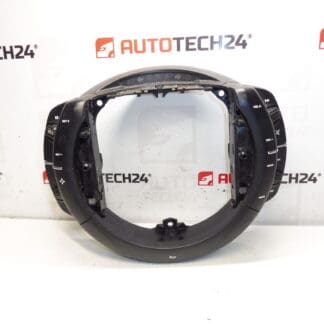
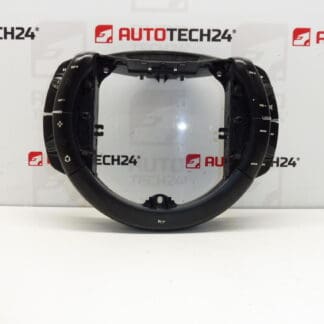
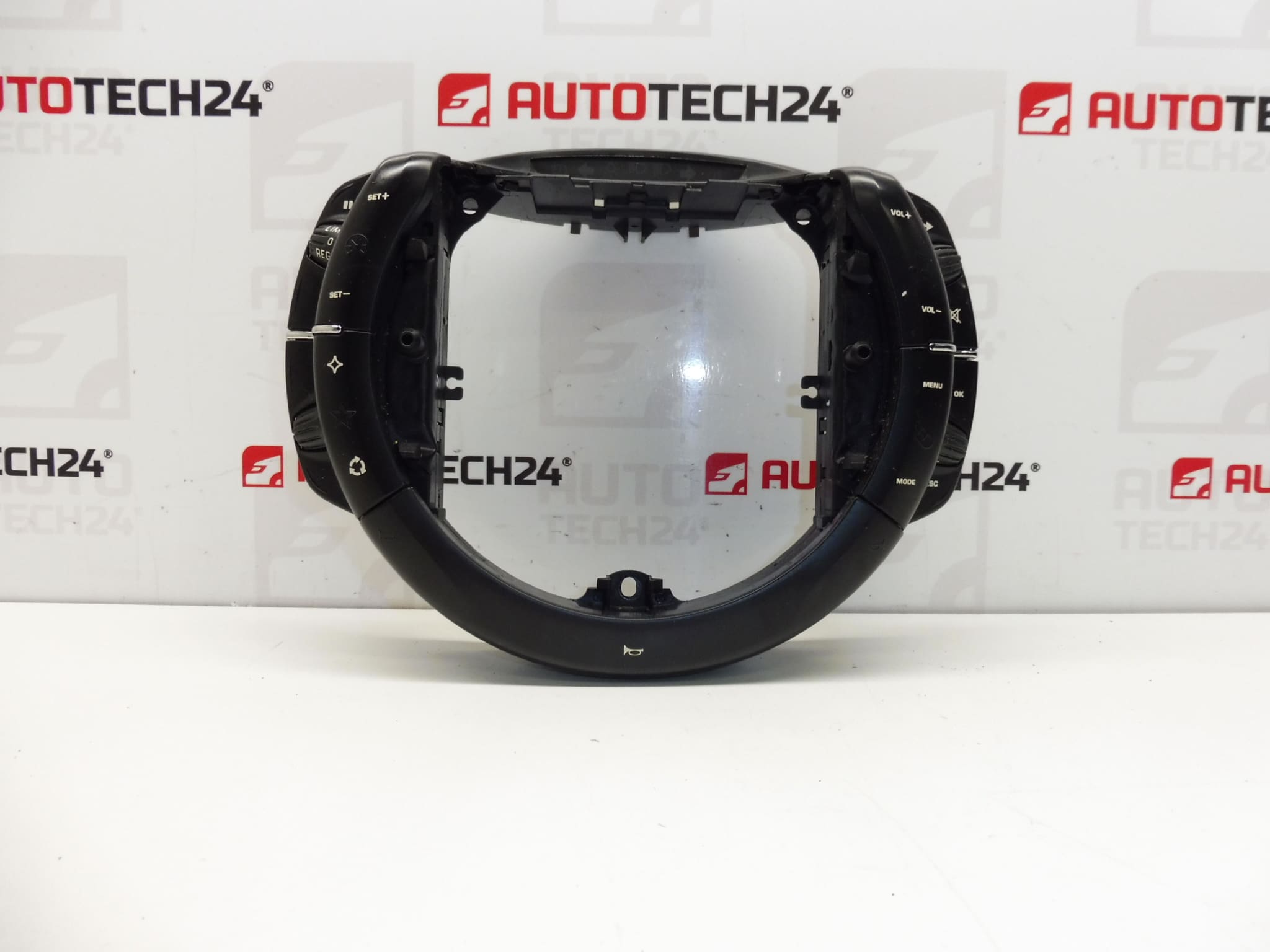
Steering Wheel Controls by VALEO for CITROËN C4, C4 PICASSO and GRAND PICASSO. They control the cruise control, car radio, onboard computer and horn.
Product Overview
High‑quality Steering Wheel Controls designed to replace worn or damaged multifunction switches on Citroën C4 family vehicles. This Valeo unit integrates Cruise Control buttons, Audio Controls, Onboard Computer navigation keys and Horn activation in one compact assembly. Ideal for Automechanics and experienced DIYers who need a direct replacement part to restore full steering‑wheel functionality. Common search terms include Steering Wheel Controls Citroën C4, Cruise Control Switch C4, and Valeo Steering Switch.
Technical Information
- Manufacturer: Valeo
- Model: Citroën C4; C4 Picasso; Grand Picasso
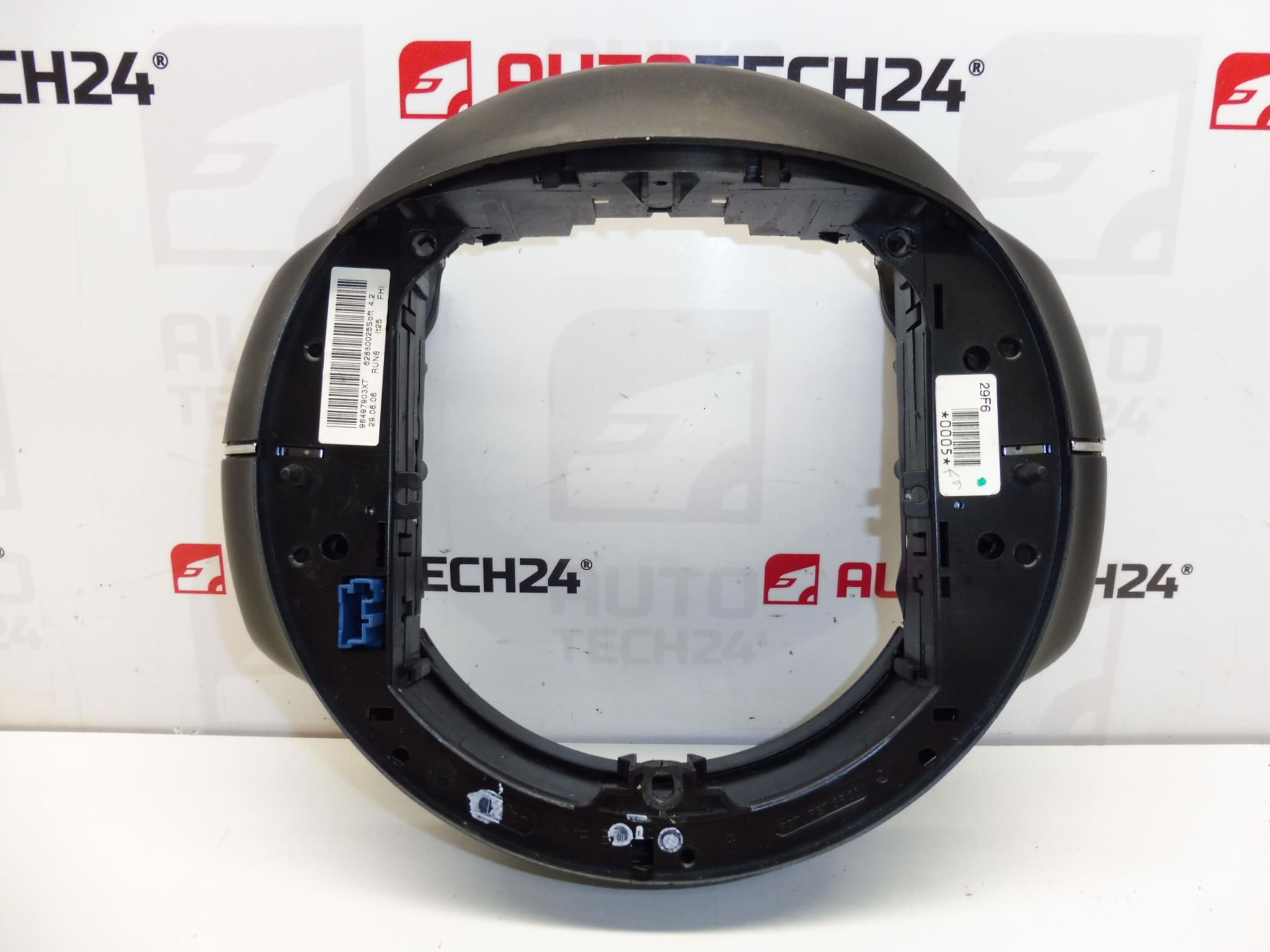
- Product Codes: 96497903XT
- Additional Numbers: 98003833ZD, 6239RC
Compatibility
Fits Citroën C4 platforms, including C4, C4 Picasso and C4 Grand Picasso models where the original steering control assembly matches the listed product codes. Verify physical match of connector and mounting before installation.
Installation Recommendations
Replacement of steering wheel controls requires attention to safety and correct procedure. Recommended steps:
- Disconnect the vehicle battery and wait several minutes to ensure the airbag system is de‑energized.
- Remove the steering column trim and carefully release the airbag module following the vehicle manufacturer’s instructions.
- Unscrew and remove the old control module, unplug electrical connectors and install the new Valeo unit in reverse order.
- Reassemble trims, reconnect the battery and test all functions: Cruise Control, Radio Controls, Onboard Computer buttons and Horn.
- Use Correct Tools And Appropriate Fasteners; If Any Connector Pins Appear Corroded, Clean Or Replace Them Before Reassembly.
Why The Part Fails Most Often
Multifunction steering controls are subject to mechanical wear and electrical deterioration. Typical causes of failure include:
- Wear Of Contact Surfaces From Frequent Use — Buttons Become Intermittent Or Non‑Responsive.
- Ingress Of Moisture Or Contaminants Leading To Corrosion Or Short Circuits.
- Damaged Flex Ribbons Or Connectors From Steering Wheel Removal/Installation.
- Physical Damage To Housing Or Switches After Impacts.
Practical Tips For Mechanics
- Inspect Connector Integrity And Pin Alignment Before Fitting The New Unit.
- After Installation, Verify All Functions With The Ignition On And While Driving (Where Safe) — Cruise Activation, Audio Control, Onboard Computer Navigation, And Horn.
- Keep The Old Unit Until The New One Is Confirmed Fully Operational — Helpful For Troubleshooting Or Reference.
Additional Notes
This steering wheel control assembly is a direct replacement option for vehicles using the listed product codes. Always compare the physical appearance and connector layout with the original part to ensure compatibility.