Description
Battery State-Of-Charge Unit For Citroën, Peugeot And Other Stellantis Models
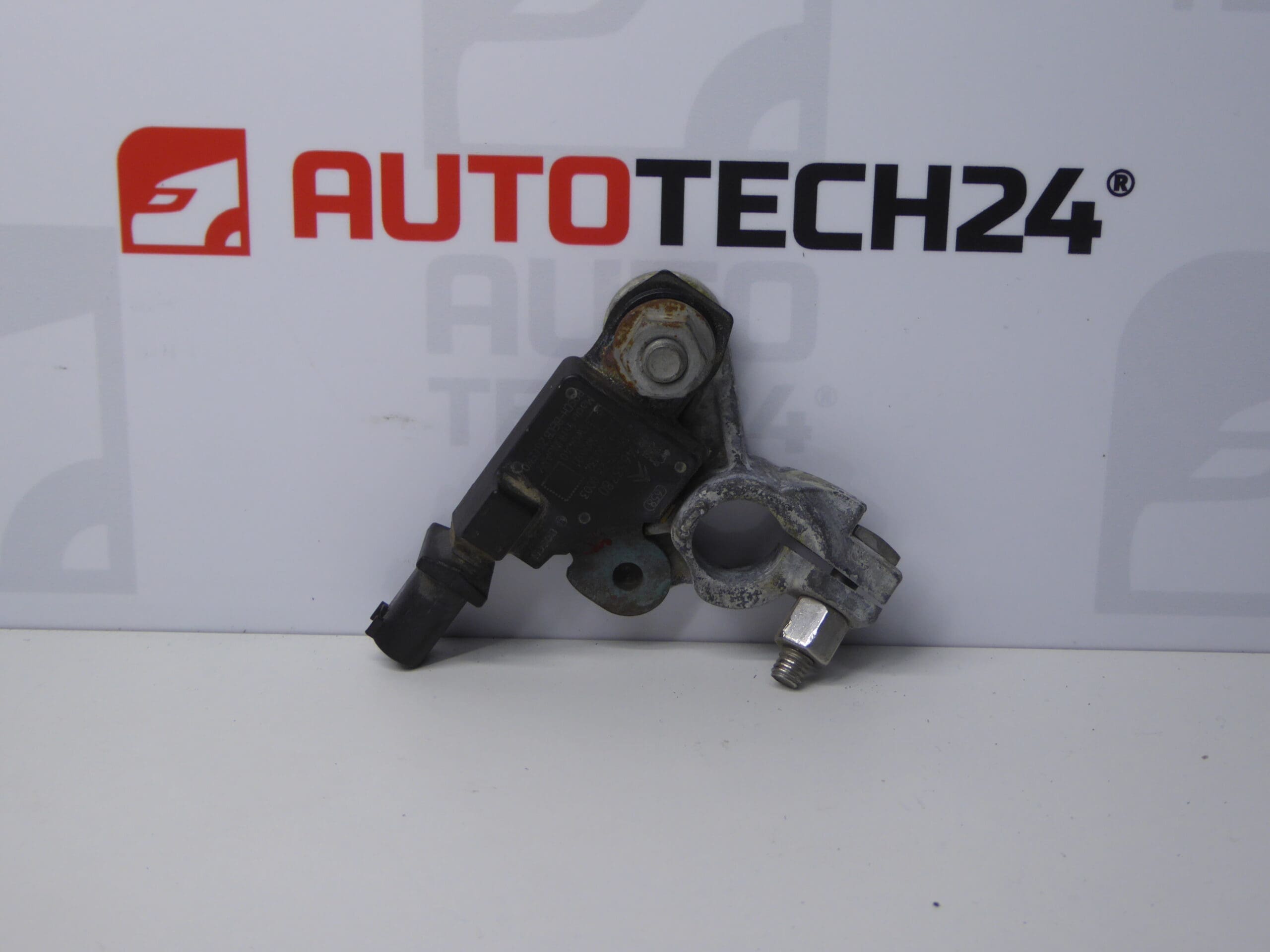
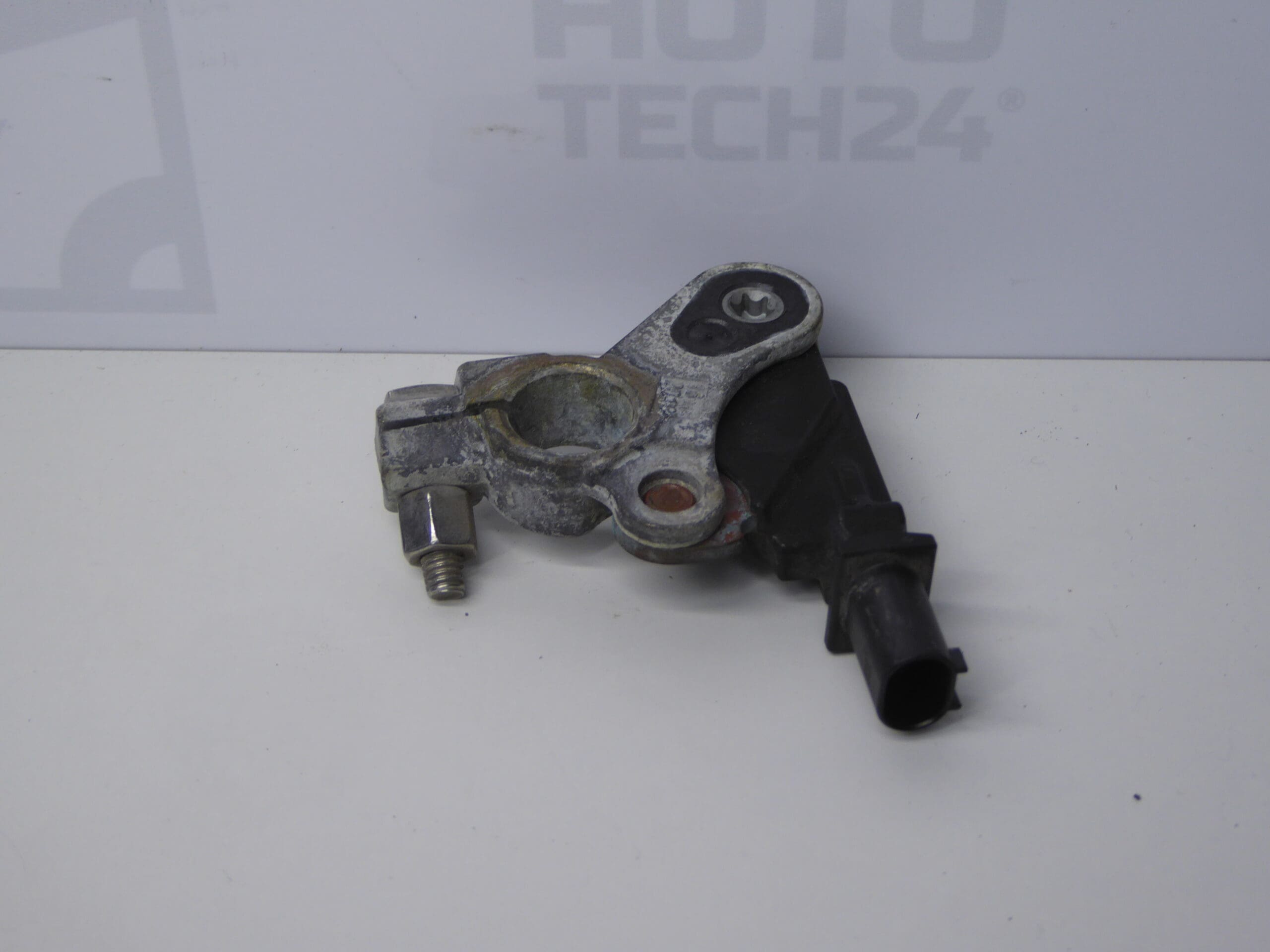
The Battery State-Of-Charge (SoC) Unit 9814653780 is a direct-fit replacement part designed for modern Citroën and Peugeot vehicles and other models within the Stellantis group. This module monitors battery charge level and communicates with the vehicle management systems to optimize charging strategy, support start‑stop functions and protect battery life. Ideal for professional workshops and experienced DIY mechanics, this unit helps restore correct battery management after a faulty sensor or after battery replacement.
Key Benefits
Restores Accurate Battery Monitoring: Ensures the vehicle ECU receives reliable SoC data to manage alternator output and start‑stop control. Improved Fuel Economy And Battery Longevity: Proper SoC reporting reduces unnecessary charging cycles and prolongs battery life. Straightforward Replacement: The unit is a plug‑in electronic module designed for a direct swap on compatible models, reducing downtime in the workshop.
Compatibility / Application Models
- Citroën Berlingo K9
- Fiat Doblo III
- Opel Combo E K9
- Peugeot 308 T9
- Peugeot Rifter
- Toyota ProAce City
- Other Citroën and Peugeot models within the Stellantis platform (check part number)
Technical Information
- Manufacturer: Stellantis
- Model: Battery State-Of-Charge Unit
- Product Codes: 9814653780
- Additional Numbers: None Specified
Installation Recommendations
- Safety First: Always disconnect the negative battery terminal before removing the old unit to avoid short circuits and protect vehicle electronics.
- Location And Removal: The SoC unit is typically located on or near the battery or battery support bracket. Remove any covers or retaining hardware, disconnect the electrical connector and unscrew the unit from its mount.
- Fitting The New Unit: Fit the replacement in the same orientation, secure mounting hardware and reconnect the electrical connector firmly. Ensure connectors and surrounding areas are clean and free of corrosion.
- Post‑Fit Procedures: After installation, perform a battery management system reset or calibration using a compatible diagnostic tool to ensure the ECU correctly recognises the new sensor and adapts charging strategy. If available, use manufacturer diagnostic software for full initialization.
- Workshop Tip: Replace mounting hardware or protective covers if damaged to maintain a water‑resistant installation and prevent future faults.
Why This Part Most Commonly Fails
- Corrosion And Water Ingress: Exposure to moisture or road salt can corrode connectors and internal electronics.
- Electrical Overstress: Improper jump‑starts, voltage spikes or charging system faults can damage the sensor electronics.
- Mechanical Damage: Impact or improper handling during battery service can crack the housing or damage terminals.
- Age And Environmental Wear: Extended service life combined with harsh operating conditions accelerates degradation of the sensor components.
Practical Notes For Mechanics And DIYers
When replacing the SoC unit, follow manufacturer procedures for battery handling. After replacement, verify correct charging behaviour and start‑stop operation under normal driving conditions. If irregularities persist, check battery health and alternator output as a faulty battery or charging system can trigger repeated sensor faults.