Description
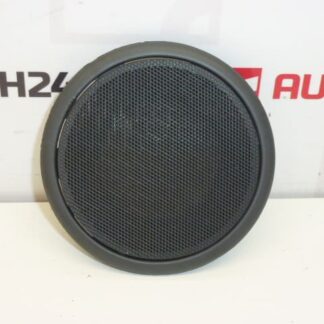
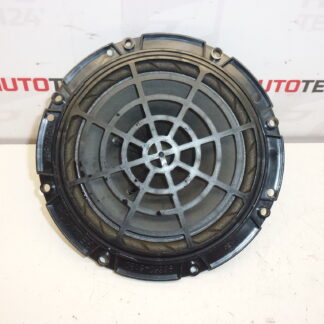
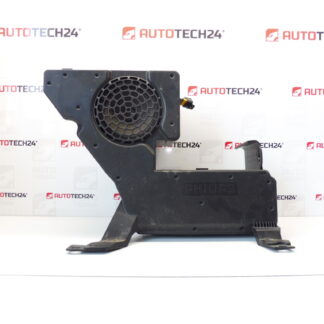
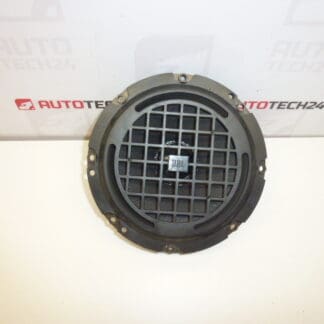
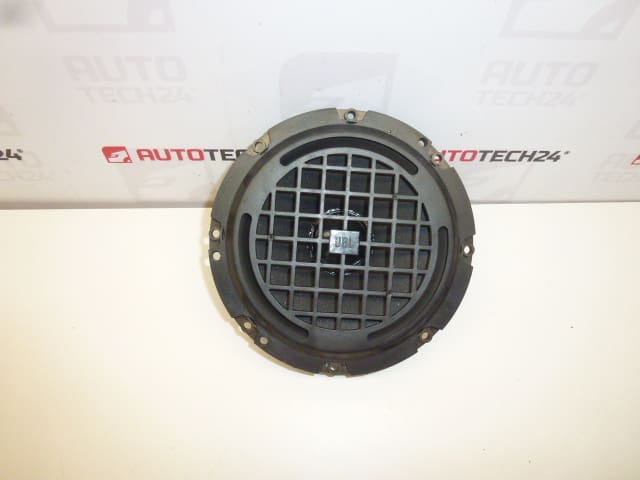
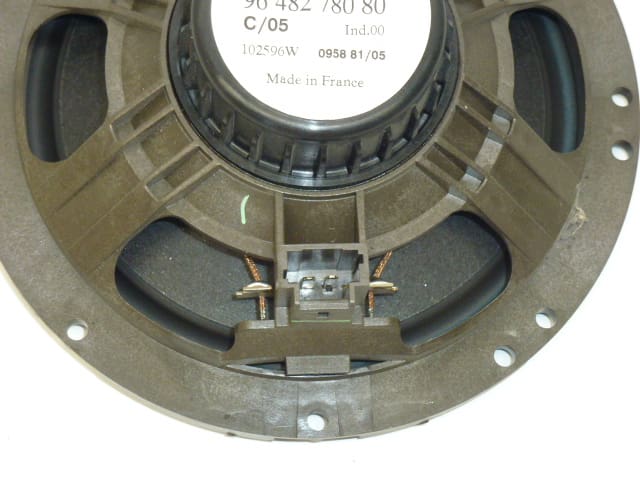
JBL speaker for Citroën and Peugeot vehicles. It is from a Citroën C5 2006.
This JBL speaker is an OEM-level replacement part suitable for vehicles from the Stellantis family that were factory-equipped with JBL audio systems. Designed for reliable everyday use, it restores clear midrange and balanced soundstage, making it a practical choice for professional workshops and competent DIY car owners. The unit is commonly searched by its OEM numbers 9648278080 and 6562J7, which helps quickly identify the correct fit for repairs and audio restorations.
Technical Information
- Manufacturer: JBL
- Model: Citroën C5 (2006) — removed from vehicle
- Product Codes: 9648278080, 6562J7
- Additional Numbers: No additional OEM numbers provided
Compatibility
Originally fitted to a 2006 Citroën C5. The speaker is typically compatible with Citroën and Peugeot models of the same era that used factory JBL equipment. When replacing, compare the OEM codes, mounting dimensions and connector type to ensure proper fitment.
Installation Recommendations
- Disconnect the negative battery terminal before beginning work to avoid short circuits.
- Carefully remove the trim panel or door card to access the speaker; keep clips and screws organized for reassembly.
- Unplug the speaker connector and remove mounting screws. Note polarity of the wiring for correct reconnection.
- Test the speaker operation before refitting the trim to confirm correct wiring and sound quality.
- Do not overtighten mounting screws to avoid deforming the speaker frame; apply light sealant or foam tape if moisture protection is needed in door installations.
Common Failure Reasons
- Age-Related Wear: Foam surrounds and cones degrade over time, causing distortion or rattling.
- Moisture Ingress: Water entering door panels or boot areas causes corrosion and cone damage.
- Electrical Damage: Overpowering or amplifier faults can burn the voice coil, producing no sound or heavy distortion.
- Mechanical Damage: Impact or panel vibration can deform the cone or surround, leading to noise and reduced performance.
If you are repairing a vehicle sound system or replacing a damaged speaker, searching by the OEM codes 9648278080 or 6562J7 will help locate this specific unit quickly. Suitable for repair shops and experienced DIYers who need a direct-fit replacement with the original equipment footprint.