Description
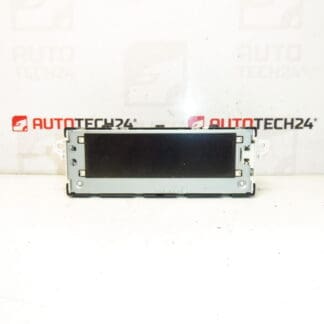
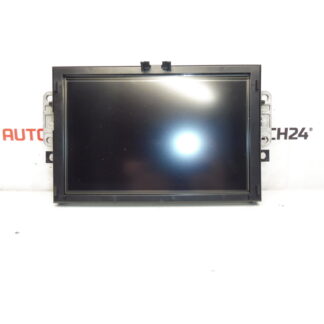
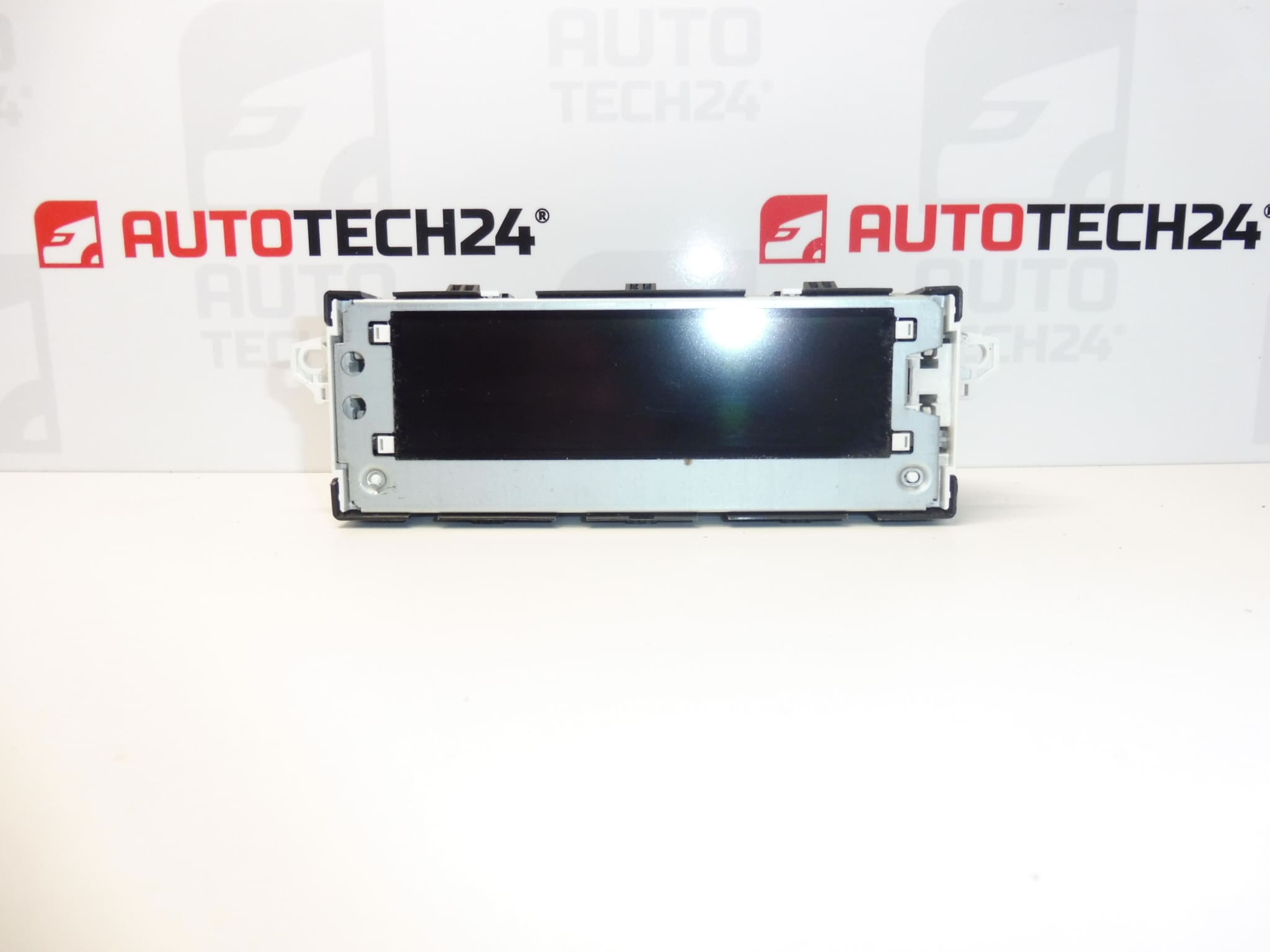
Multifunction display for Citroën C4 B7
Some functions may need to be configured to the vehicle using diagnostics.
Tested, fully functional.
Product Overview
This multifunction radio/driver information display is designed for Citroën C4 II (B7) dashboards and integrates radio, trip computer and vehicle information readouts into a single module. It is a direct-fit part for compatible Stellantis infotainment clusters and is commonly sought by part number (e.g. 9665334380, 6155HW), which makes it easy to find for repairs and replacements.
Who Is This For
Designed for professional mechanics and experienced DIY enthusiasts performing dashboard or infotainment repairs. The unit suits workshops that service Citroën/Peugeot vehicles and owners who prefer to replace components themselves with basic tools and electrical care.
Typical Functions
- Radio and audio information display.
- Trip computer and vehicle status messages.
- Menu navigation for vehicle settings and basic infotainment feedback.
- Backlight and contrast control for night/day readability.
Replacement And Installation
Replacement is straightforward for trained technicians but requires careful handling of trim and connectors. Typical steps:
- Disconnect the negative battery terminal before starting to prevent short circuits and protect electronic modules.
- Remove surrounding trim panels with appropriate plastic trim tools to avoid damage to clips and finishes.
- Unscrew and extract the head unit or instrument cluster section covering the display; release locking tabs and sliding guides as required.
- Carefully disconnect all electrical connectors and ribbon cables from the display. Avoid bending or creasing flex cables.
- Swap the display, reconnect cables, secure mounting screws and reassemble trim. Reconnect the battery and perform a function check.
- Note: Some features may require diagnostic configuration after fitting (see Installation Recommendations).
Installation Recommendations
Always disconnect the battery and follow the vehicle manufacturer’s procedure. Use plastic trim tools to avoid damaging the dash. When handling ribbon cables and connectors, keep contacts clean and avoid touching connector pins. If diagnostic configuration or coding is required, use PSA-compatible diagnostic equipment (e.g. DiagBox/PP2000/Lexia) to enable full functionality and adjust settings to the vehicle.
Technical Information
- Manufacturer: Stellantis (Citroën/Peugeot)
- Model: Citroën C4 II (B7)
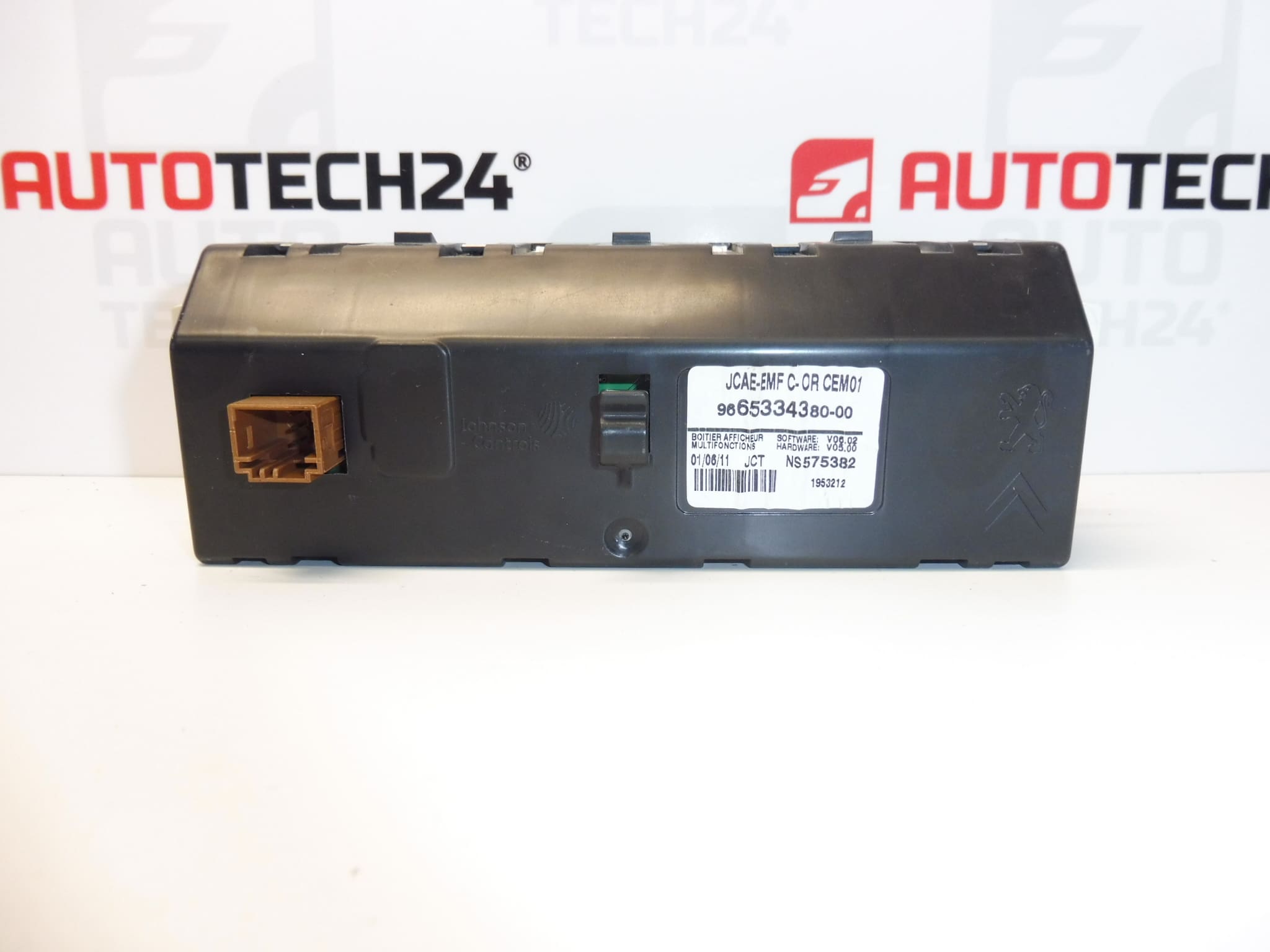
- Product Codes: 9665334380, 6155HW
- Additional Numbers: 9836586580, 6155HX
Why This Part Fails
Display failures are most often caused by environmental and electrical factors rather than normal wear. Common reasons:
- Heat stress and aging of the LCD/backlight elements leading to dimming, dark zones or pixel loss.
- Water ingress or condensation from leaks in the dashboard area or door seals causing corrosion of contacts.
- Poor electrical connections or damaged ribbon cables during previous repairs or removals.
- Power surges or battery disconnects performed incorrectly which can corrupt display electronics or firmware.
Practical Tips
- When removing the unit, take photos of connector positions to ensure correct reassembly.
- Inspect connector pins and ribbon cables for corrosion or damage before installing the replacement.
- If the display exhibits software-related messages or disabled features after fitting, perform a diagnostic configuration with PSA tools to restore full operation.
Order by product code for quickest match: enter 9665334380 or 6155HW when searching to find compatible units for Citroën C4 II dashboards.