Description
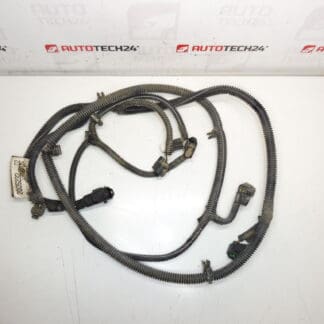
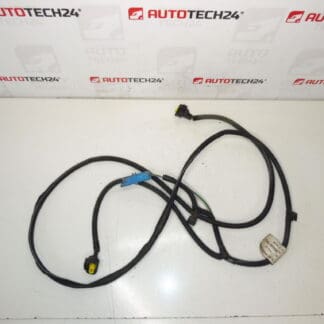
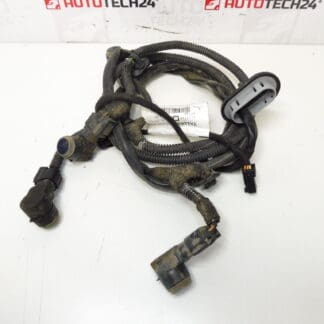
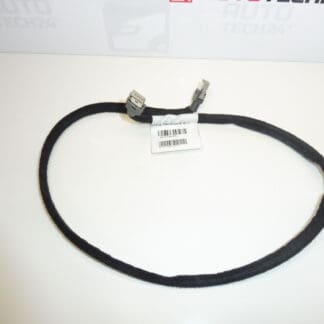
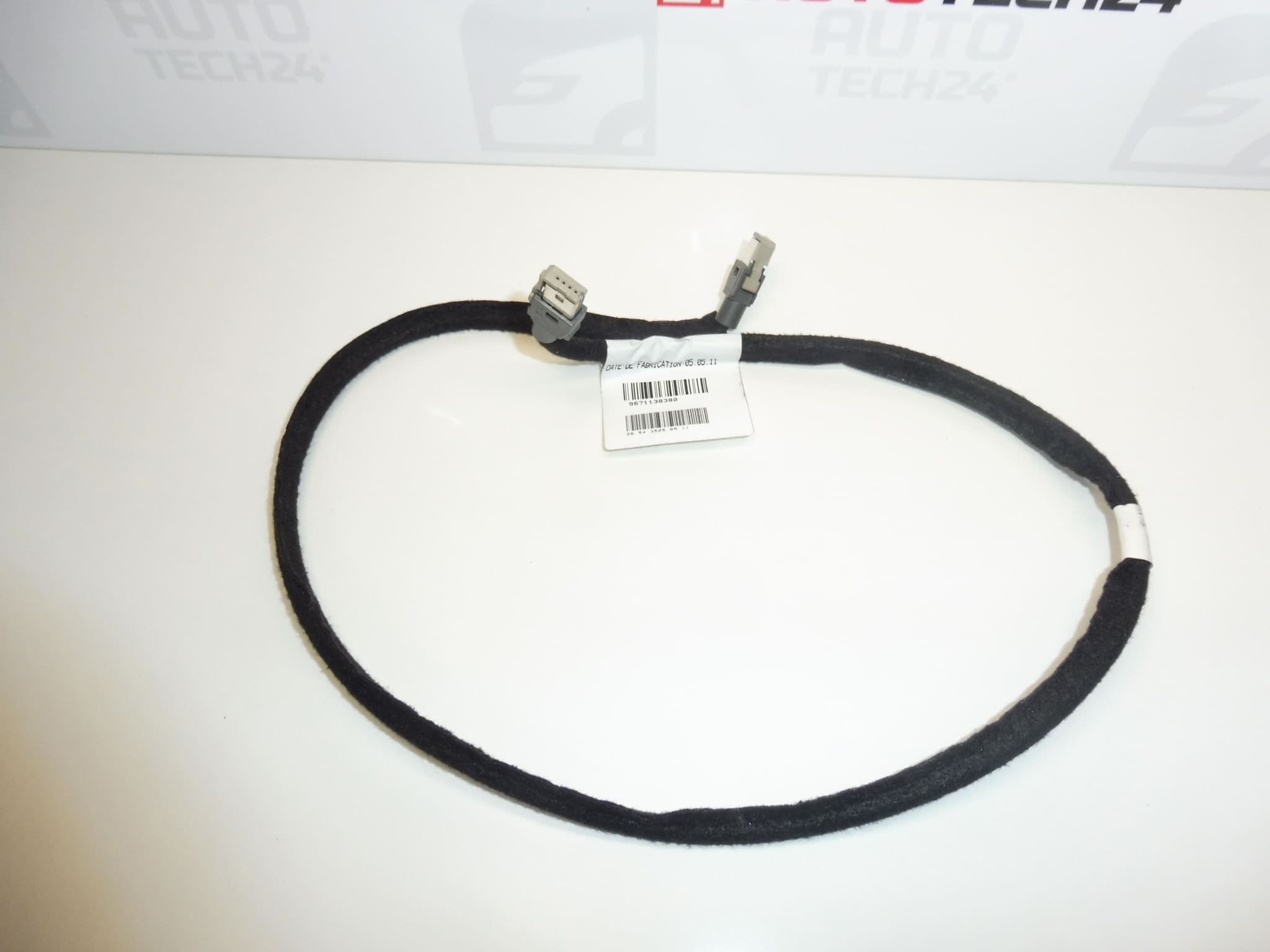
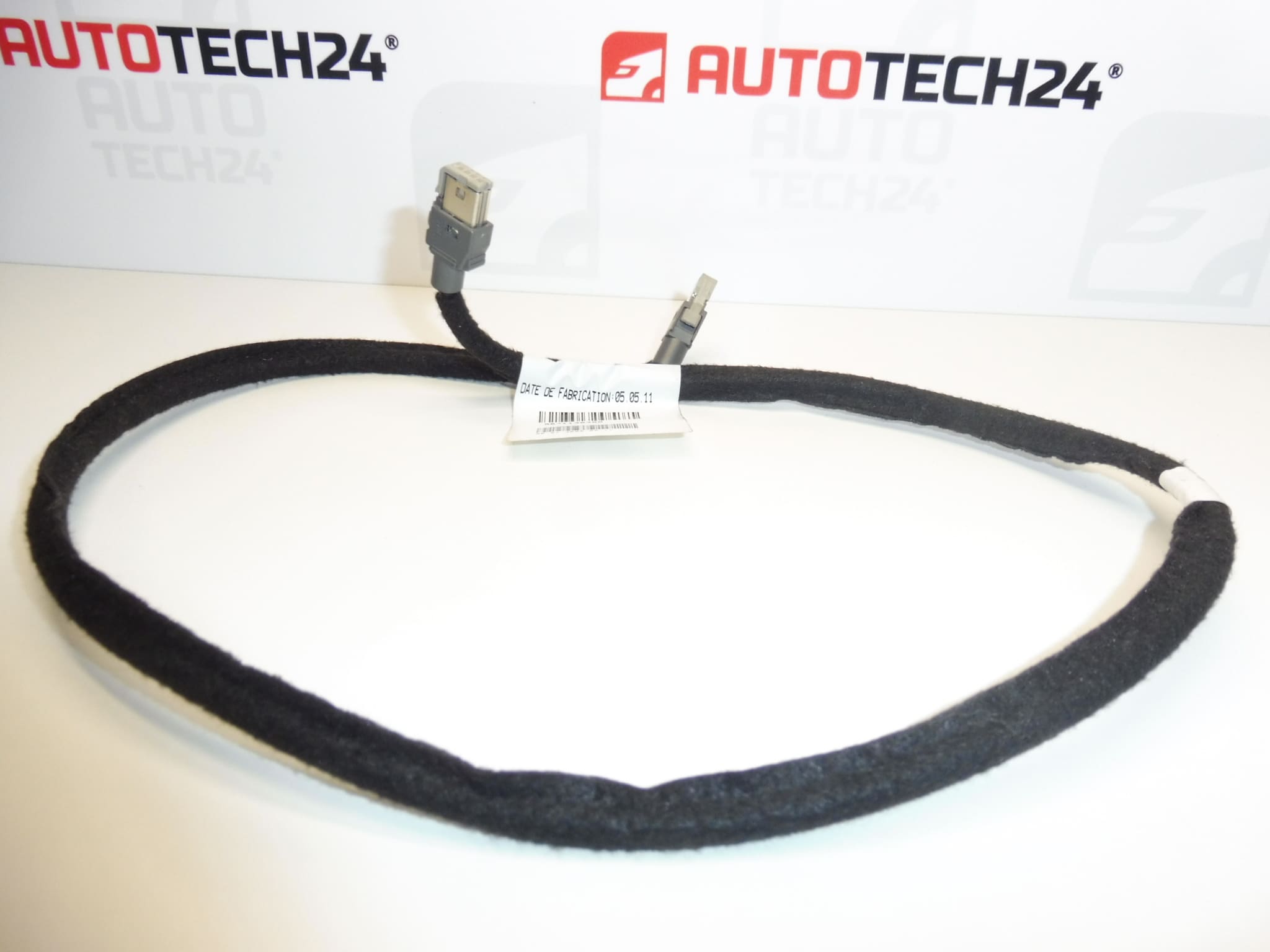
USB connection cable for Citroen C4 B7 cars
Part description
The used Citroën Peugeot USB connecting cable harness marked 9671138380 and 6574SV serves to connect the USB interface with the relevant car electronics. If the original cable is damaged, replacing it can be the solution to an intermittent connection or a broken USB connection if the fault is actually in the bundle.
The long description mentions Citroen C4 B7, the product labels also Peugeot 308. When choosing, compare in particular the product numbers, connector design and cable routing with the original part. A properly selected bundle will allow replacing a damaged connection without improvised intervention in the cabling.
Technical information
- Manufacturer: not specified; in the documents is the label Stellantis CITROEN PEUGEOT.
- Model: Citroen C4 B7 according to long description; Peugeot 308 according to product labels.
- Part type: USB connector harness.
- Condition: used car part.
- Category: electrical components – cable harnesses – others.
- Other numbers: not specified.
Product codes
- Product codes: 9671138380, 6574SV.
Use the indicated markings when searching for a replacement and comparing it with the original USB volume. At the same time, check the compatibility of the connectors and the mechanical design.
Installation recommendations
Generally for this type of part: USB cabling requires careful handling of connectors and proper routing without pulling or pinching. The following procedure is general; the exact approach to the part and the method of dismantling the surrounding components depends on the specific model and design of the car.
1) Before assembly
- First verify that the problem is not caused by the connected device, its cable or the USB socket itself.
- Compare the available markings, harness length and routing, connector shape, keying and locking features with the old piece.
- Inspect the used part: the insulation must not be frayed, the connectors cracked or the contacts visibly deformed or corroded.
2) Necessary tools and materials
Plastic disassembly levers, common hand tools according to the connections used, a flashlight and, if necessary, a means suitable for cleaning electrical contacts are usually useful. For electrical measurements, use a multimeter only with knowledge of the wiring and on the disconnected harness.
3) Step-by-step assembly procedure
- Stop the car safely, turn off the ignition and disconnect the devices connected via USB.
- According to the manufacturer’s service procedure, allow the electronics to go to a rest state and ensure a safe disconnection of the power supply before working with the wiring.
- Carefully remove only the covers and components necessary to access the volume.
- Take a photo of the original cable routing and attachment before removing.
- Release the connector locks and disconnect by grasping the body, not pulling the cable.
- Remove the harness from the brackets and grommets without damaging the surrounding wiring.
- Compare both parts side by side and check the condition of the mating connectors in the car.
- Guide the replacement bundle along the original route, without sharp bends, tension and contact with edges or moving parts.
- Insert the connectors in the correct orientation and verify that their fuses are secure. Remount the volume.
- Restore the power according to the manufacturer’s procedure, verify the function, and then complete the installation of the covers. Check that the cable is not pinched anywhere.
-
4) Post-assembly checks and function verification
Try a USB connection with a known working device and a suitable cable. Verify the functions that the specific car equipment supports and the stability of the connection. Carry out the test with the vehicle stationary; a test drive is usually not necessary to verify the USB connection itself.
5) The most common assembly mistakes and how to avoid them
- Swapping similar connectors: compare their keying and never force connect them.
- Pulling on wires: first release the fuse and handle only the connector body.
- Pinched or stretched cable: follow the original route and check its position before fitting the covers.
- Exchange without determining the cause of the defect: rule out the problem in the external cable, device and USB socket before assembly.
Reasons why the part is damaged
USB cable bundles are generally damaged mainly by mechanical stress or inappropriate handling. This is not a description of the defects of this particular piece.
- Repeated bending or pulling on the cable can damage the wires and their connection to the contacts.
- Pinching when mounting the covers and rubbing against the edges damages the insulation.
- Moisture and dirt in the connectors can cause corrosion and unstable connection.
- Forcibly disconnecting the connectors may damage the contacts or locking fuses.
- Unprofessional modifications to the cabling can lead to USB communication malfunctions.