Description
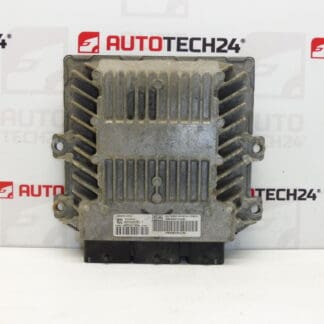
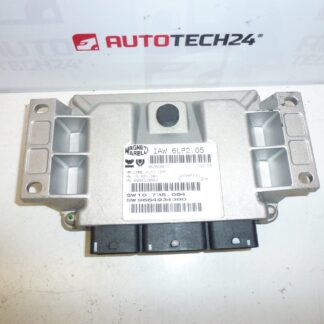
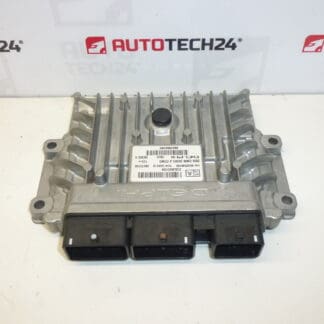
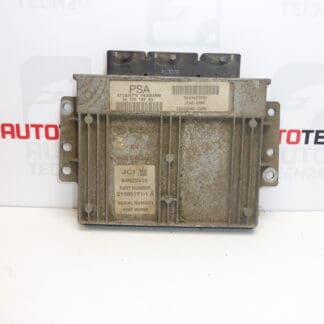
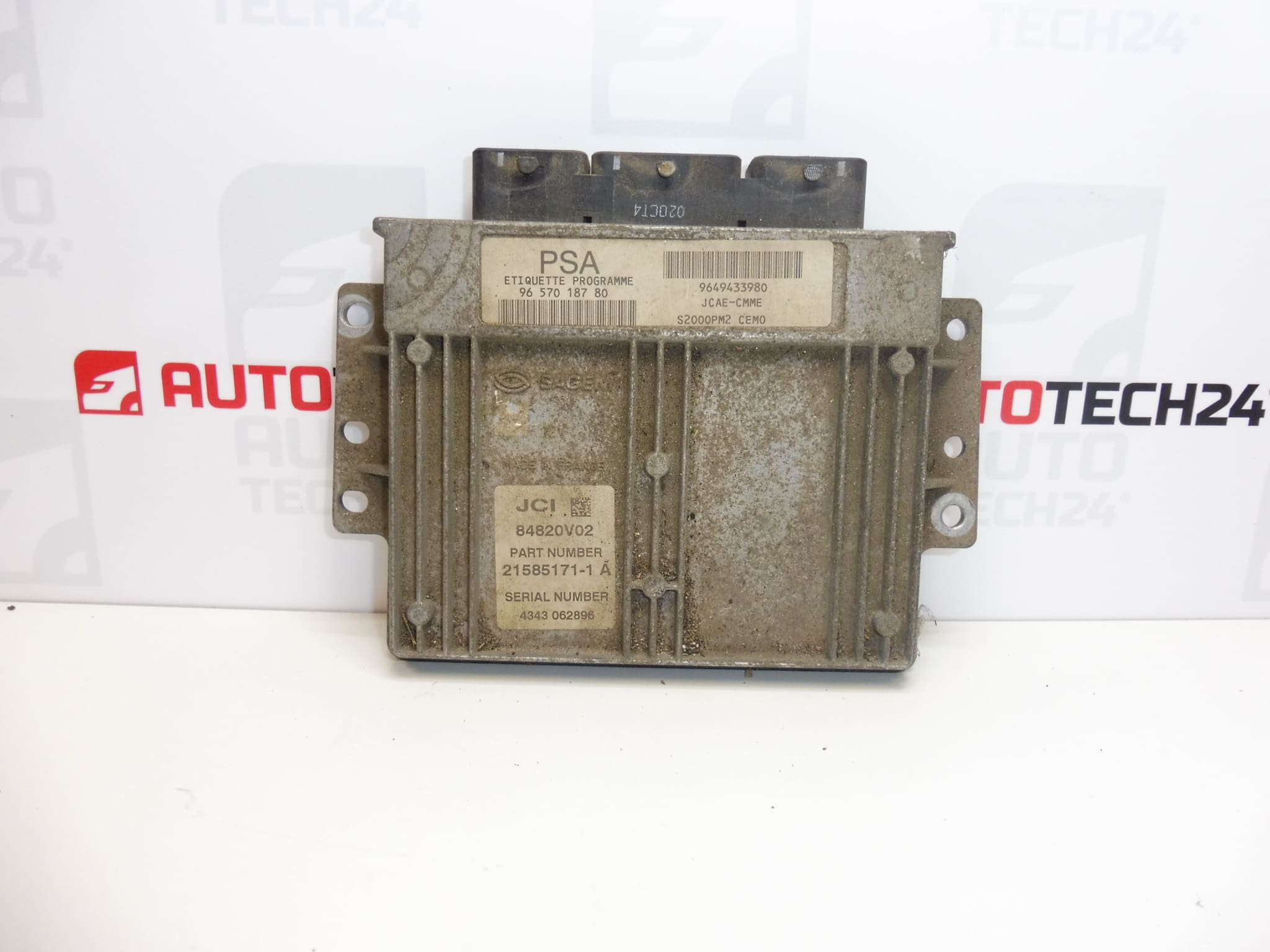
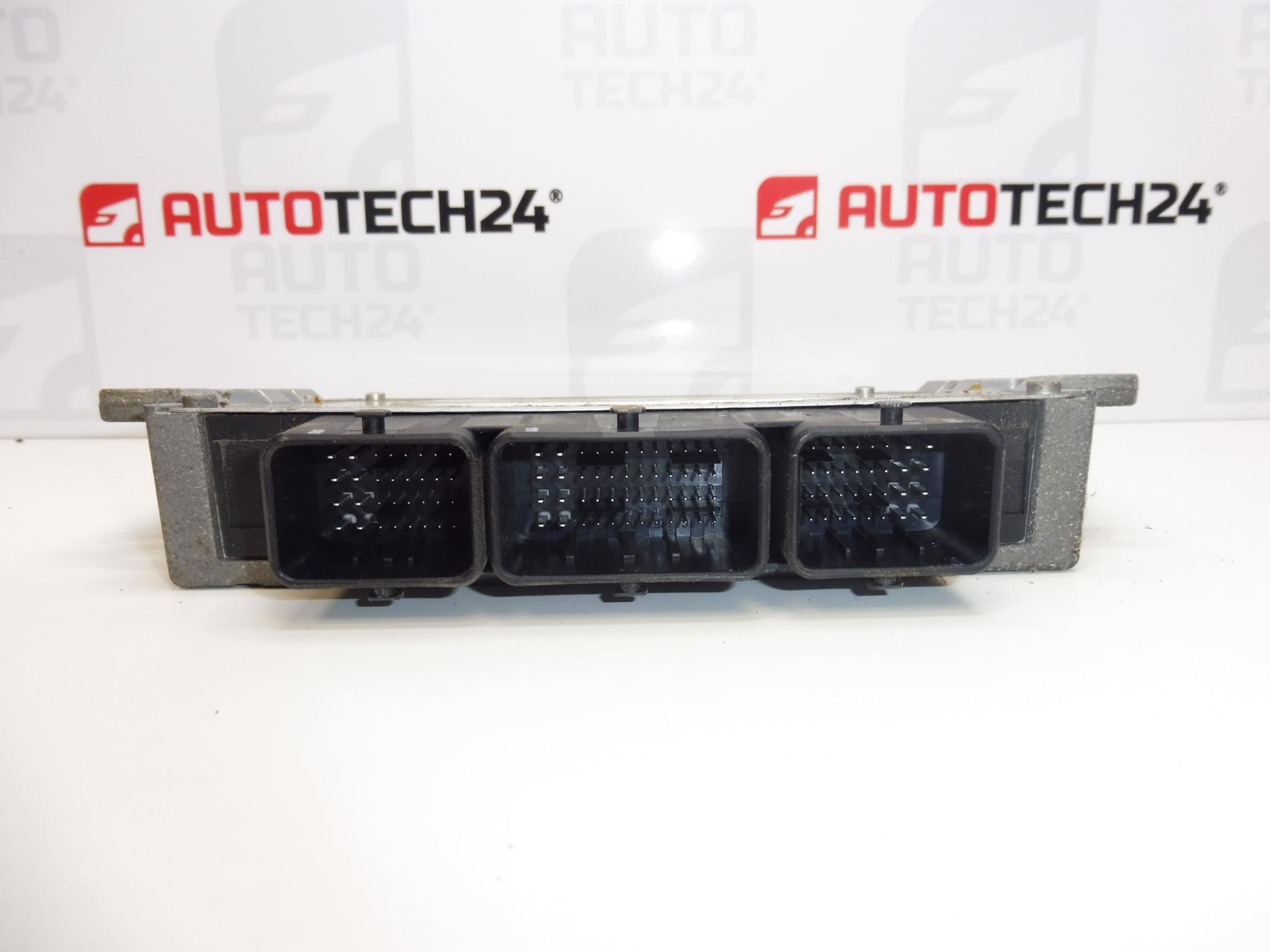
SAGEM control unit for Citroën Berlingo and Peugeot Partner vehicles with 1.4 I KFW engine.
Overview
This SAGEM S2000PM2 engine control unit (ECU) is intended for Citroën Berlingo and Peugeot Partner models equipped with the 1.4 I KFW petrol engine. The ECU manages core engine functions to ensure correct fuel delivery, ignition timing and basic emissions control. Suitable for professional mechanics and experienced DIYers who need a direct replacement matching the original unit codes.
Technical Information
- Manufacturer: SAGEM
- Model: S2000PM2
- Product Codes: 9657018780, 9649433980
- Additional Numbers: 1940KJ, 194411
- Fitment: Citroën Berlingo; Peugeot Partner — 1.4 I KFW Engine
Function
The ECU Controls Fuel Injection And Ignition Timing, Processes Signals From Engine Sensors (Crankshaft Position, Coolant Temperature, Airflow/Lambda etc.) And Adjusts Injection/Timing Maps For Efficient Running And Emissions. It Also Communicates With Other Vehicle Modules For Diagnostics And Driveability Management.
Typical Failure Modes
Failures Are Relatively Infrequent But Can Occur Due To Moisture Ingress, Corrosion On Connectors, Thermal Stress From Repeated Heating/Cooling Cycles, Voltage Spikes Or Poor Battery/Charging System Condition. Electrical Problems Or Faulty Sensors Can Make The ECU Appear Faulty By Causing Incorrect Inputs.
Replacement Procedure
General Steps For Replacement:
- Disconnect The Battery Before Any Work To Prevent Damage To The Unit Or Vehicle Electronics.
- Locate And Remove The Old ECU (Positions Vary By Model; May Be In The Engine Bay Or Behind The Dashboard).
- Carefully Unplug All Connectors And Remove Mounting Fasteners.
- Install The Replacement Unit, Secure Fasteners And Reconnect Wiring Harnesses Ensuring Tight, Corrosion-Free Connections.
- After Mechanical Installation, Follow Required Coding/Cloning Steps (See Below).
Installation And Coding – Important
- The Unit Is Used And May Be Paired With The Original Vehicle (VIN/PIN/Keys).
- Options For Commissioning:
- Clone Data From The Old Unit (EEPROM/Flash) – After Cloning The Unit Is Plug And Play.
- Virginize And Then Initialize/Telecode Via DiagBox (Or Online) + Key Adaptation.
- Recommended To Be Performed By A Specialist With PSA Service Tools (DiagBox/Lexia/PP2000).
- Always Disconnect The Battery Before Removal/Installation And Follow Manufacturer Procedures To Avoid Damaging The Unit.
Recommendations For Installation
Use Proper Diagnostic And Coding Equipment To Restore Full Functionality After Fitment. Verify Battery And Charging System Health Before Installing The ECU. Protect The Unit From Moisture And Do Not Force Connectors; Inspect Pins For Corrosion. If Cloning Is Performed, Ensure A Reliable Backup Of EEPROM/Flash Data.
Why This Part Most Often Breaks
Common Causes Include Water Or Dirt Entry Around Connectors, Corrosion, Mechanical Shock, Poor Electrical Supply (Voltage Surges Or Low Battery), And Long-Term Thermal Cycling. Preventive Measures Include Ensuring Sealed Connectors, Good Grounding, And A Healthy Charging System.
Compatibility Notes
Search By The Product Codes Listed Above To Find Matching Vehicles. This Unit Is Intended For Vehicles Using The 1.4 I KFW Engine Family; Confirm Fitment By Matching The Unit Codes On The Vehicle To The Codes Provided.