Description
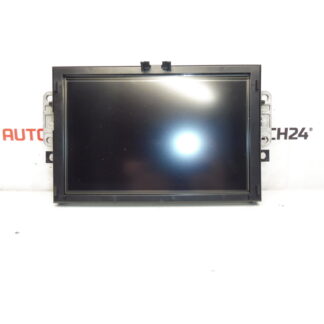
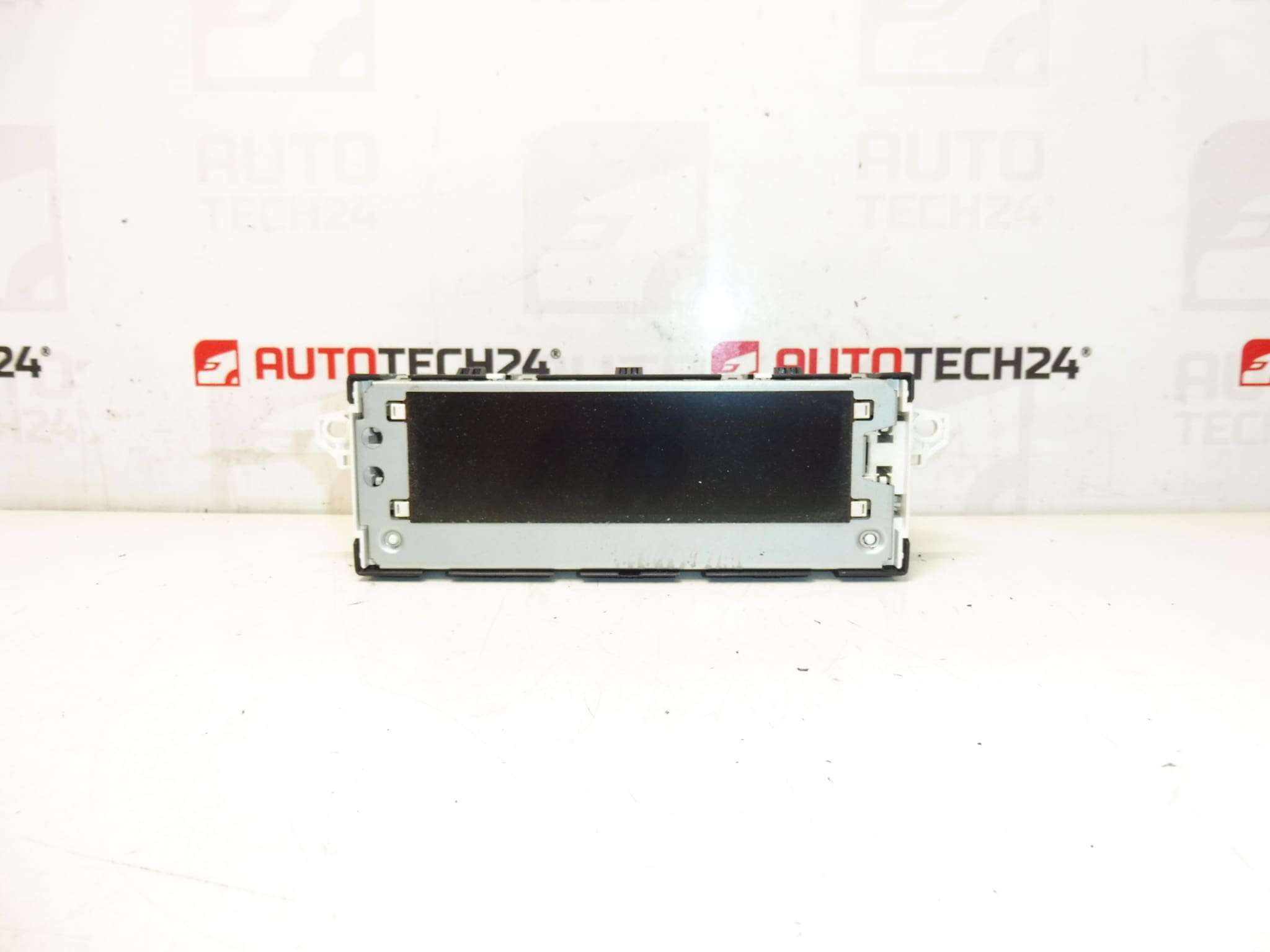
Multifunction display for Citroën C4 B7. Some functions may need to be configured to the vehicle with a diagnostic tool. Tested, fully functional.
The replacement multifunction display is designed for Citroën C4 II (B7) centre consoles and offers clear readout for radio, trip computer and vehicle settings. Supplied with original part codes commonly searched by professionals and DIY mechanics, this unit restores visibility and functionality when the factory display shows artefacts, dead pixels or backlight faults. Ideal for garages and experienced home mechanics looking for a direct-fit component with proven compatibility to the C4 II series.
Technical Information
- Manufacturer: Stellantis (Citroën/Peugeot)
- Model: Citroën C4 II (B7)
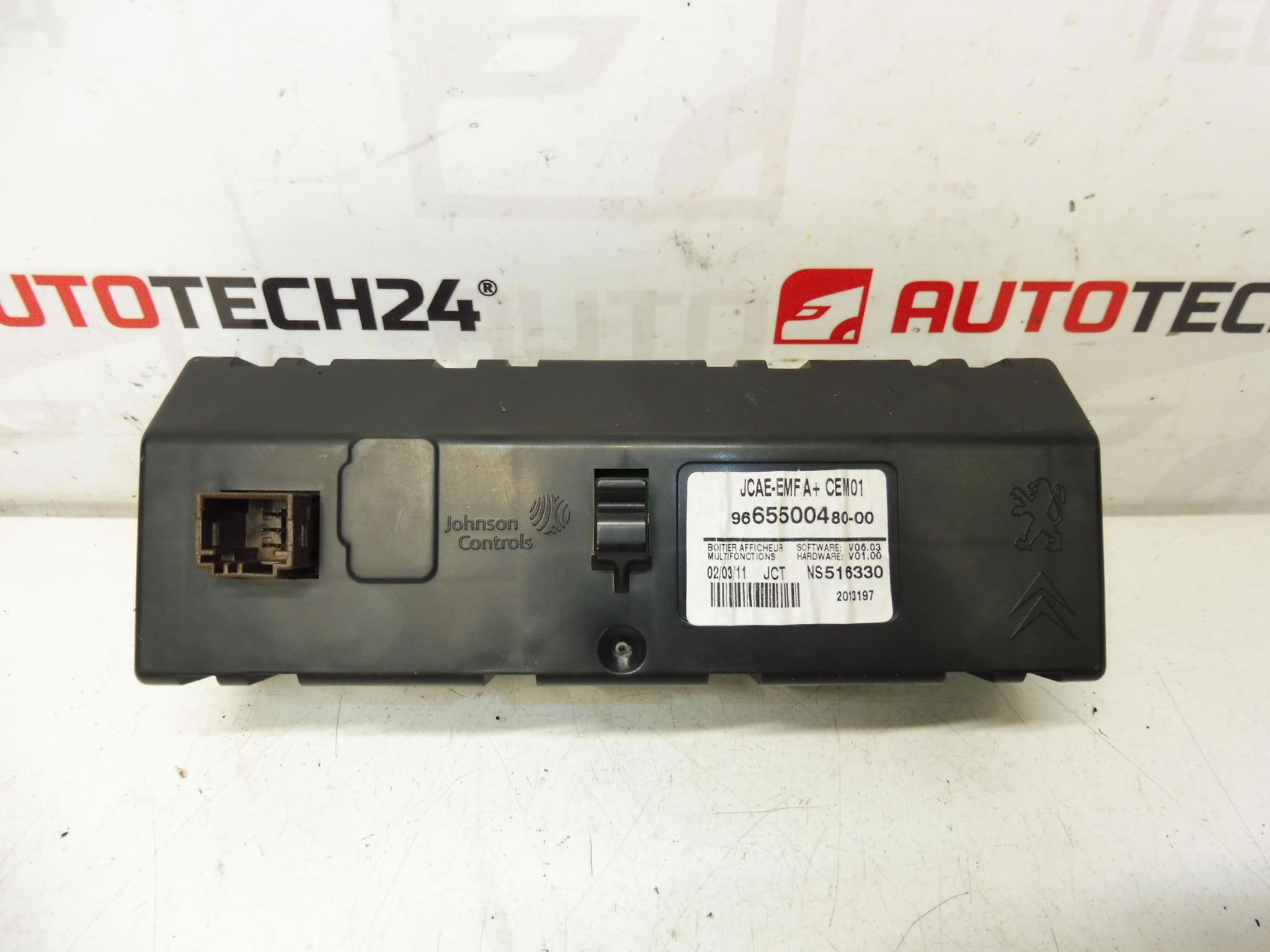
- Product Codes: 9665500480, 6155HT, 6155HV
- Other Numbers: Commonly referenced under 6155HT / 6155HV and OEM 9665500480
Installation Recommendations
Before starting, always disconnect the vehicle battery to avoid damage to electronics. Typical replacement steps:
- Remove surrounding trim panels using plastic trim tools to avoid marks.
- Unscrew and extract the radio/centre stack to gain access to the display module.
- Carefully unplug electrical connectors and any ribbon flex cables; inspect connectors for corrosion or bent pins.
- Fit the new display, reconnect cables and secure the unit. Reinstall trim and reconnect the battery.
- Power up and verify display functions. Some menus or features may require configuration via diagnostic equipment.
Some Functions May Require Configuration Using PSA Diagnostic Tools (DiagBox/Lexia/PP2000) To Fully Integrate The Unit With Vehicle Settings.
Why This Part Fails
- Backlight Degradation: LED/LCD backlight or driver components can dim or fail over time, causing low contrast or unreadable screens.
- Ribbon Cable Or Connector Wear: Repeated removal, vibration or moisture can damage flex cables and connectors, producing intermittent or no display.
- Electronics And Solder Joint Faults: Thermal cycling and age can cause solder cracks or component failure on the display PCB.
- Moisture And Corrosion: Water ingress or humid conditions lead to corrosion of contacts and short circuits.
Practical Tips For Mechanics And DIYers
- Test The Unit Outside The Vehicle First If Possible To Confirm Basic Power-On And Backlight.
- Inspect Wiring Harnesses For Damage And Clean Connectors With Appropriate Contact Cleaner.
- Keep A Record Of Any Settings That May Be Lost During Replacement; Some Menus May Need Recalibration After Fitment.
- When In Doubt, Use Professional Diagnostic Equipment To Restore Full Functionality.
Search And Identification
This display is frequently looked up by product codes (9665500480, 6155HT, 6155HV). Use these numbers when searching stock or ordering spare parts to speed up identification.